206
Navigation
Basic functions
Options in position mode only
The following options are available in
position mode:
Suspending route guidance, see
page 237
This function is only available during route
guidance.
Resuming route guidance, see
page 237
This function is only available if route
guidance was previously interrupted.
Reroute/detour, see page 238
Activating/deactivating audible driving
recommendations, see page 207
Map mode, see page 265
Switching the remaining distance/
journey time display, see page 239
Information on the current vehicle
position
Press the button.
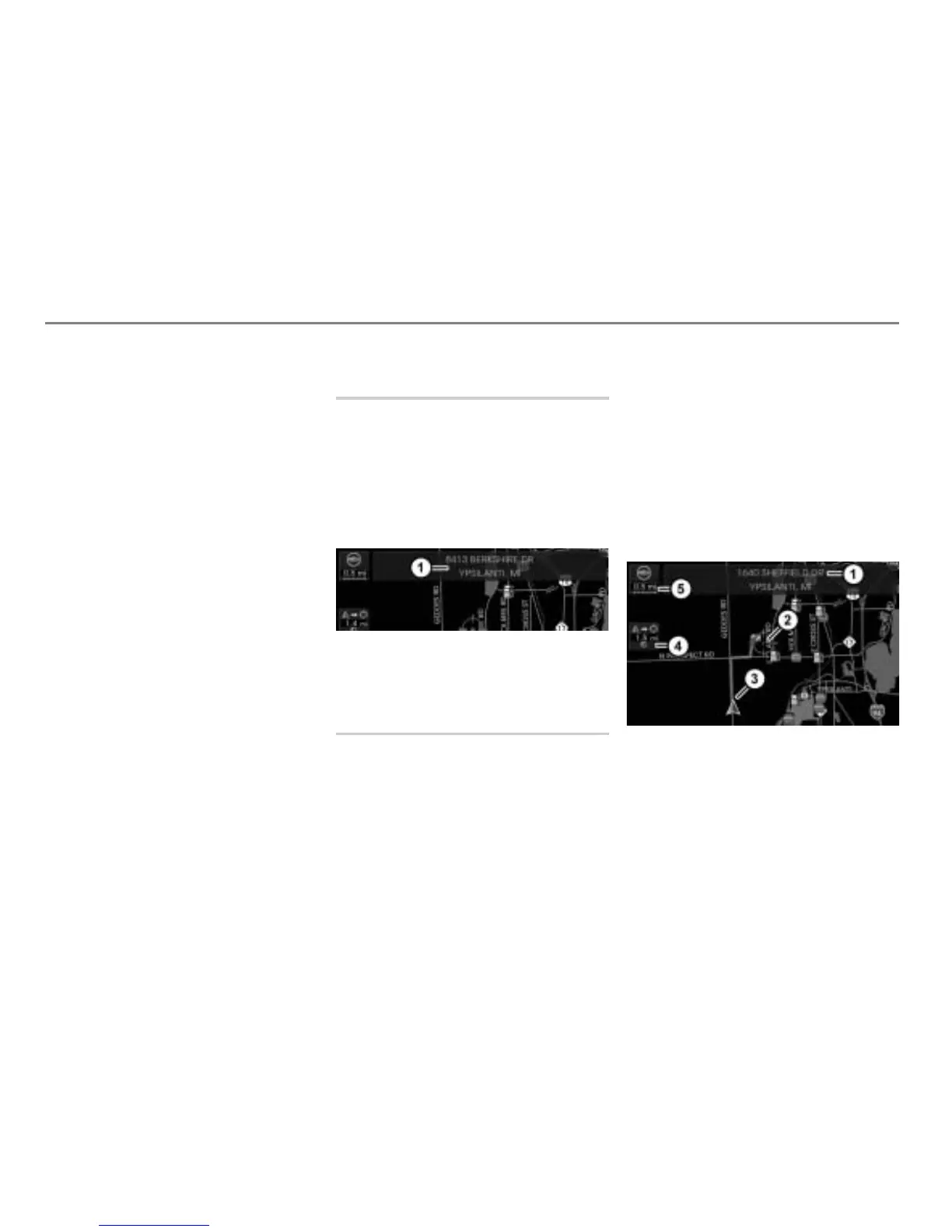
You will see an information display on
the current vehicle position at the top of
the display, if the digital map contains
corresponding data.
The display disappears automatically
after a short time.
Map display shows night mode
Information display
Moving the map/setting the map
scale
It is no longer possible to gradually move the
map as soon as the vehicle exceeds a
certain speed. It becomes possible to
gradually move the map again as soon as
the vehicle falls below a certain speed.
If you move the map while the vehicle is
stationary, then the rate at which the map
moves will increase the longer you press
and hold the controller
.
To activate scroll mode: Push the
controller
in any direction
().
If the map was previously in position
mode, it will switch to scroll mode and
you will see a crosshairs.
Map display shows night mode
Information on the crosshairs position
Crosshairs
Current vehicle position
Distance and direction from the vehicle
position to the crosshairs position in a
straight line
Currently set map scale



 To Next Page