220
Navigation
Entering destinations
Entering a POI destination via POI
category
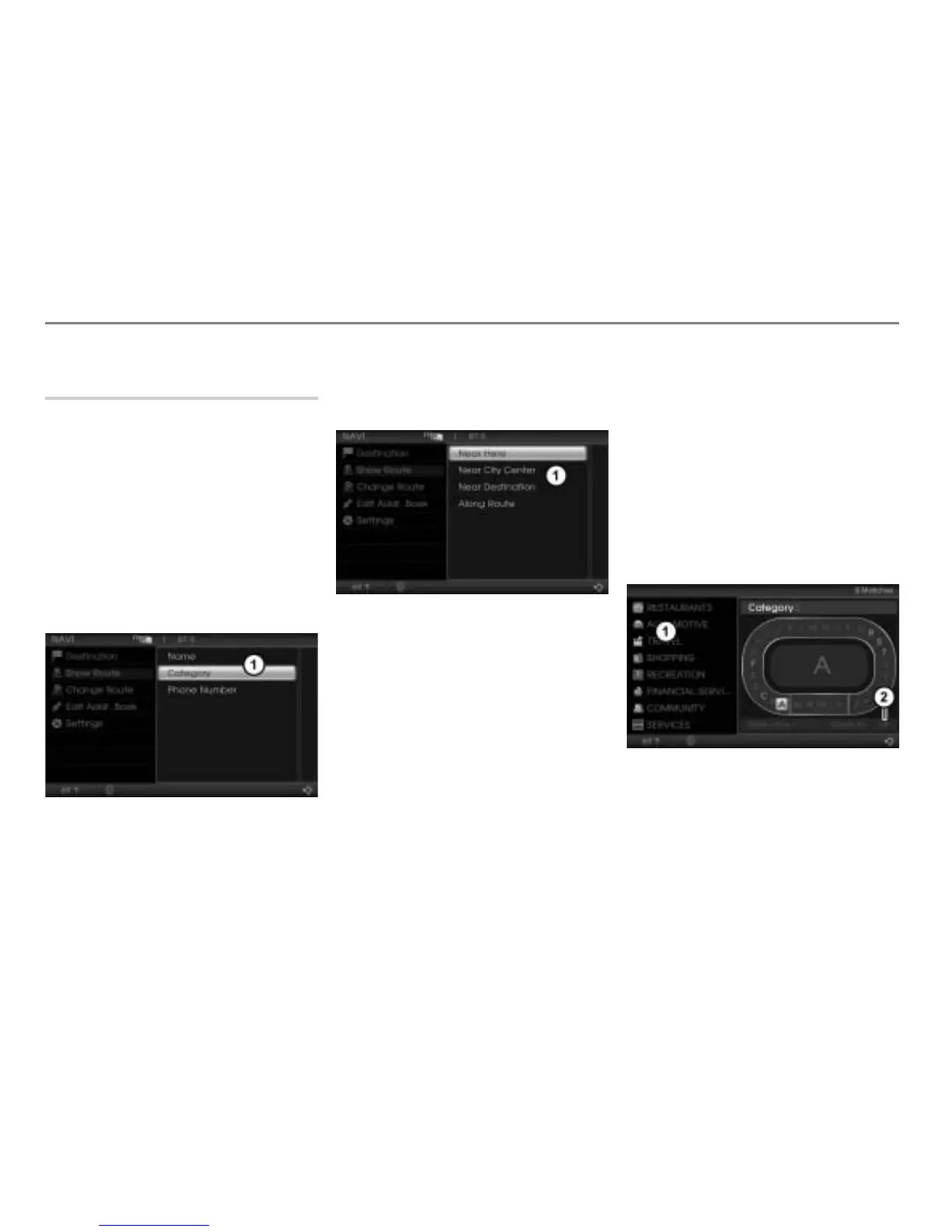
Opening the POI category main menu
Open the Navigation main menu, see
section “Opening the Navigation main
menu” on page 209.
In the Navigation main menu, select the
menu item
Destination.
A selection list appears.
In the selection list, select the menu
item
Point of Interest.
The POI main menu appears.
POI main menu
In the POI main menu, select the menu
item
Category.
The POI category main menu appears.
POI category main menu
The following options are available:
Selecting a category with POIs near to
a particular city center, see section
“POIs near to a particular city center” on
page 221.
Selecting a category with POIs along
the route or near to a destination
already entered or near to the current
position, see the following description.
POIs along the route or near to a
destination already entered or near to
the current position
Open the POI category main menu, see
section “Opening the POI category
main menu” on page 220.
In the POI category main menu, select
the menu item
Along Route or Near
Destination
or Near Here.
The category input menu appears. You
can enter a category name.
Hit list
Menu item OK



 To Next Page