219
Navigation
Entering destinations
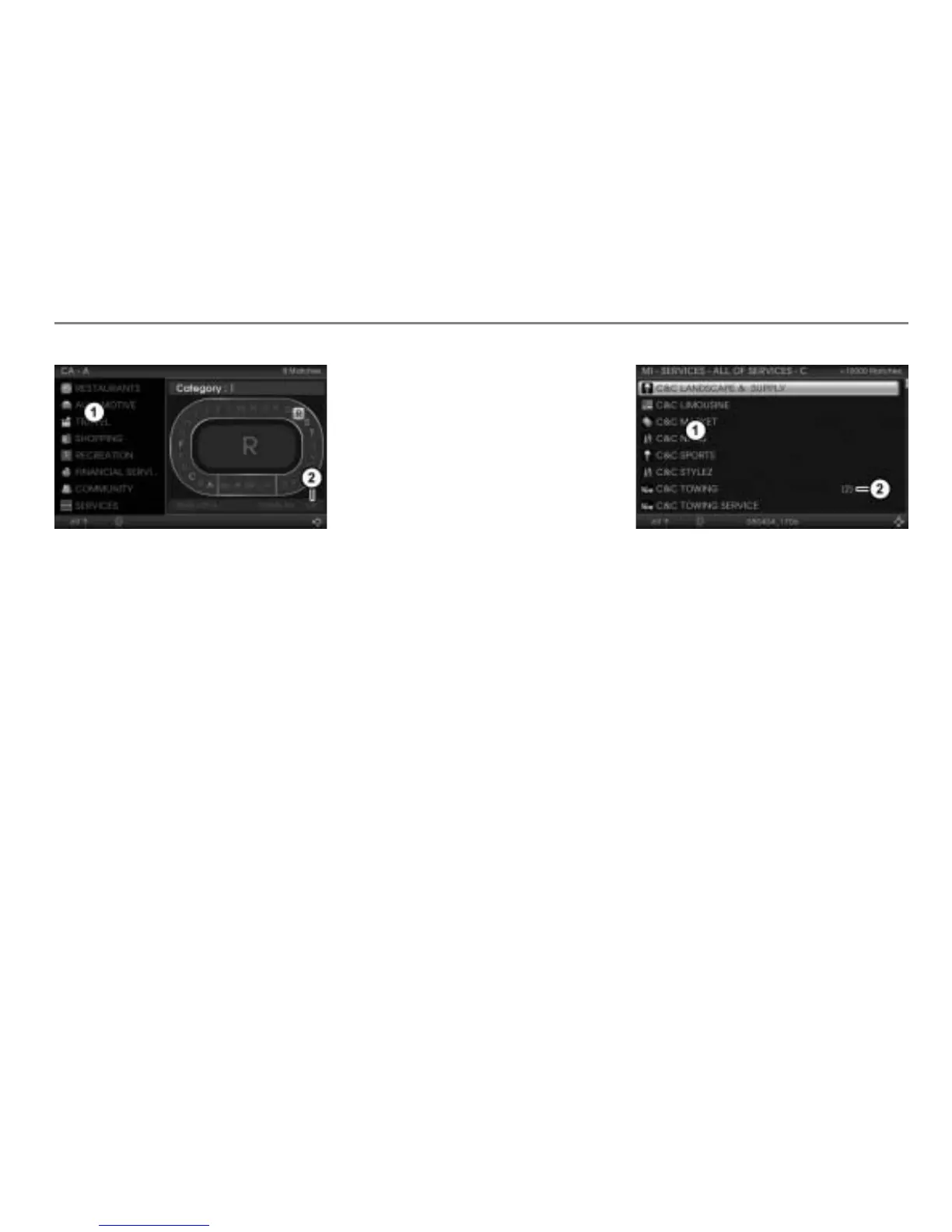
Ilustration shows the menu for entering a
category as an example
Hit list
Menu item OK
To enter and delete characters:
Proceed as previously when entering a
POI name, see section “Entering a POI
name” on page 217.
Option 1 to complete the entry: Keep
entering characters until the hit
list
contains just one entry.
The menu item
OK is automatically
highlighted.
Press the controller .
The filter main menu appears again.
You can open the POI list now, see
below.
Option 2 to complete the entry:
Push
the controller .
Option 3: After entering at least one
character, push
the controller and
select the menu item OK.
After choosing option 2 or 3, the hit list
is active now.
Select an entry in the hit list
.
The filter main menu appears again.
You can open the POI list.
To open the POI list: In the filter main
menu, push
the controller .
The POI list appears.
POI list
POI with sub entries (number of sub
entries)
Select an entry in the POI list.
If you have selected a POI with sub
entries, you can select a sub entry.
After selecting an entry without sub
entries or after selecting a sub entry,
entry of the POI destination is complete
and you see the corresponding
destination on the map. Further options
are now available, see the section
“Options after entering the destination”
on page 230.



 To Next Page