143
AUX mode
AUX playback
For information on general system
operation, please refer to the chapter
“Functional introduction” from page 17.
Automatic video lock-out
Switching the gear is described in detail in
the vehicle’s operation manual. Please pay
attention to the corresponding descriptions
and safety instructions in the vehicle’s
operation manual.
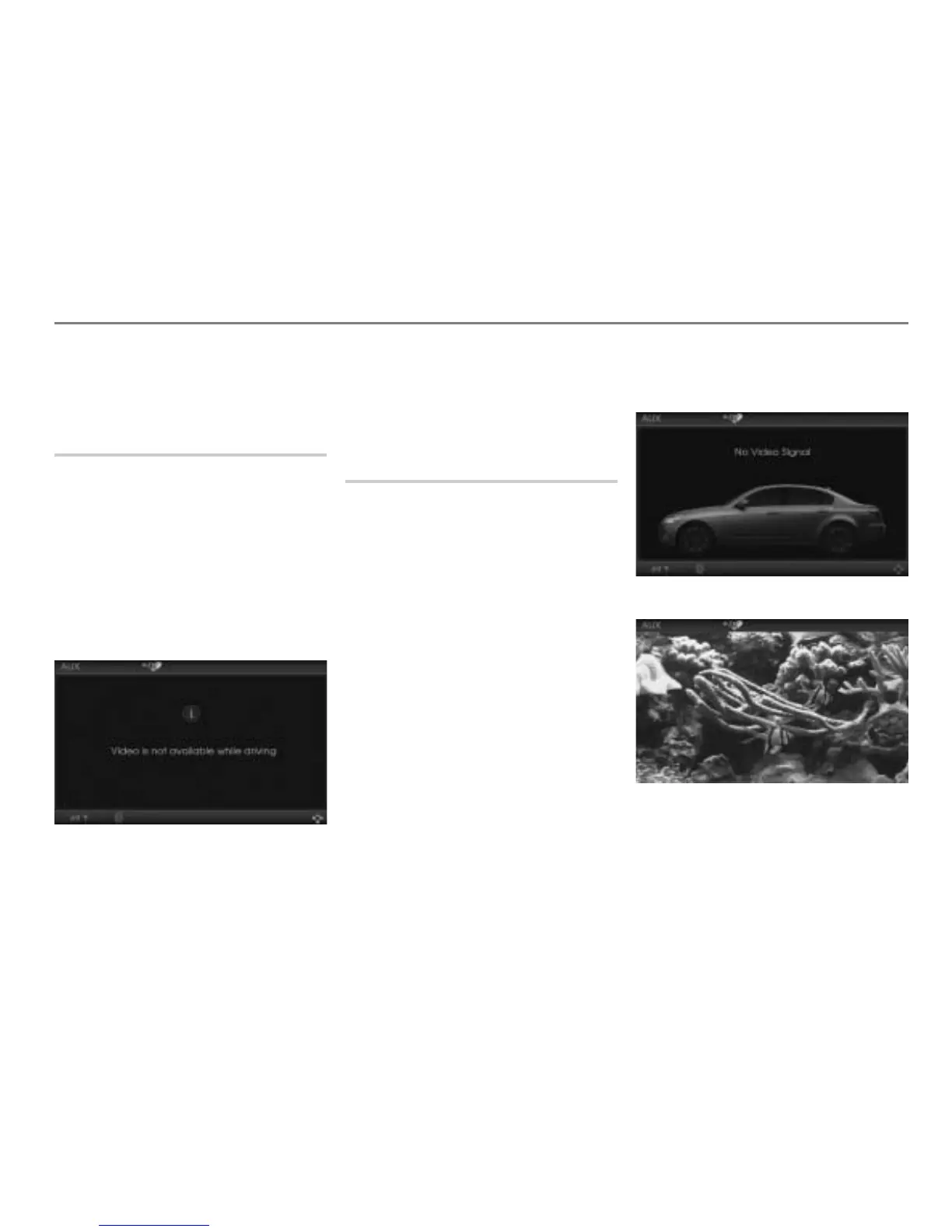
In the interest of safety, AUX video
playback is only possible if the gear stick is
in position P.
Else you will see a corresponding message
in the display.
The system switches the picture back on as
soon as the gear stick is in position P.
The AUX playback sound is not affected by
the switch-off.
Starting playback
Before starting playback, make sure that the
correct video standard is set, see the
section “AUX video standard” on page 146.
Connect an AUX signal source, see the
section “Connecting signal sources” on
page 123.
Start playback on the AUX signal
source.
Open the AUX main menu and, if
necessary, select the AUX signal
source as the signal source in the AUX
main menu, see section “General
operation” from page 127.
Depending on the AUX signal source, you
will see one of the following full-screen
displays.
Audio signal source (AUX audio source
only):
Video signal source:



 To Next Page