61
XM Satellite Radio mode
Tuning to channels
Tuning to a channel using the
channel list
The channel list contains only channels you
have subscribed. In the settings, see
section “Settings” on page 66, you can set a
category filter for the list.
Using the steering wheel
Press and hold the or button.
The system tunes to the previous or
next channel in the channel list.
Using the central control panel
To request the channel list: Open the
XM
®
Satellite Radio main menu, see
section “Switching to XM
®
Satellite
Radio mode” on page 57.
In the XM
®
Satellite Radio main menu,
select the menu item Channel List.
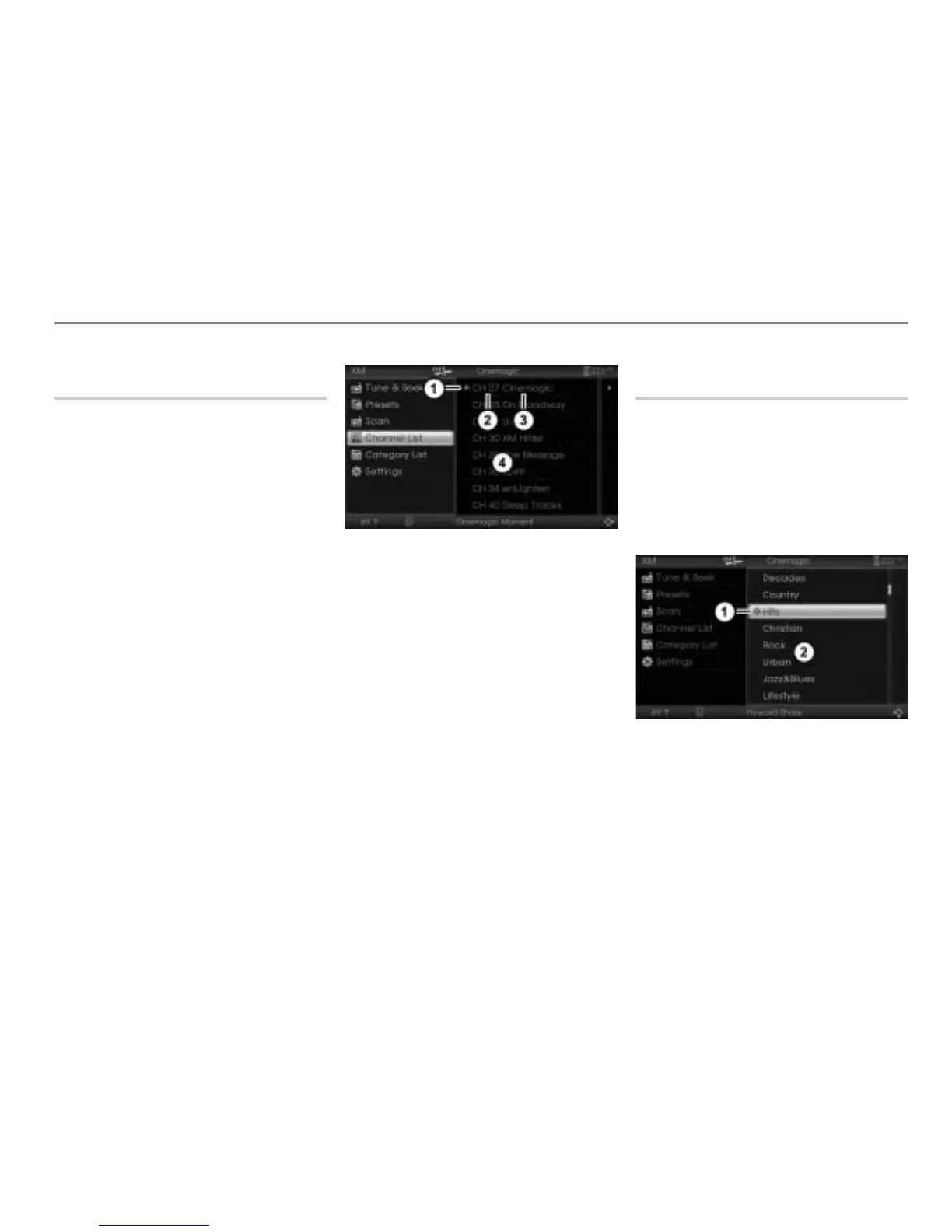
The channel list appears.
Icon for the currently tuned channel
Channel number
Channel name
Channel list
To tune to a channel: Select the
desired channel in the channel list.
Showing details of the currently tuned
channel
Proceed as described previously, see
section “Showing details of the currently
tuned channel” on page 59.
Tuning to a channel using the
category list
To request the category list: Open
the XM
®
Satellite Radio main menu,
see section “Switching to XM
®
Satellite
Radio mode” on page 57.
In the XM
®
Satellite Radio main menu,
select the menu item
Category List.
The category list appears.
Icon for the currently active category
Category list
Select the desired category.
The channel list according to the
selected category appears.



 To Next Page