65
XM Satellite Radio mode
Storing channels
To tune to a channel: Select the
desired channel.
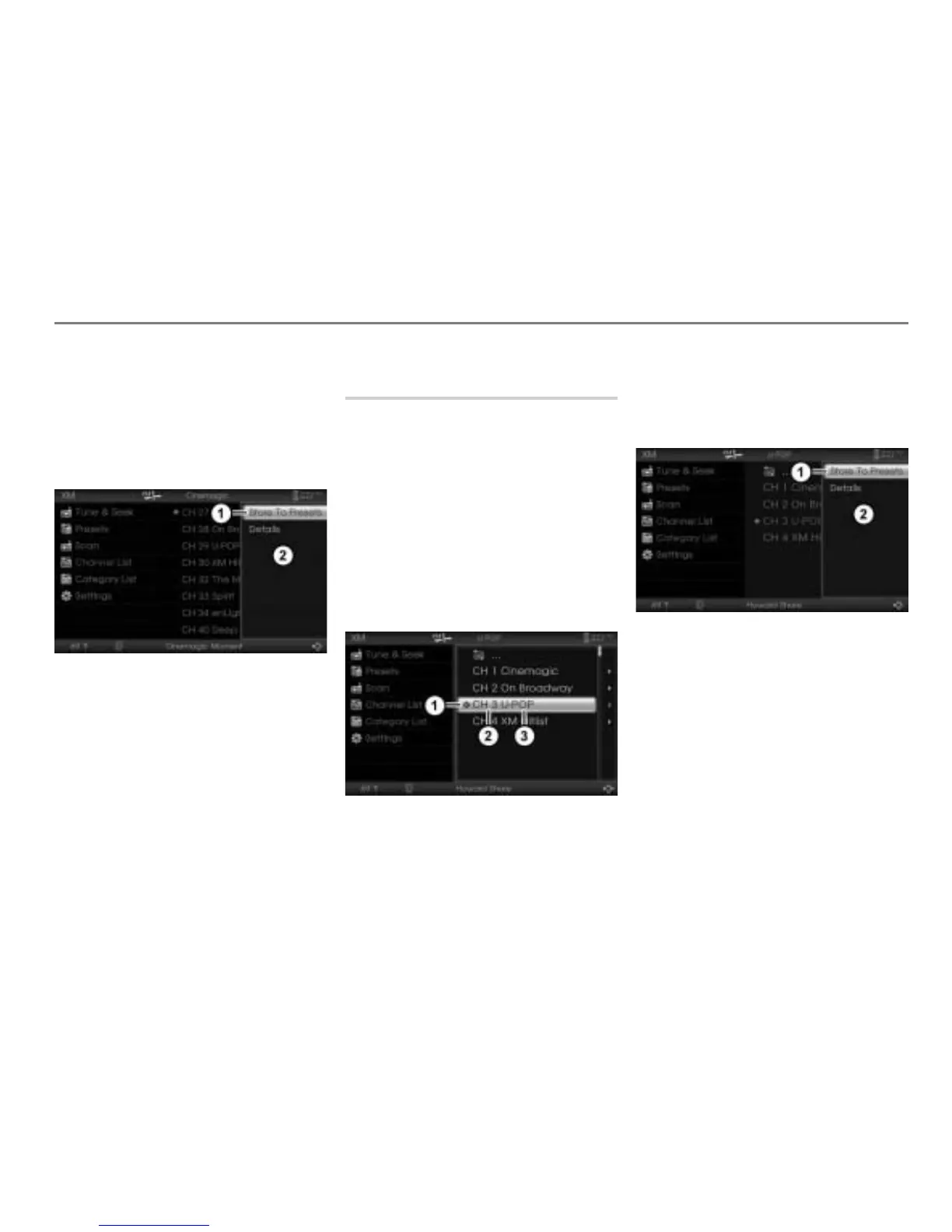
To store the currently tuned channel:
Highlight the currently tuned channel
and push
the controller .
The Options menu appears.
Menu item Store To Presets
Options menu
In the Options menu, select the menu
item
Store To Presets.
The channel preset list appears.
In the channel preset list, highlight the
desired preset and press the
controller
.
The channel is stored.
Storing a channel using the
category list
To request the category list: Open
the XM
®
Satellite Radio main menu,
see section “Switching to XM
®
Satellite
Radio mode” on page 57.
In the XM
®
Satellite Radio main menu,
select the menu item
Category List.
The category list appears.
To select a category and tune to a
channel: See section “Tuning to a
channel using the category list” on
page 61.
Icon for the currently tuned channel
Channel number
Channel name
To store the currently tuned channel:
Highlight the currently tuned channel
and push
the controller .
The Options menu appears.
Menu item Store To Presets
Options menu
In the Options menu, select the menu
item
Store To Presets.
The channel preset list appears.
In the channel preset list, highlight the
desired preset and press the
controller
.
The channel is stored.



 To Next Page