66
XM Satellite Radio mode
Settings
Overview
The XM
®
Radio settings include the
following functions:
Setting the display in the upper status
line, see page 66
Setting the category filter for the
channel list, see page 67
Setting the category search, see
page 68
Opening the XM
®
Radio settings
menu
Open the XM
®
Satellite Radio main
menu, see section “Switching to XM
®
Satellite Radio mode” on page 57.
In the XM
®
Satellite Radio main menu,
select the menu item
Settings.
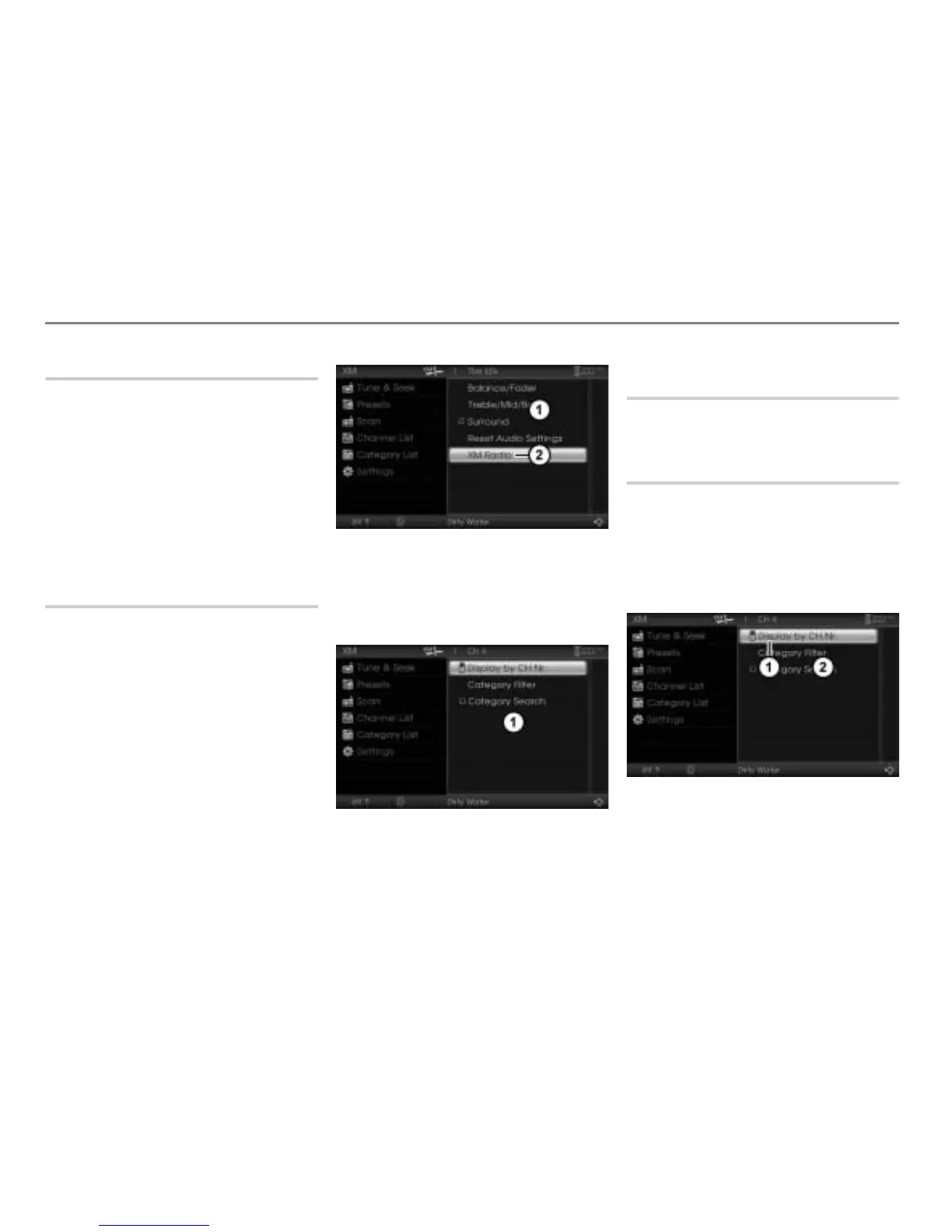
The Settings menu appears.
Settings menu
Menu item XM Radio
In the Settings menu, select the menu
item
XM Radio.
The XM
®
Radio settings menu appears.
XM
®
Radio settings menu
Closing the XM
®
Radio settings
menu
Briefly press the button.
Setting the display in the upper
status line
With this function, you can set whether the
channel number or the channel name is
displayed in the upper status line.
Open the XM
®
Radio settings menu,
see section “Opening the XM
®
Radio
settings menu” on page 66.
Topmost menu item
XM
®
Radio settings menu



 To Next Page