194
PHONE
Phonebook
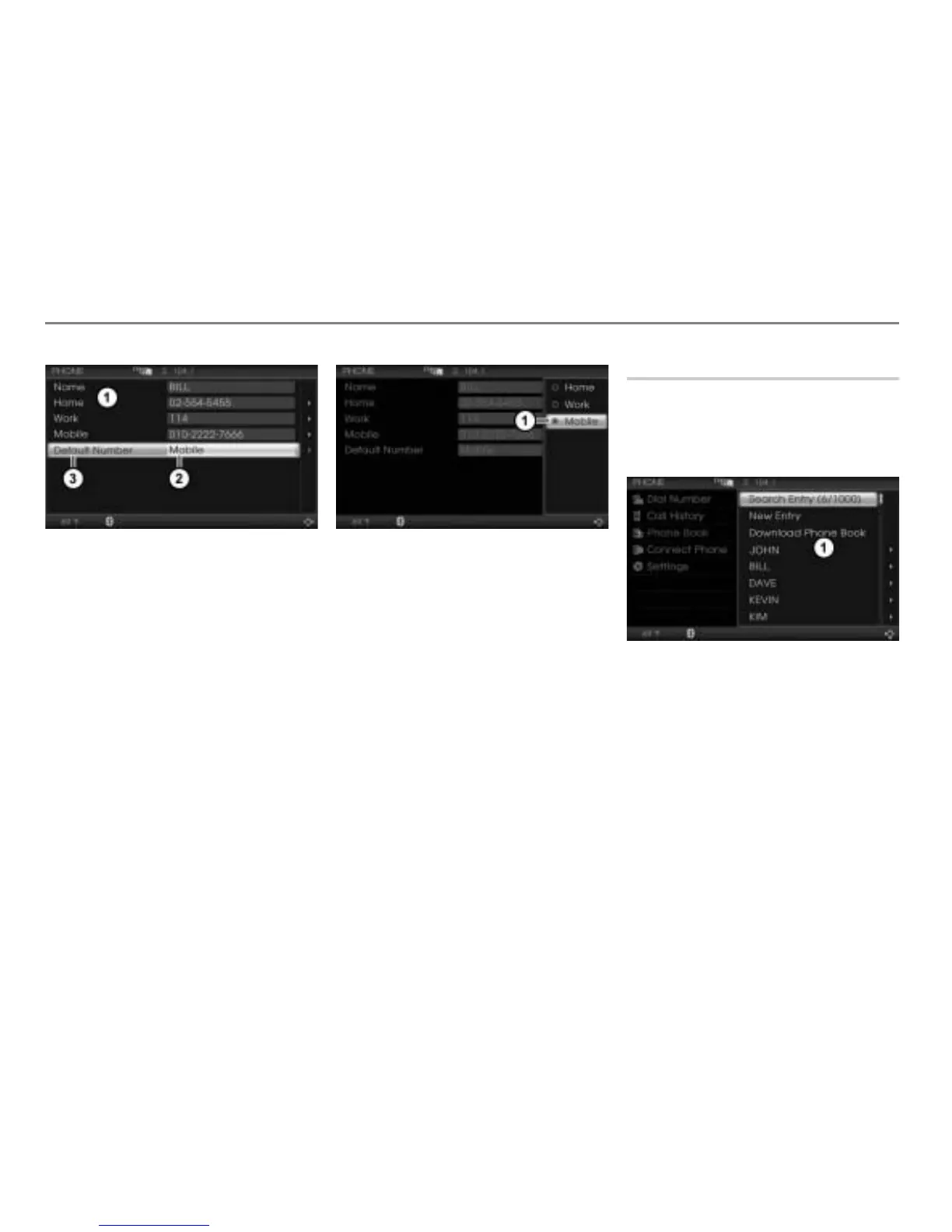
Selection list
Currently default number
Menu item Default Number
Highlight the menu item
Default
Number
.
Push
the controller once.
A selection menu appears.
Icon for currently active setting
Select the desired phone number
category.
If the selected phone number category
contains a phone number, the selection
will be stored and the selection menu
disappears automatically.
If the selected phone number category
contains no phone number, you will see
the message
Selected phone
number is not available. Please
enter the phone number first.
.
The message disappears after a short
time.
Searching for an entry
Calling up the phonebook
Call up the phonebook, see the section
“Calling up the phonebook” on
page 188.
Phonebook
In the phonebook, select the menu item
Search Entry.
The menu item Search Entry cannot be
selected if the phonebook does not contain
any entries.
A selection menu appears.



 To Next Page