177
PHONE
Call history list
Outgoing calls:
The corresponding list entry shows either
the phone number or the name, depending
on the method the call was initiated.
Available options in the call history list
The following options are available in the
call history list:
Initiating a call to a call history list entry,
see page 177
Saving a list entry to the phonebook,
seepage 178
Deleting an individual list entry, see
page 178
Deleting all list entries, see page 179
Initiating a call to a call history list
entry
Initiating a call to a call history list entry
named
Unknown is not possible.
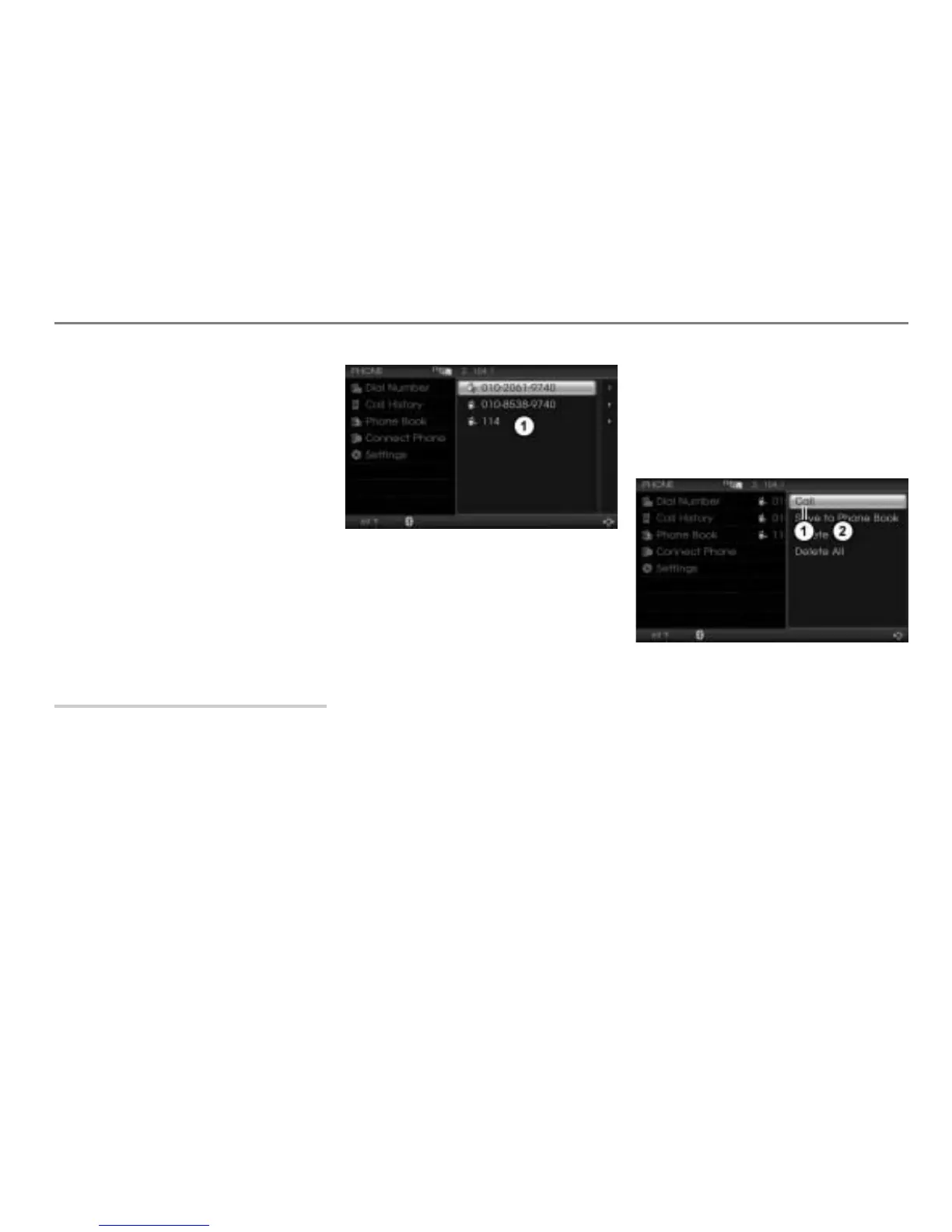
Call up the call history list, see the
section “Calling up the call history list”
on page 176.
Call history list
Option 1
Select the desired entry in the call
history list.
The mobile phone initiates the call.
To cancel the call before the
other party answers: Press the
controller
.
The call is cancelled.
If the other party answers, the call is
active and you conduct the call over the
hands-free unit.
Please see the section “Functions during a
call” on page 181 for a description of the
functions available during a call.
Option 2
Highlight the desired entry in the call
history list.
Push
the controller once.
The Options menu appears.
Menu item Call
Options menu
In the Options menu, select the menu
item
Call.
The mobile phone initiates the call.
To cancel the call before the
other party answers: Press the
controller
.
The call is cancelled.



 To Next Page