175
PHONE
Initiating a call/accepting or rejecting a call
Accepting/rejecting an incoming
call
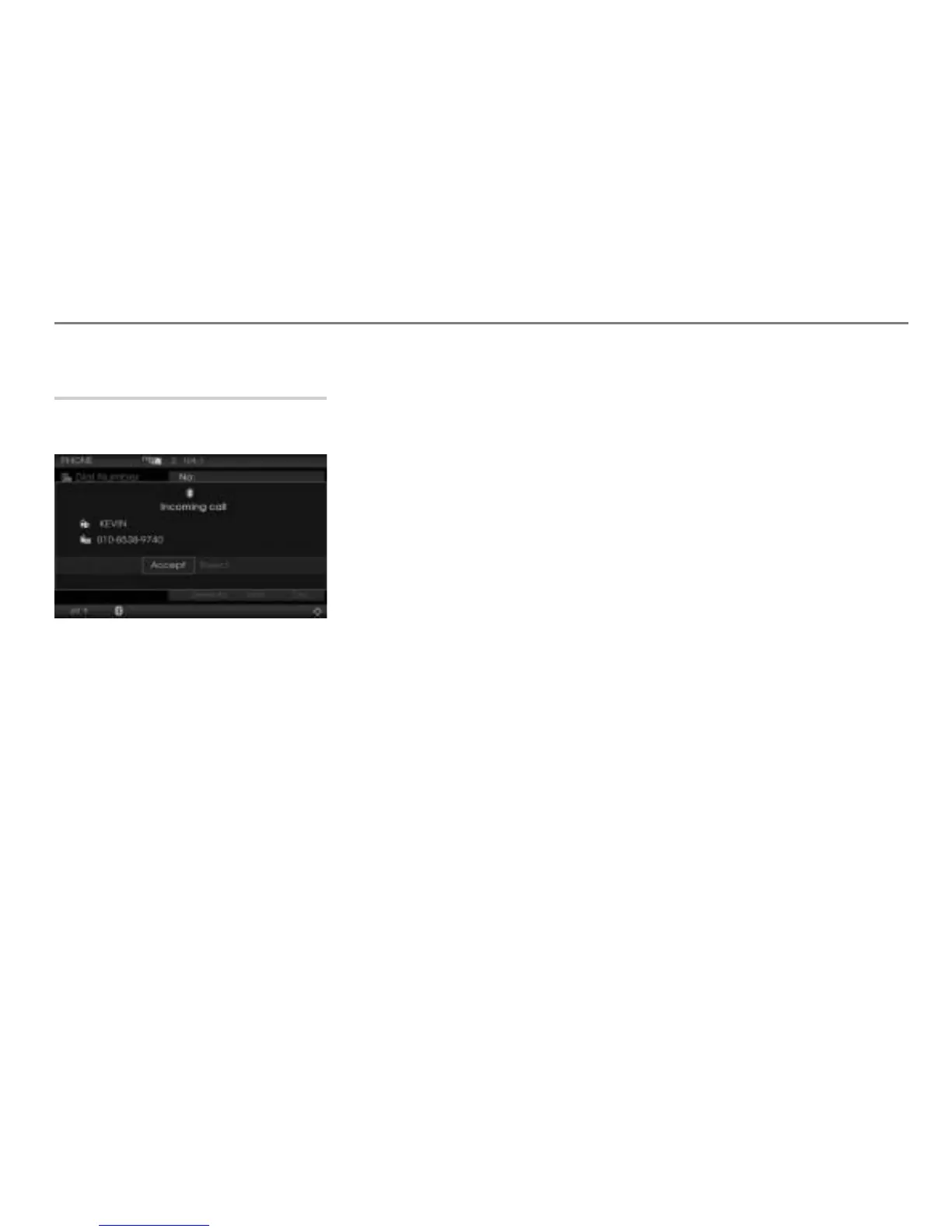
The call screen is displayed when there is a
call incoming.
Accepting a call: Select Accept or
briefly press the button on the
steering wheel.
The call is active and you conduct it
over the hands-free unit.
Please see the section “Functions during a
call” on page 181 for a description of the
functions that are possible during a call.
Rejecting a call: Select Reject or
press and hold the button on the
steering wheel.
The call is rejected.



 To Next Page