133
AUX mode
iPod playback
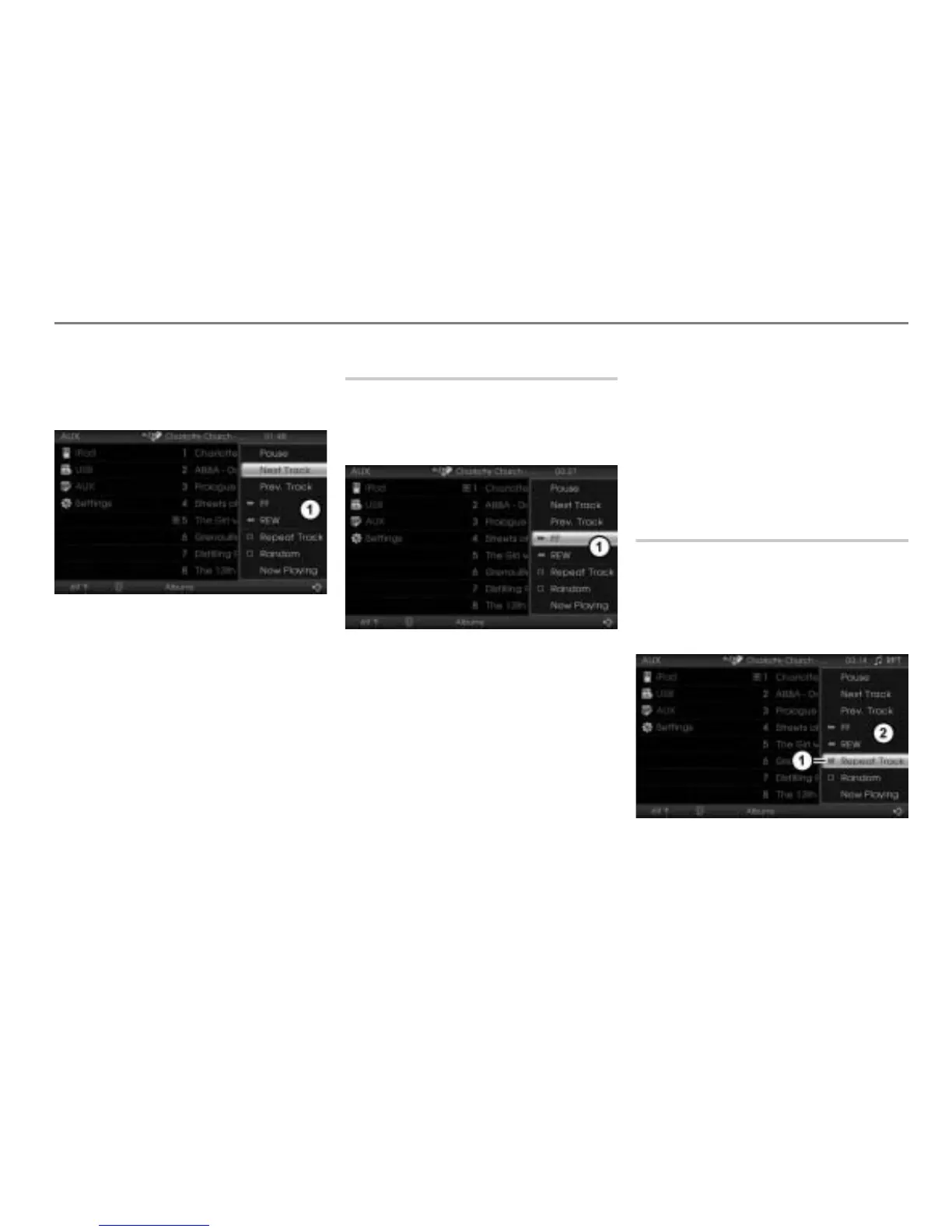
Using the central control panel
To open the Options menu: Highlight
any track and push
the controller .
Options menu
In the Options menu, select the menu
item
Next Track or Prev. Track.
The system will execute the track skip
corresponding to the selected menu
item.
Fast forwarding/reversing
On the central control panel
To open the Options menu: Highlight
any track and push
the controller .
Options menu
To start forwarding: In the Options
menu, select the menu item
FF and
press and hold the controller
.
To start reversing: In the Options
menu, select the menu item
REW and
press and hold the controller .
To terminate forwarding/reversing:
Release the controller
.
On the steering wheel
To start forwarding: Press and hold
the button.
To start reversing: Press and hold
the button.
To terminate forwarding/reversing:
Release the or button.
Repeating tracks
This function will keep repeating a track until
it is cancelled.
To open the Options menu: In the
iPod
®
menu, highlight the desired track
and push the controller .
Status display
Options menu



 To Next Page