271
Voice control
General information
Group commands for Navigation mode:
Navigation commands
Address book commands
Destination search commands
Route guidance commands
Map commands
Skipping sections of a dialog
By briefly pressing the button during an
active dialog you can skip a voice
announcement or return to the start of your
voice input and repeat it.
Skipping voice announcements
Briefly press the button during a
voice announcement by the unit.
The voice announcement is skipped
and the voice control system is ready
for the next voice input.
Repeating input
Briefly press the button during voice
input.
The voice control system returns to the
point in the dialog where you started
your input and you can repeat it.
Configuring voice control
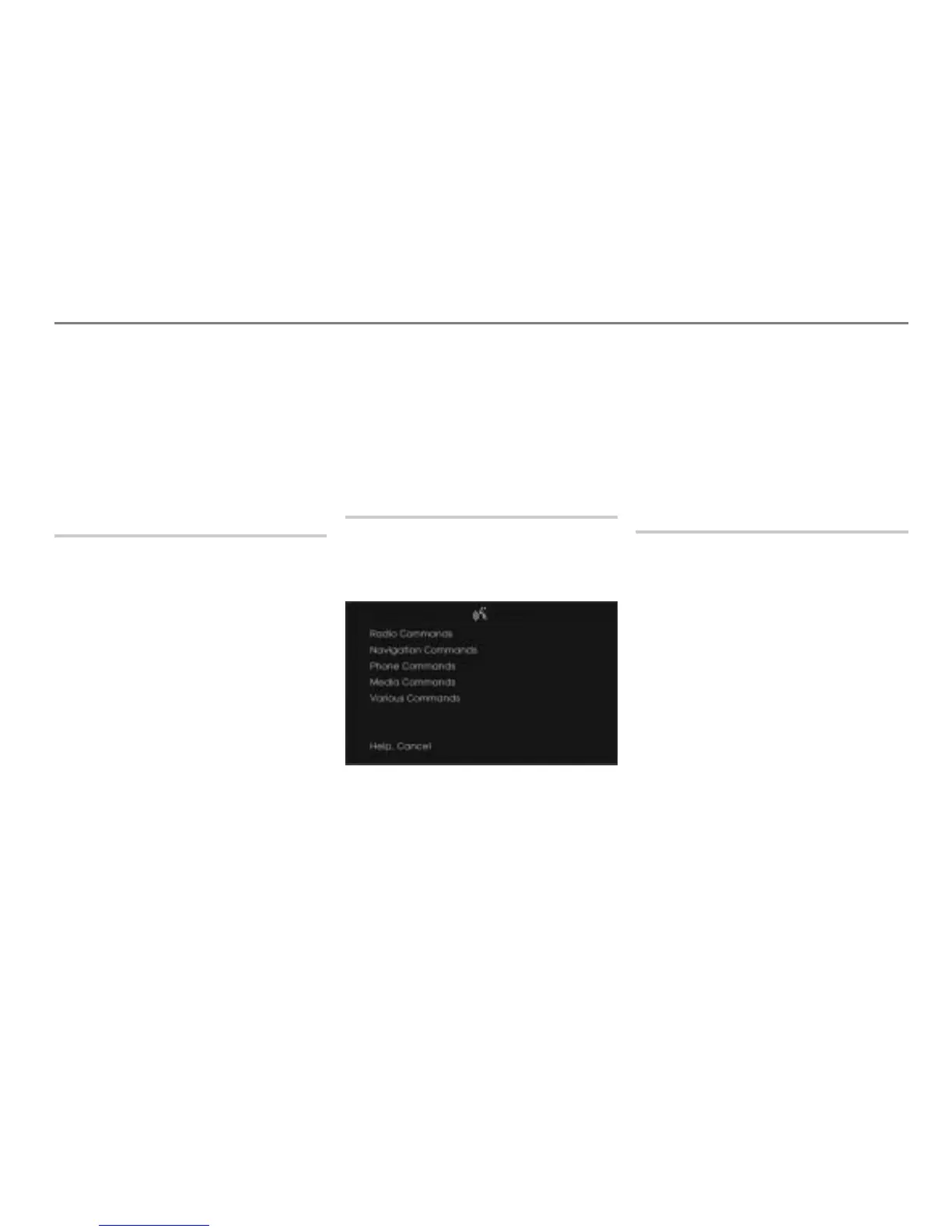
Switching the teleprompter on/off
The visual help is called teleprompter, see
example illustration below.
This function is described in the chapter
“INFO”, section “Show Voice Commands
(Teleprompter)” on page 308.
Switching confirmation prompts on/off
Spoken commands are repeated by the
voice control system when this function is
switched on.
This function is described in the chapter
“INFO”, section “Rpt. Voice Commands” on
page 308.
Help function (teleprompter)
The help function comprises an acoustic
help component and a visual help
component, also called teleprompter.
The voice control system features an
integrated help function that is always
available.
This help function is automatically activated
as soon as
the system does not understand a voice
input
or
voice input is not made in the dialog.
The help function can also be activated at
any time using the command “Help”.



 To Next Page