185
PHONE
Special functions for two calls
For information on general system
operation, please refer to the chapter
“Functional introduction” from page 17.
Overview
The following functions are available
provided they are supported and enabled
by the phone network operator and
supported by the mobile phone:
Calling a second party, see page 185
Accepting/rejecting a call-waiting call,
see page 186
Swapping between two calls, see
page 186
Ending the active call, see page 187
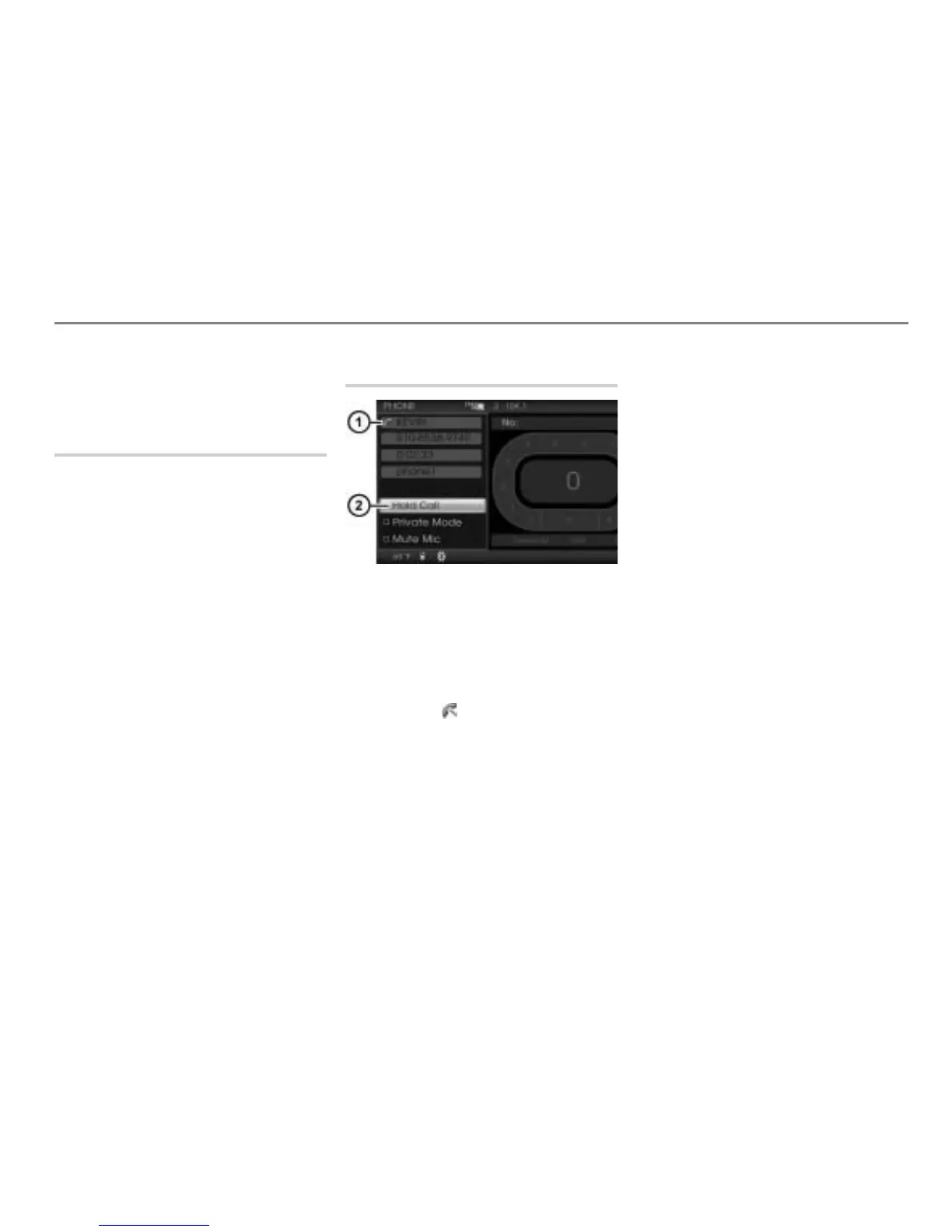
Calling a second party
Call status display
Hold Call menu item
During a single call, select the menu
item
Hold Call in the call display.
The call is on hold and the menu item
Hold Call changes to Activate Call.
Further, the call status display
changes to .
To enter the phone number: Enter the
individual digits of the phone number as
described in the section “Entering a
phone number”, see page 173.
To complete entry and initiate the
second call: Select the menu item
CALL.
The mobile phone initiates the call to
the second party; a corresponding
message is displayed.
To cancel the call before the
other party answers: Press the
controller
.
The first call is automatically
reactivated.
If the other party answers, the second
call is active.
You now have the following options:
Swapping between two calls, see
page 186
Ending the active call, see page 187



 To Next Page