273
Voice control
Tuner mode (FM, AM and XM Satellite Radio)
Calling up tuner mode
FM or AM tuner: Press the button
on the steering wheel and say the
command “Radio” after the signal tone.
FM or AM tuner mode is called up and
the appropriate main menu appears on
the display. The last selected station is
played.
XM
®
tuner: Press the button on the
steering wheel and say the command
“XM” after the signal tone.
XM
®
tuner mode is called up and the
XM
®
Satellite Radio menu appears on
the display. The last selected channel is
played.
Tuner mode help
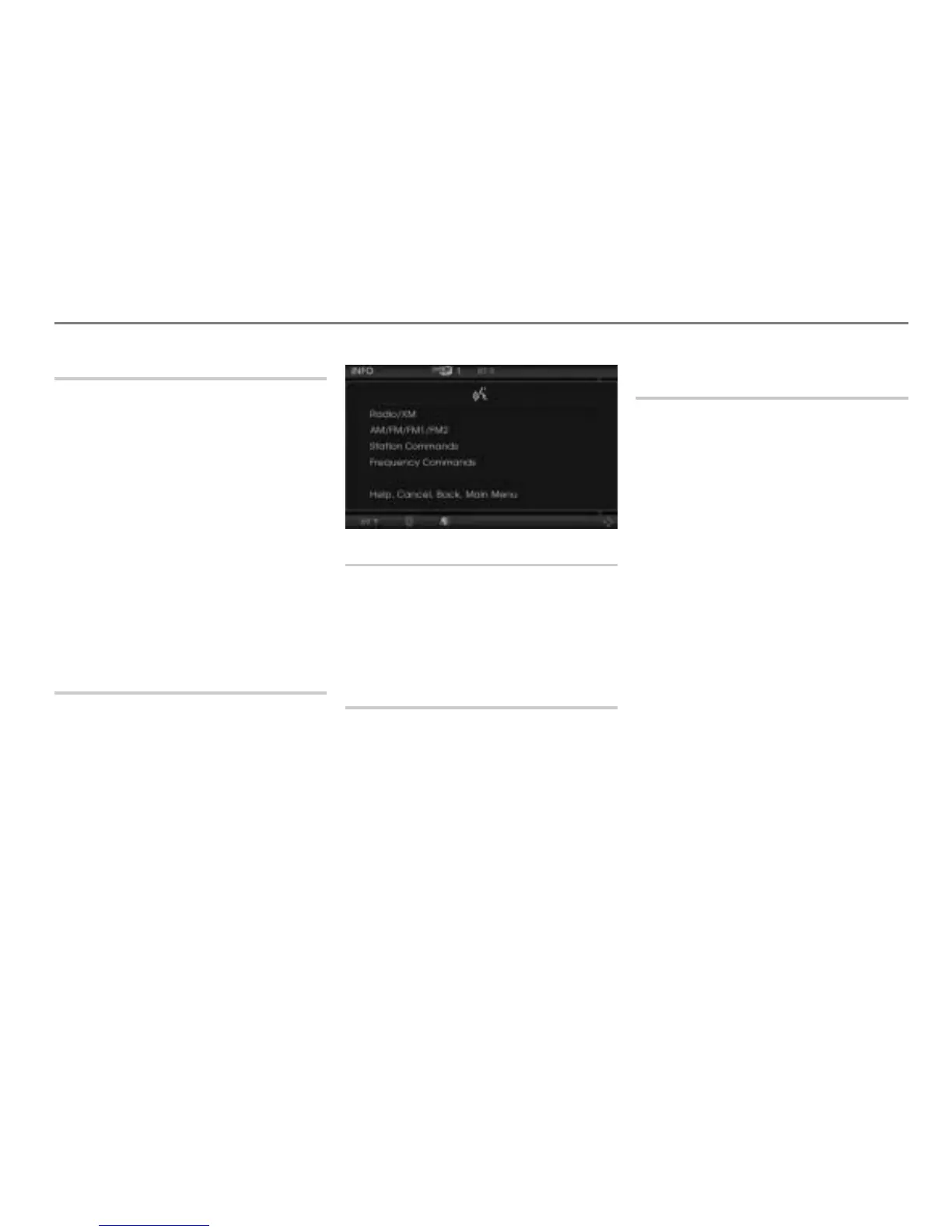
You can use the command “Radio
commands” to listen to all the commands
available for FM, AM or XM
®
tuner mode.
Press the button on the steering
wheel and say the command “Radio
commands” after the signal tone.
The teleprompter is opened with the
possible commands.
Setting the waveband
You can use the commands “FM” or “AM”
to set the waveband.
See also “Setting the waveband” on
page 275 in the section “Operating
examples”.
Setting the FM mode
You can use the commands “FM1” or
“FM2” to set the desired FM mode.
Press the button on the steering
wheel and say the desired command
after the signal tone.
The desired FM mode is set.
Setting the frequency (FM or AM
tuner mode only)
You can use the commands
“FM ...(87.7-107.9)”
“AM ...(530-1710)”
to enter a radio frequency directly.
The frequency can be entered anywhere
within the range of 87.7 -107.9 MHz (FM)
and 530 - 1710 KHz (AM).
Press the button on the steering
wheel and say the command for the
desired frequency after the signal tone,
for example “FM 97.5”.
The unit tunes to the desired frequency.
See also “Tuning to a radio station by
specifying the frequency (FM or AM
tuner mode only)” on page 275 in the
section “Operating examples”.



 To Next Page