244
Navigation
Functions independent of route guidance
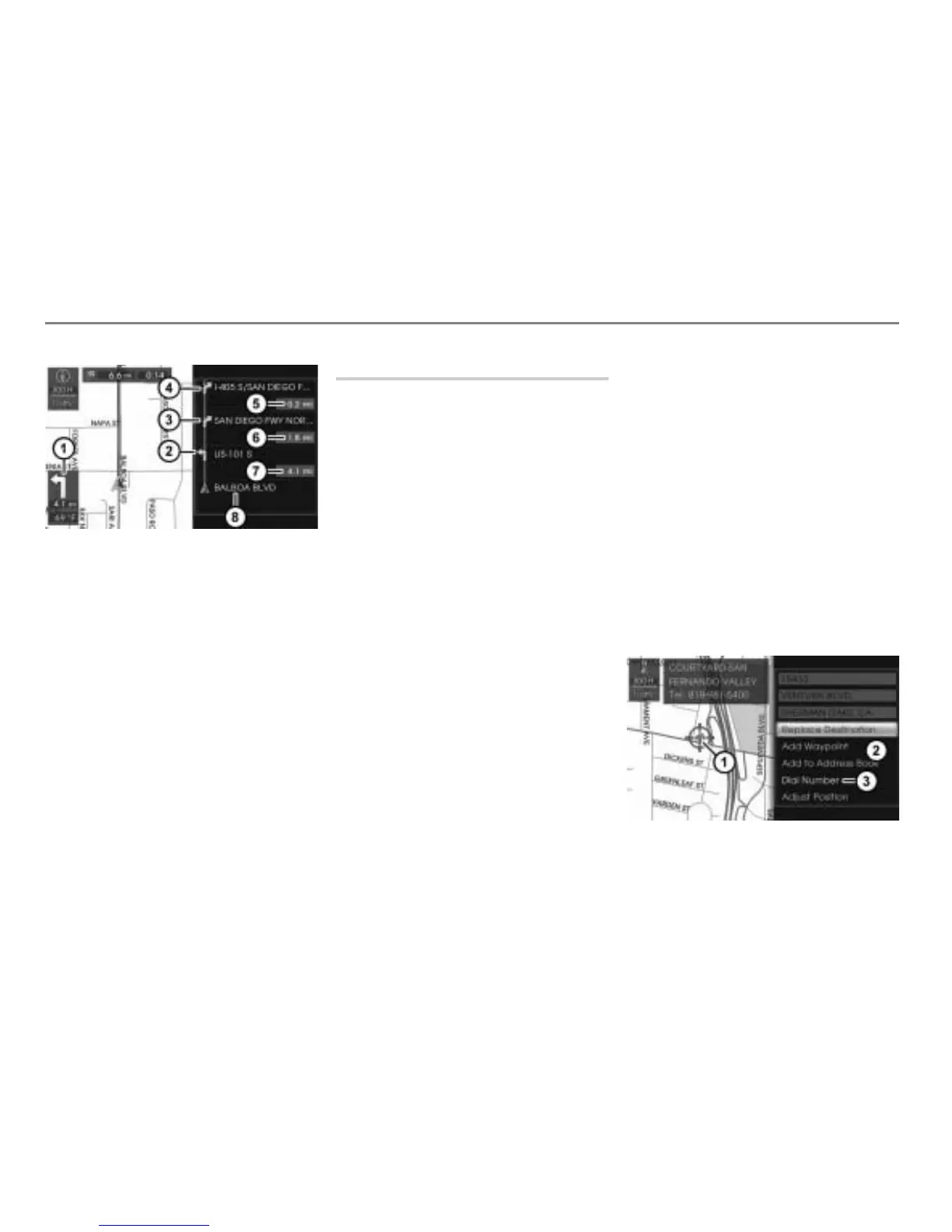
Map display shows day mode
Direction to turn to continue following
the route (only visible if a route
guidance is active)
First turn with corresponding icon
Second turn with corresponding icon
Third turn or destination (as shown in
the illustration) with corresponding icon
Distance to the third turn or to the
destination
Distance to the second turn
Distance to the first turn
Road currently being driven on
Initiating a phone call to a POI
POIs (points of interest) include gas
stations, restaurants and banks, for
example.
If the map is in scroll mode and the center
point of the crosshairs points to a POI, you
can initiate a call to the POI.
This function is only available if the following
conditions are met:
The digital map contains a unique
phone number of the POI.
There is a mobile phone connected with
the system.
For information on map scroll mode, refer to
the section “Position/scroll mode within the
map display” on page 204.
To call up the map display: Press
the button.
The map display appears. The map is
set to position mode.
To set the map to scroll mode: Push
the controller
in any direction
().
The crosshairs appear.
To move the map: Push and hold the
controller
in any direction
(
) until the center of the
crosshairs points to a POI.
To confirm the POI: Press the
controller
.
The Options menu appears.
In the Options menu, select the menu
item
POI Info.
A second Options menu appears.
Map display shows day mode
Crosshairs
Options menu
Menu item Dial Number



 To Next Page