167
PHONE
Settings
For information on general system
operation, please refer to the chapter
“Functional introduction” from page 17.
Settings menu
The Settings menu includes the following
functions:
Switching autoconnection function on/
off, see page 167
Showing the device info, see page 168
Initialization functions, see page 168
Changing the passkey, see page 171
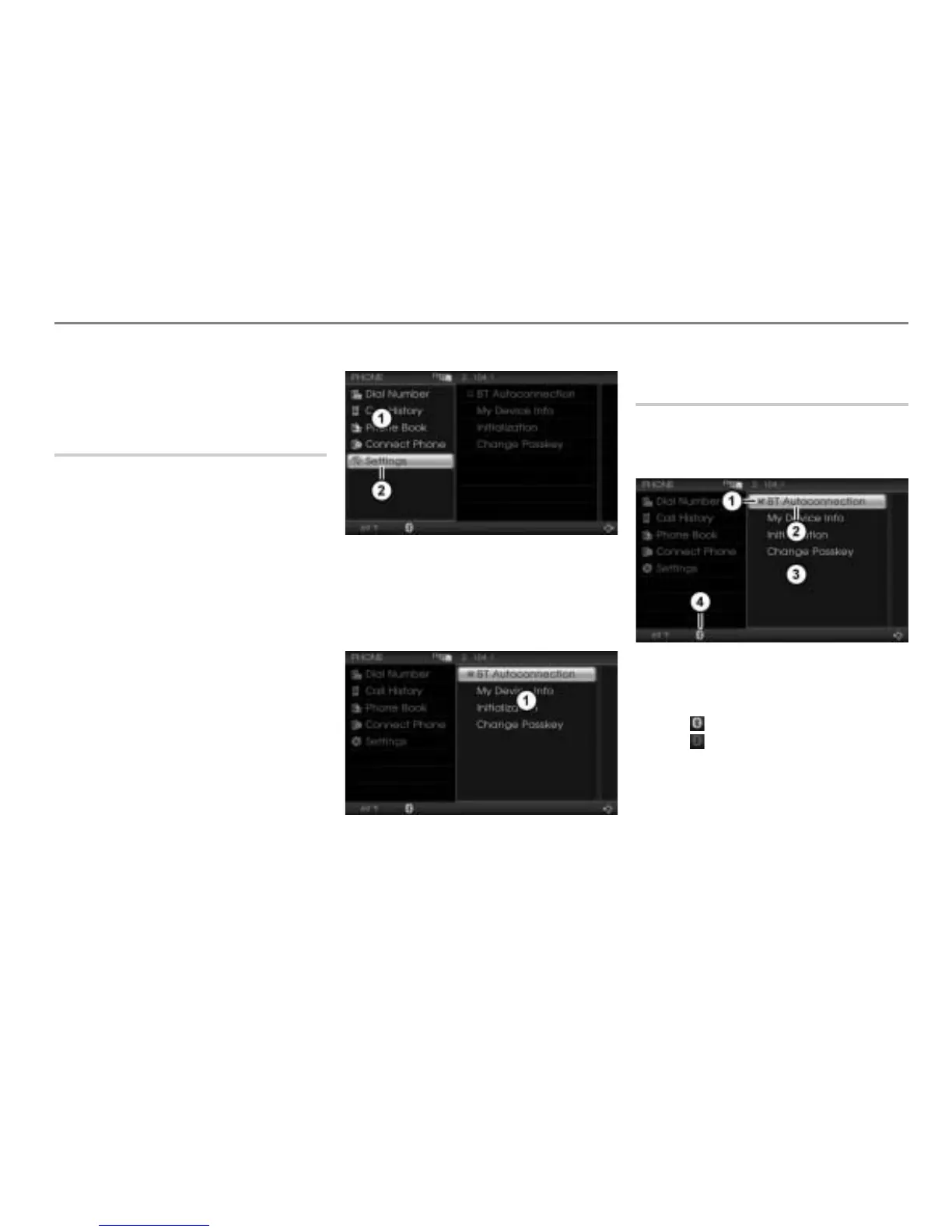
Calling up the Settings menu
Open the PHONE main menu, see the
section "Opening the PHONE main
menu" on page 152.
PHONE main menu
Settings menu item
In the PHONE main menu, select the
menu item
Settings.
The Settings menu appears.
Settings menu
Switching autoconnection function
on/off
Call up the Settings menu, see the
section "Calling up the Settings menu"
on page 167.
Status display
BT Autoconnection menu item
Settings menu
Connection status icon
Icon = A mobile phone is connected
Icon = No mobile phone is
connected



 To Next Page