152
PHONE
PHONE main menu
For information on general system
operation, please refer to the chapter
“Functional introduction” from page 17.
Available functions
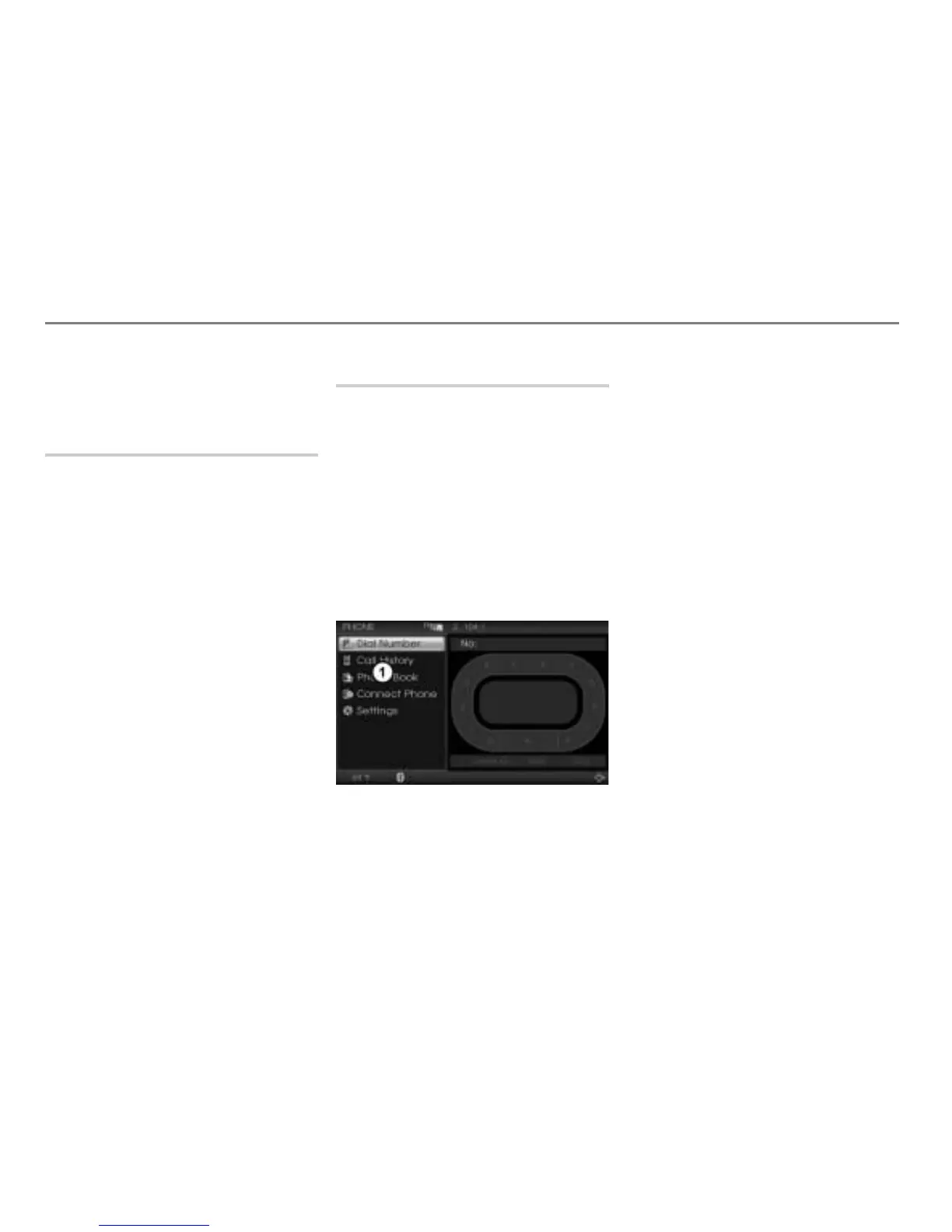
The following functions are available in the
PHONE main menu:
Calling up the menu for entering a
phone number, see the section
“Entering a phone number” on
page 173.
Calling up the call history list (missed,
received and dialed calls), see the
section “Call history list” on page 176
Calling up the phonebook, see the
section “Calling up the phonebook” on
page 188.
Calling up the device list for pairing or
connecting a mobile phone, see the
section “Pairing a mobile phone” on
page 153 or the section “Connecting a
mobile phone” on page 156.
Calling up PHONE settings, see the
section “Calling up the Settings menu”
on page 167.
Opening the PHONE main menu
Option 1: Press the button.
Either the PHONE main menu or the
INFO main menu appears.
If the INFO main menu appears:
Press the button once more.
The PHONE main menu appears,
see illustration below.
Option 2: Press the button on the
steering wheel.
The PHONE main menu appears.
PHONE main menu



 To Next Page