95
DISC mode
Video DVD playback
TV Standard
The Driver Information System can play
video DVDs that meet PAL or NTSC TV
standard.
Information on this can usually be found
either on the DVD itself or on the DVD
sleeve.
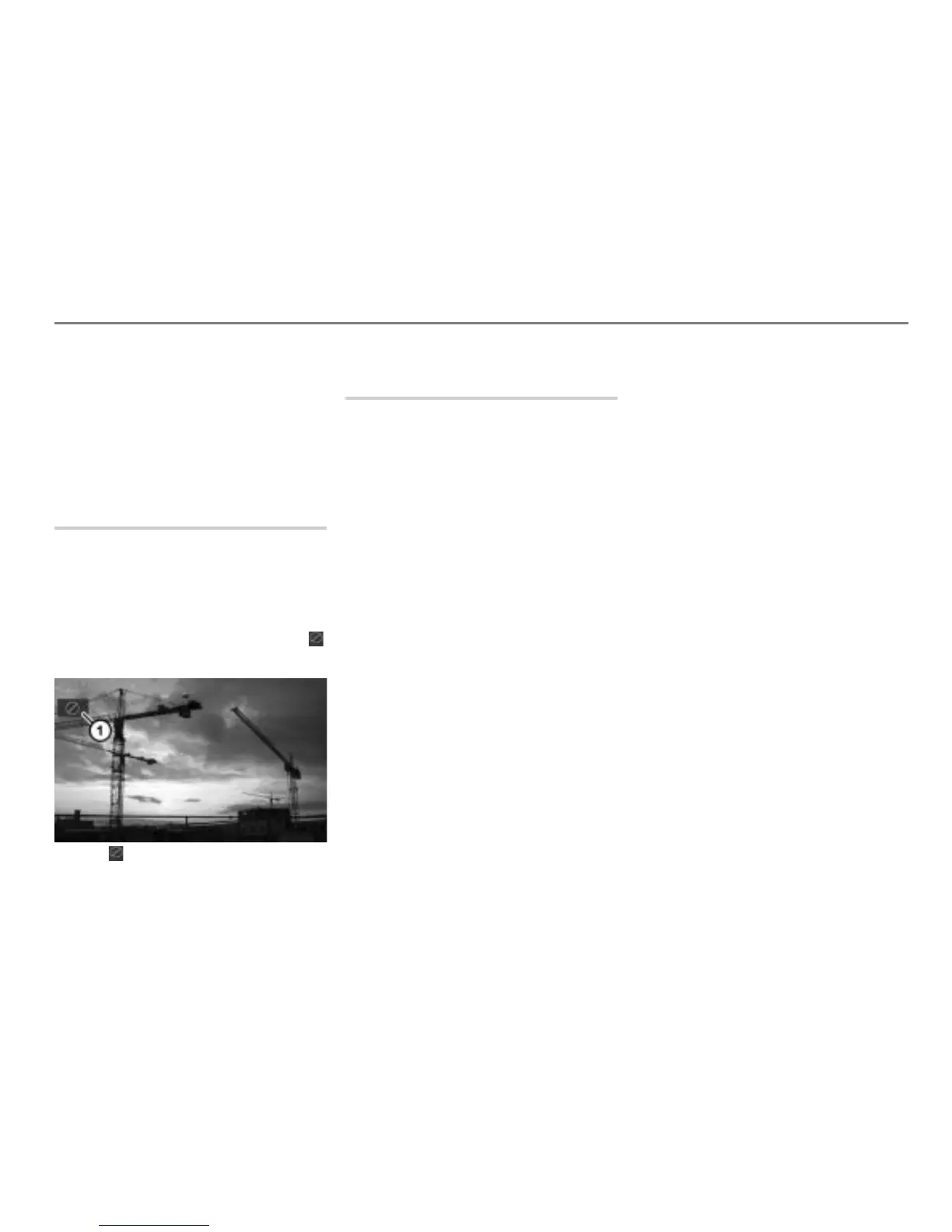
Functional restrictions
It may be the case that some functions or
actions may not be possible at certain
times, or may not be possible in general,
depending on the video DVD.
When such functions or actions are
activated, they are indicated by the icon
in the top left corner of the display.
Icon
Switching to DISC mode and
playing discs
Option 1: Load the magazine with an
appropriate disc, see the section
“Loading the disc changer magazine”
from page 79.
Option 2: Press the button.
The system will switch to either DISC or
AUX mode.
If the system switches to AUX mode:
Press the button again.
Option 3: Press the button on the
steering wheel repeatedly until the
system switches to DISC mode.
If Navigation, INFO or PHONE is the active
mode, switching to DISC mode on the
steering wheel does not switch the display,
only the audio source will be switched
accordingly.
If you want to switch the display also, you
must use the
button on the control
panel.
After switching to DISC mode, the system
will resume playing the last disc played if
available, otherwise it will play the next
available disc.
If it is an audio disc, please select a video
DVD in the DISC main menu, see the
section “Selecting and playing discs” on
page 87.
If it is a video CD, please select a video
DVD in the DISC main menu, see the
section “Selecting and playing discs” on
page 97.
If the magazine is empty, the message
No
playable disc available
appears. If this
happens, load the magazine with an
appropriate disc, see the section “Loading
the disc changer magazine” from page 79.
Playback will not start if the DVD has the
wrong region code. Instead you will see an
appropriate message.
After video playback starts, the system will
show the video content as a full-screen
display.



 To Next Page