306
INFO
System Settings
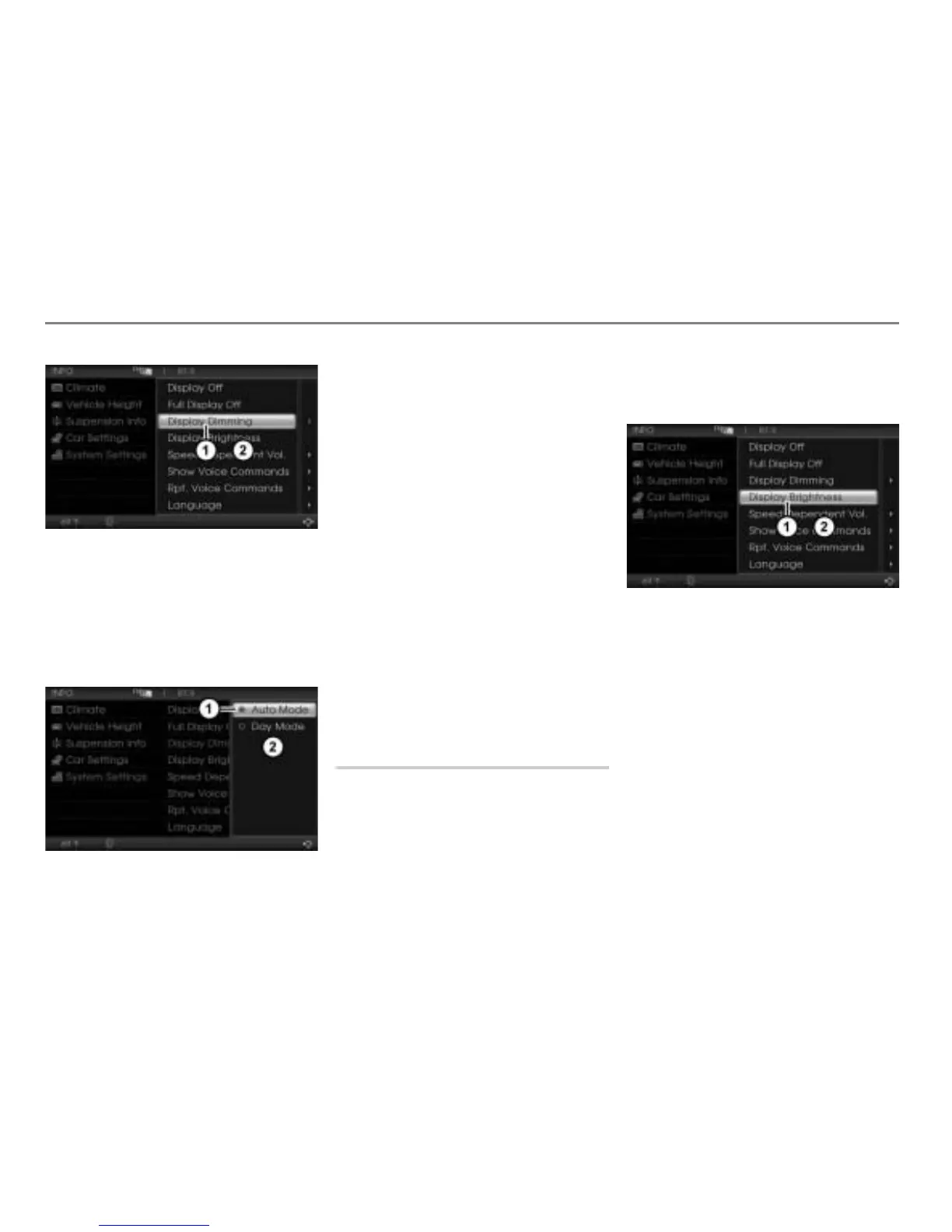
Display Dimming menu item
System Settings menu
In the System Settings menu, highlight
the menu item
Display Dimming.
Push
the controller once.
The corresponding Options menu
appears.
Icon for currently active setting
Options menu
To switch the setting: Select the other
menu item.
Auto Mode:
When the vehicle light is switched
off, the display is always at full
brightness. When the vehicle light is
switched on, the display brightness
is set to 67% of the brightness set
for day mode.
Day Mode:
When the vehicle light is switched
off, the display is always at the
brightness set for day mode.
When the vehicle light is switched
on, the display brightness is set to
90% of the brightness set for day
mode.
Please see the section “Display Brightness”
on page 306 to find out how to set the
brightness for day mode.
Display Brightness
You can use this function primarily to set the
display brightness for day mode. However it
also influences the display brightness in
auto mode. For further information, please
refer to the section “Display Dimming” on
page 305.
Open the System Settings menu, see
section “Opening the System Settings
menu” on page 304.
Display Brightness menu item
System Settings menu
In the System Settings menu, select the
menu item
Display Brightness.
The Brightness Settings menu appears.
Brightness Settings menu
After the Brightness Settings menu appears,
the brightness is always switched to the
value shown in the menu, regardless of how
the display dimming is set.
After the menu is closed, the brightness is
switched back to the value corresponding to
the set display dimming.



 To Next Page