300
INFO
Car Settings
The Car Settings may not be available. It
depends on the vehicle equipment.
Opening the Car Settings menu
Opening the Car Settings menu is not
possible as soon as the vehicle exceeds a
certain speed.
As soon as the vehicle falls below a certain
speed, it will be possible again.
Open the INFO main menu, see section
“Opening the INFO main menu” on
page 298.
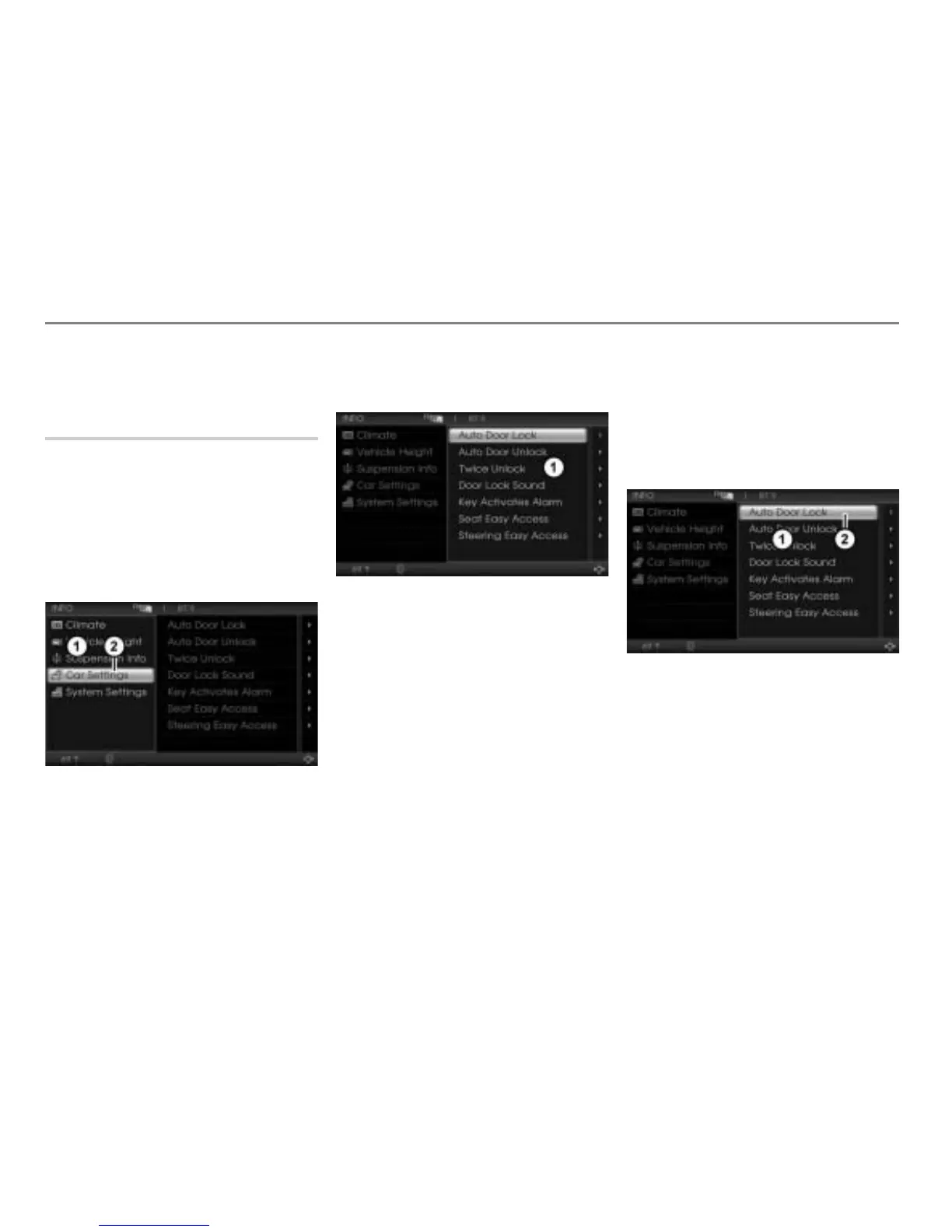
INFO main menu
Car Settings menu item
In the INFO main menu, select the
menu item Car Settings.
Car Settings menu
The following functions are available:
Auto Door Lock, see page 301
Auto Door Unlock, see page 302
Twice Unlock, see page 303
Door Lock Sound, see page 303
Key Activates Alarm, see page 303
Seat Easy Access, see page 303
Steering Easy Access, see page 303
Car Settings menu while the vehicle is
driving
If the Car Settings menu is already opened
and the vehicle exceeds a certain speed,
the higlight cursor disappears and all menu
items are shown in gray color.
Illustration shows the Car Settings menu
while the vehicle is standing
Car Settings menu
Highlight cursor



 To Next Page