46
FM and AM mode
Tuning to stations
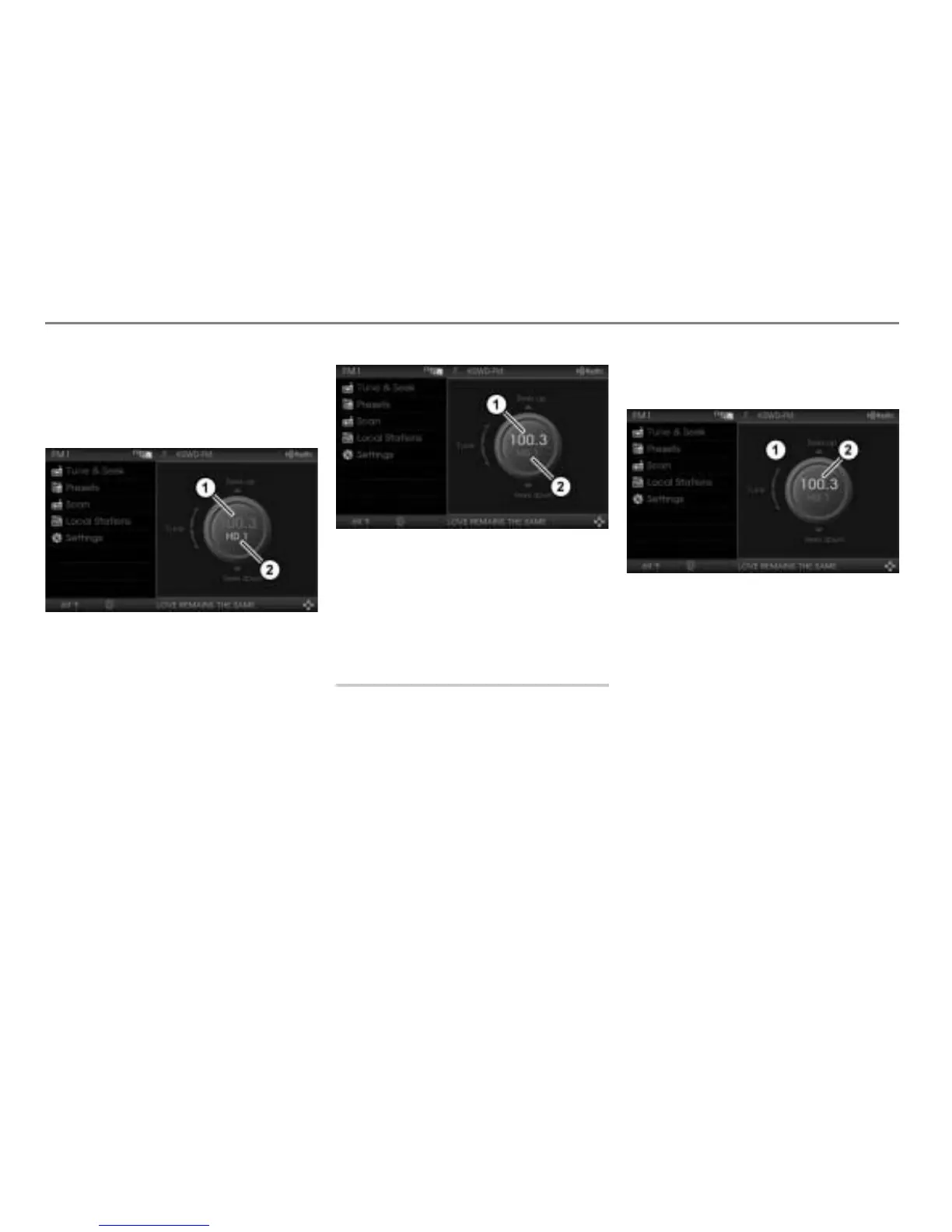
To tune to another channel: Press the
controller
.
The HD Radio
TM
indicator is
highlighted.
Frequency indicator (not highlighted)
HD Radio
TM
indicator (highlighted)
Turn
the controller .
The system tunes to the next or the
previous channel, depending on the
direction of rotation.
To highlight the frequency indicator
again: Press the controller
.
Frequency indicator (highlighted)
HD Radio
TM
indicator (not highlighted)
Now you can operate the search or the
manual tuning again. For manual tuning,
please see the following description.
Tuning to a station via manual
tuning
Opening the Tune & Seek menu
Open the FM or AM main menu, see
section “Switching to FM or AM mode”
on page 42.
In the FM or AM main menu, select the
menu item
Tune & Seek.
The Tune & Seek menu appears.
For further information about the Tune &
Seek menu, please see page 45.
Tune & Seek menu
Currently tuned frequency
Tuning to a station
Turn the controller .
The frequency increases or decreases,
depending on the direction of rotation.
Tuning to a sub channel
Please see the section “Tuning to a sub
channel” on page 45.



 To Next Page