157
PHONE
Pairing/connecting/disconnecting a mobile phone
PHONE main menu
Menu item Connect Phone
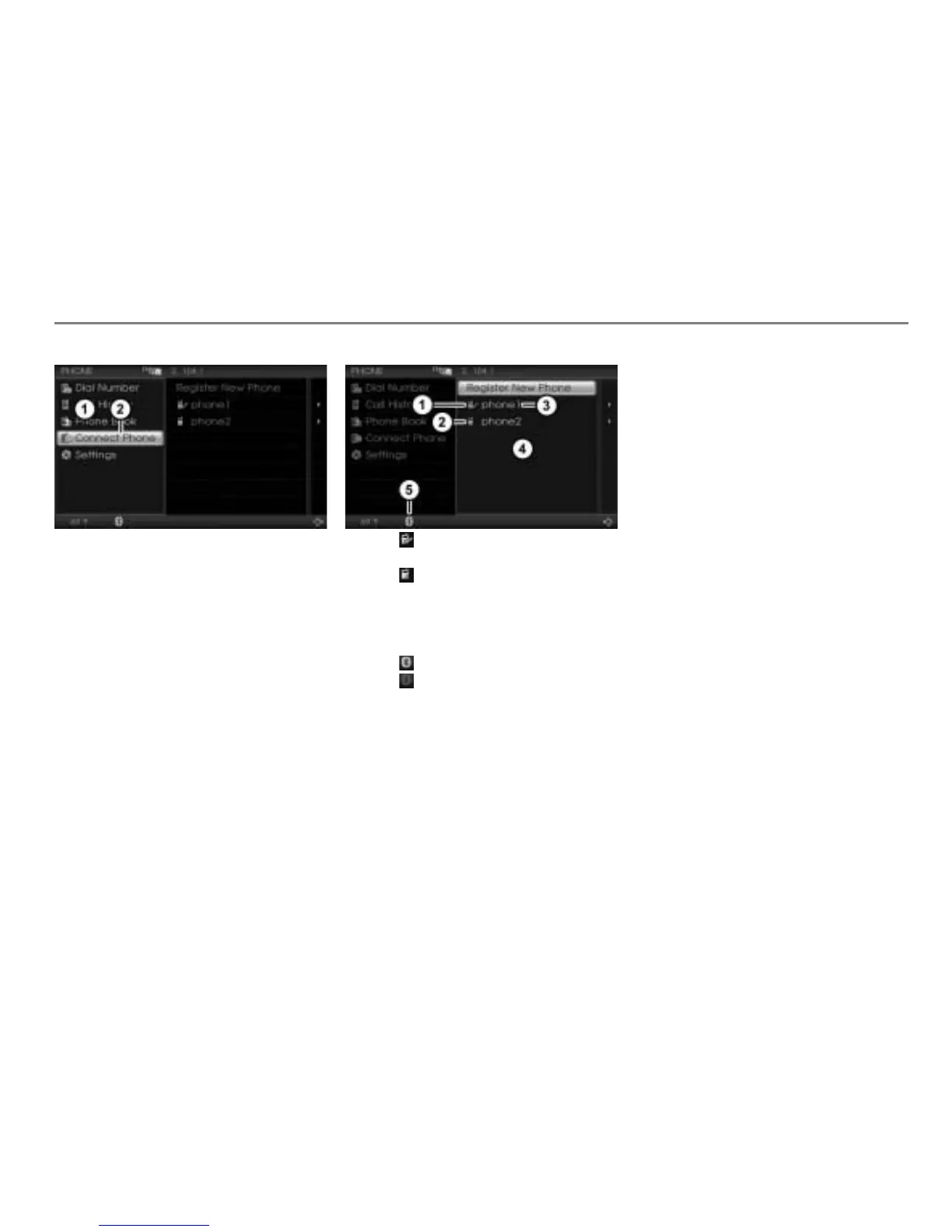
In the PHONE main menu, select the
menu item Connect Phone.
The device list appears.
The list will be empty if there have not yet
been any mobile phones paired with the
system.
The icons before the list entries indicate
the status of the respective mobile
phone.
Icon = Mobile phone is paired with
the system and currently connected
Icon = Mobile phone is paired with
the system, but not currently connected
Phone name
Device list
Connection status icon
Icon = A mobile phone is connected
Icon = No mobile phone is
connected
You can change the phone name, see the
section “Renaming a phone” on page 161.
Connecting a phone (Option 1)
If the desired mobile phone is not in
the list: Pair the mobile phone with the
system, see the section “Pairing a
mobile phone” on page 153.
If the desired mobile phone is in the
list: Select the mobile phone.
The system will start the connecting
process, see section “Connecting
process” on page 158.
Connecting a phone (Option 2)
If the desired mobile phone is not in
the list: Pair the mobile phone with the
system, see the section “Pairing a
mobile phone” on page 153.
If the desired mobile phone is in the
device list: Highlight the mobile phone
in the device list.
Push
the controller once.
The Options menu appears.



 To Next Page