282
Voice control
PHONE mode
# “Please say the number in groups of
digits.”
Ping
%
! “1234”
# “1234”
Ping %
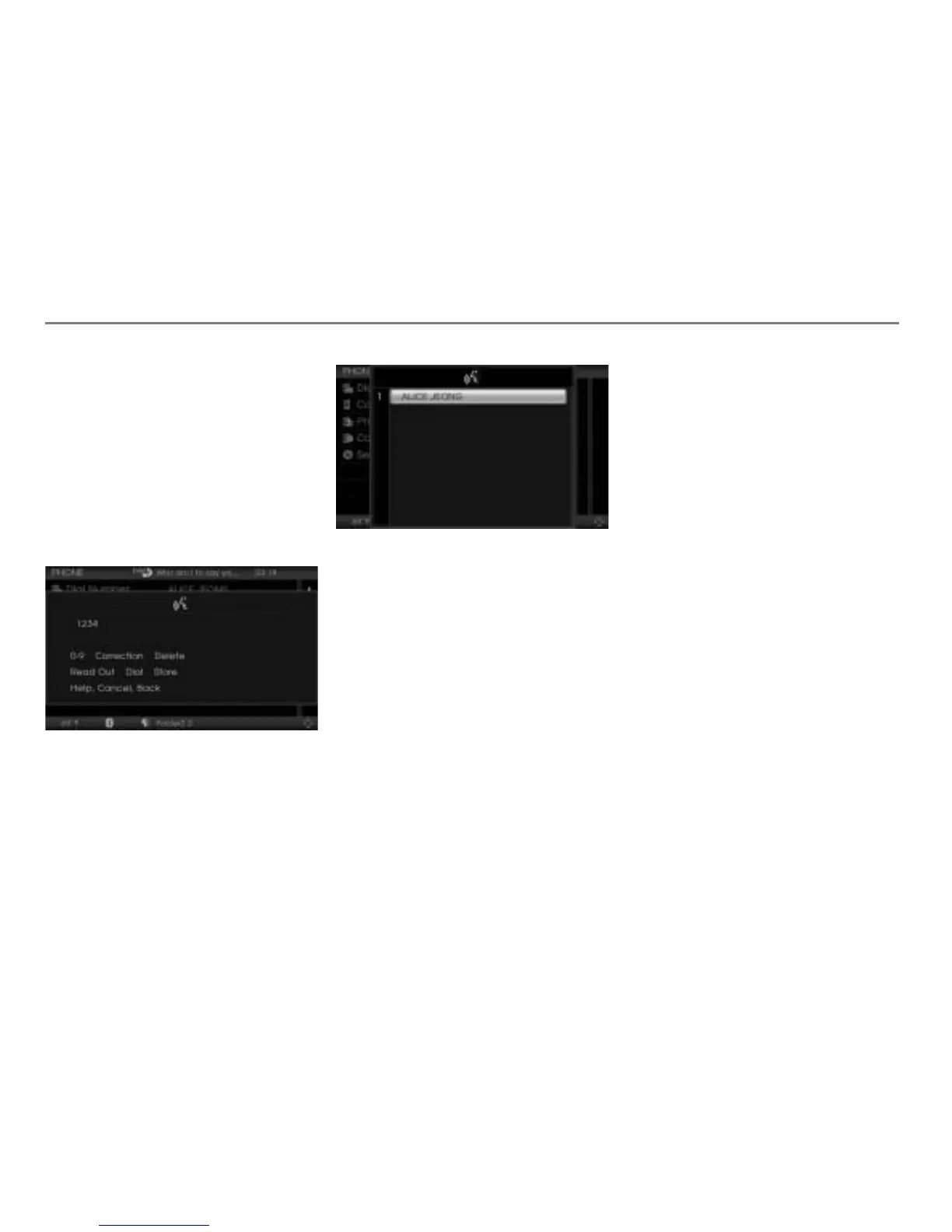
$ The teleprompter is opened with the
recognized phone number (1234) in
the first line and the number speller
with some options for numbers.
! “Store number.”
# “Do you want to add the number to an
existing entry or create a new one?”
Ping
%
! “Add to entry.”
$ The teleprompter is opened with the
phonebook picklist.
# “Please say the name.”
Ping
%
! “Alice Jeong.”
# “Alice Jeong.
To which category do you want to add
the number. Home, mobile or work?”
# “Home.
A number was already entered. Do you
want to overwrite this number?”
! “Yes.”
# “Yes.
The entry was created.”
Storing a number and creating a new
phonebook entry
Press the button on the steering
wheel.
# Ping %
! “Store number.”
# “Store number.”
Ping %
$ A number speller is displayed for
entering the phone number.



 To Next Page