EasyManua.ls Logo

Equus VI DIS - Menu system

Equus VI DIS
317 pages
Print Icon
To Next Page IconTo Next Page
To Previous Page IconTo Previous Page
Loading...
21
Functional introduction
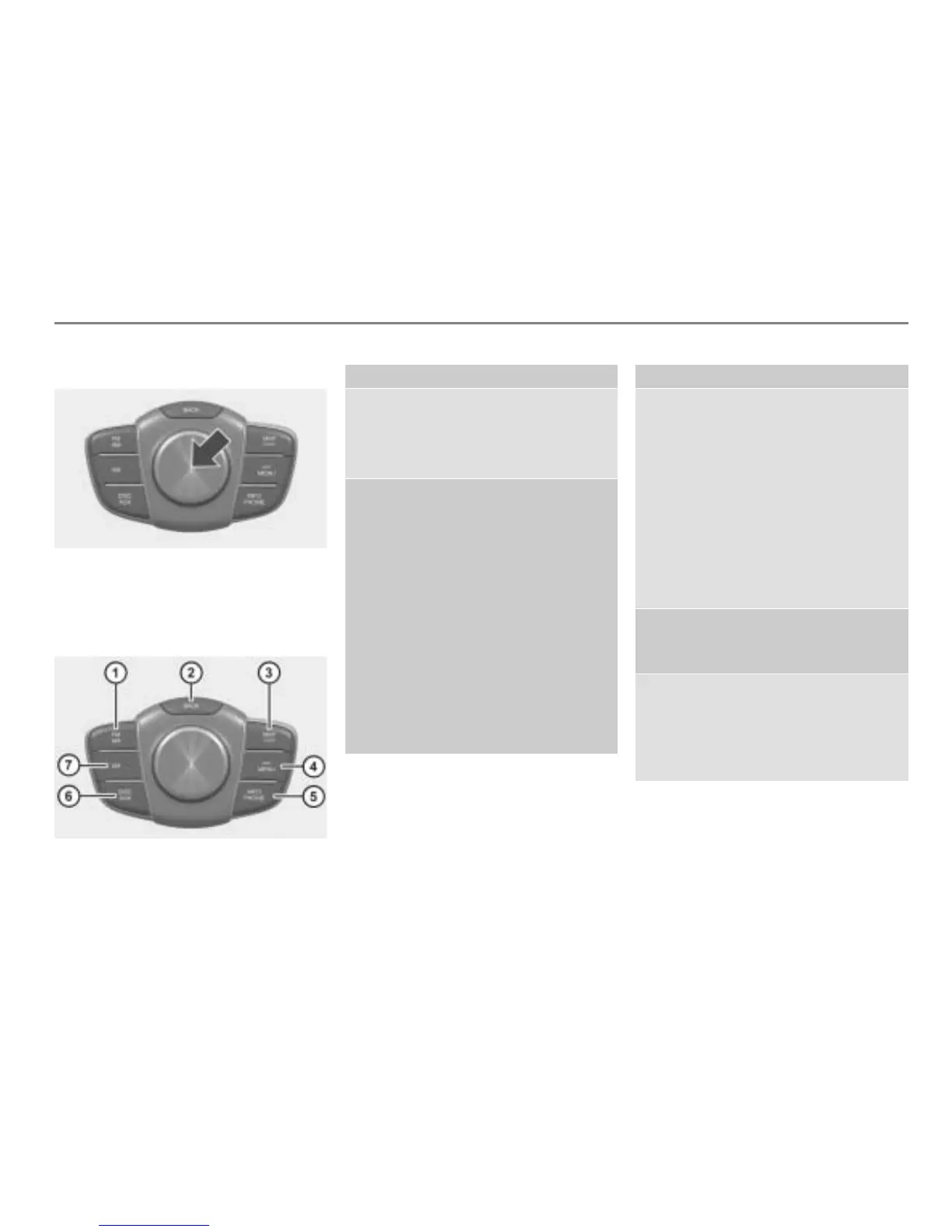
System components
Pressing the controller
Press:
Confirming a highlighted menu item, see
page 28 in this chapter.
Main function buttons
Main function button Page
Switching to FM or AM
mode
Switching mode/band
42
43
(short press)
Going back one menu
level
Switching between
fullscreen video and
menu screen:
Video DVD
Video CD
AUX video
(long press)
Opening the main menu for
the active main function
26
96
109
144
26
Main function button Page
Calling up the map
display and switching to
Navigation mode
Switching the map from
scroll mode to position
mode while the map is
displayed
Calling up a current
audible driving
recommendation
204
204
208
Opening the Navigation
main menu
209
Opening the INFO main
menu
Opening the PHONE
main menu
298
152

Table of Contents