146
AUX mode
AUX playback
To open the desired menu: In the
Video Settings menu, select either the
menu item
Brightness, Color or
Contrast.
The corresponding menu appears.
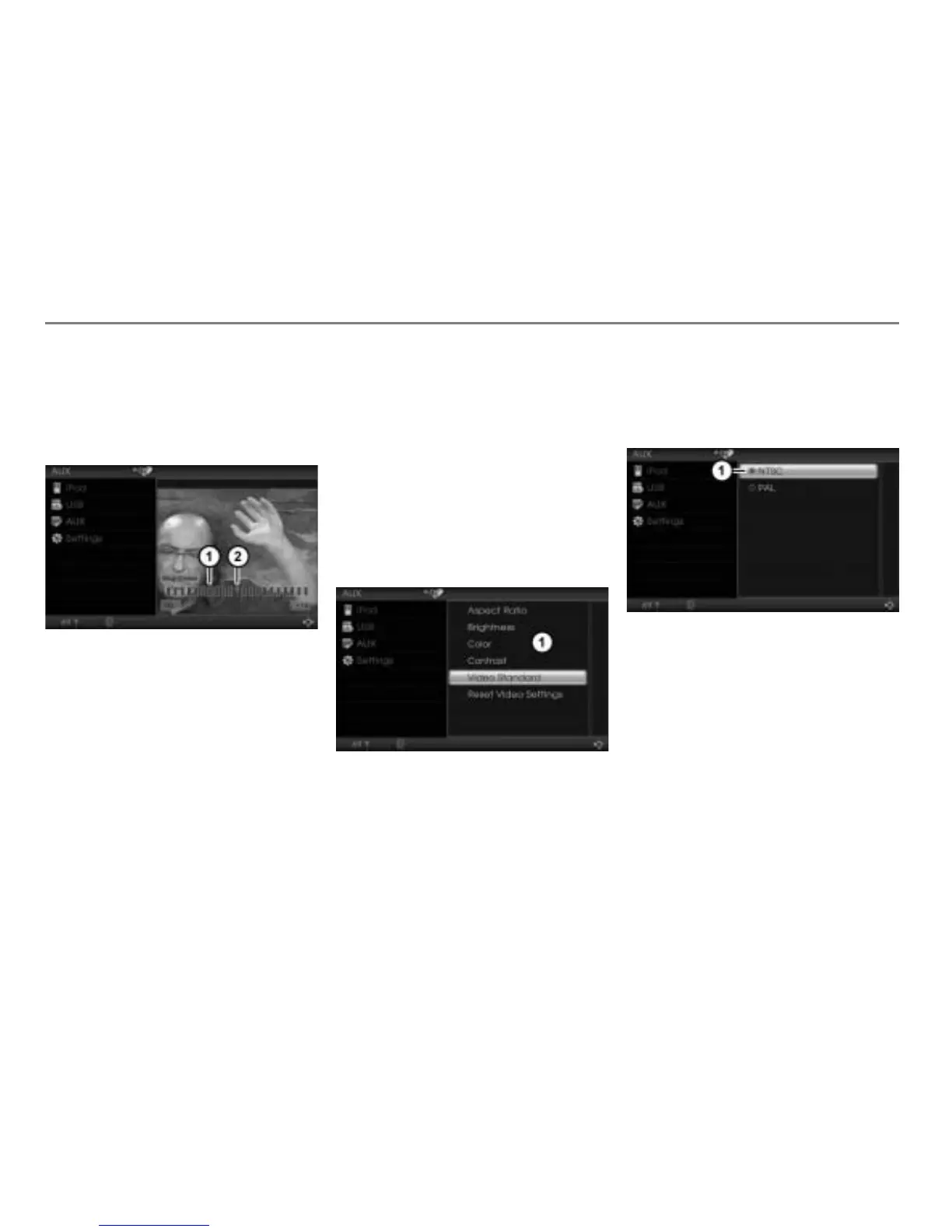
The illustration shows the brightness setting
Scale for the brightness setting
Indicator
The position of the indicator
on the
scale shows the current setting.
Turn
the controller until the
desired setting is reached.
The system saves this setting
automatically.
To close the menu: Press the
controller
or briefly press the
button.
AUX video standard
This function lets you adapt the AUX video
input of the system to the video standard of
the AUX video signal source. The video
standards NTSC and PAL are available.
Open the Video Settings menu, see
section “Opening the Video Settings
menu” on page 144.
Video Settings menu
To open the AUX Video Standard
menu: In the Video Settings menu,
select the menu item
Video Standard.
The corresponding menu appears.
Icon for currently active setting
To set the video standard: Select the
desired setting.



 To Next Page