197
PHONE
Phonebook
To cancel the call before the
other party answers: Press the
controller
or press and hold
the button on the steering
wheel.
The call is cancelled.
If the other party answers, the call is
active and you conduct the call over the
hands-free unit.
Please see the section “Functions during a
call” on page 181 for a description of the
functions available during a call.
Option 2
Highlight the desired entry.
Push
the controller once.
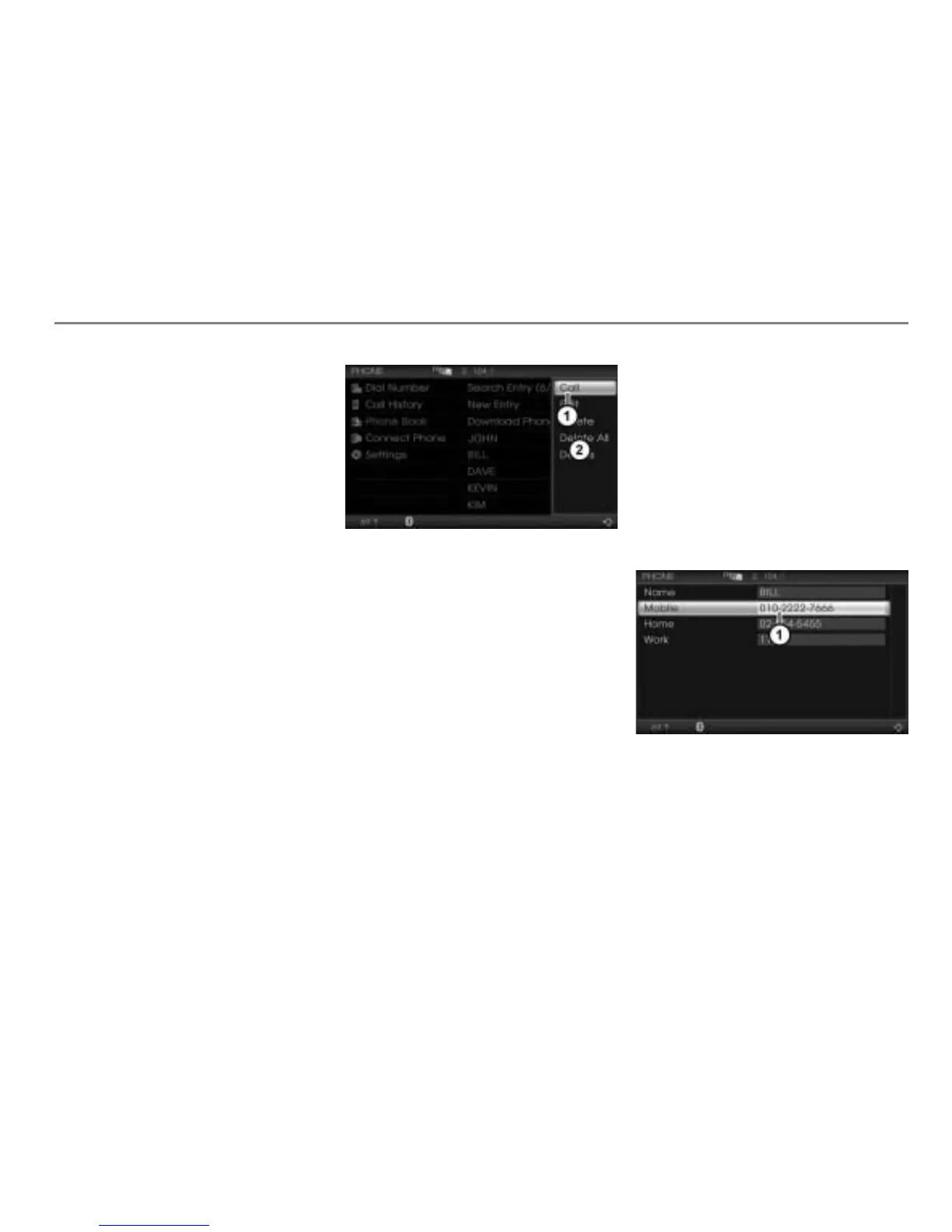
The Options menu appears.
Menu item Call
Options menu
In the Options menu, select the menu
item
Call.
If the entry contains only one number
After selecting the menu item
Call in the
Options menu, the system initiates the call
to this number immediately.
To cancel the call before the other
party answers: Press the controller
or press and hold the button on the
steering wheel.
The call is cancelled.
If the other party answers, the call is active
and you conduct the call over the hands-
free unit.
Please see the section “Functions during a
call” on page 181 for a description of the
functions available during a call.
If the entry contains more than one
number
After selecting the menu item
Call in the
Options menu, a selection list appears.
Highlighted default phone number
The default phone number is automatically
highlighted.



 To Next Page