103
DISC mode
Video DVD playback
To play a chapter: Select the desired
chapter.
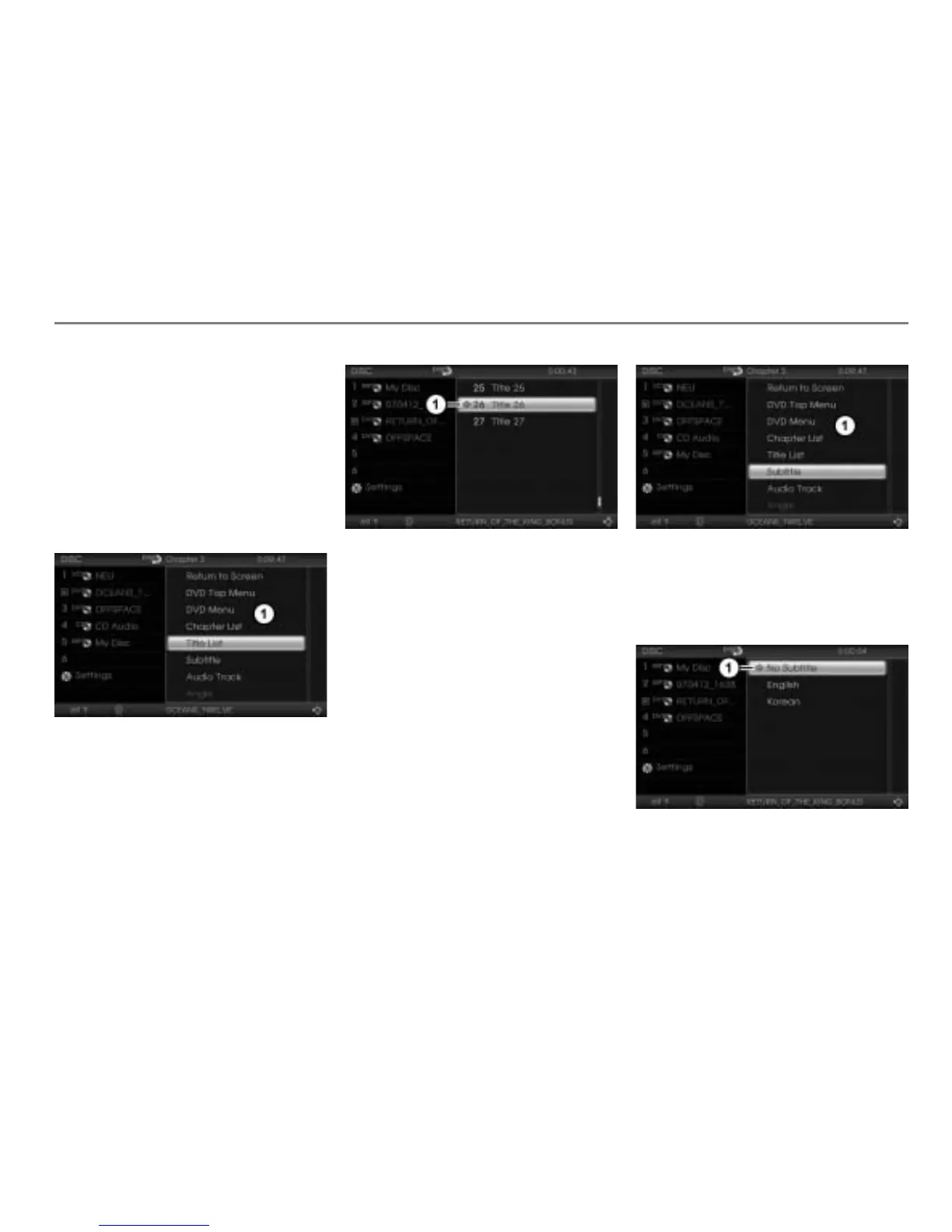
Title list
If a DVD contains several titles or films, you
can select a specific title or film for playback
directly in the title list.
Open the native DVD menu, see
section “Opening the native DVD menu”
on page 101.
Native DVD menu
To call up the title list: In the native
DVD menu, select the menu item
Title
List
.
The title list appears.
Play icon for title currently playing
To select a title or film: Select the
desired title or film.
Subtitle
If a DVD contains subtitles, you can switch
them on or off in the Subtitle menu. The
number and language of the subtitles will
vary depending on the DVD.
Open the native DVD menu, see
page 101.
Native DVD menu
To open the Subtitle menu: In the
native DVD menu, select the menu item
Subtitle.
The Subtitle menu appears.
Icon for currently active setting
To switch subtitles on: Select the
desired subtitles.



 To Next Page