137
AUX mode
USB playback
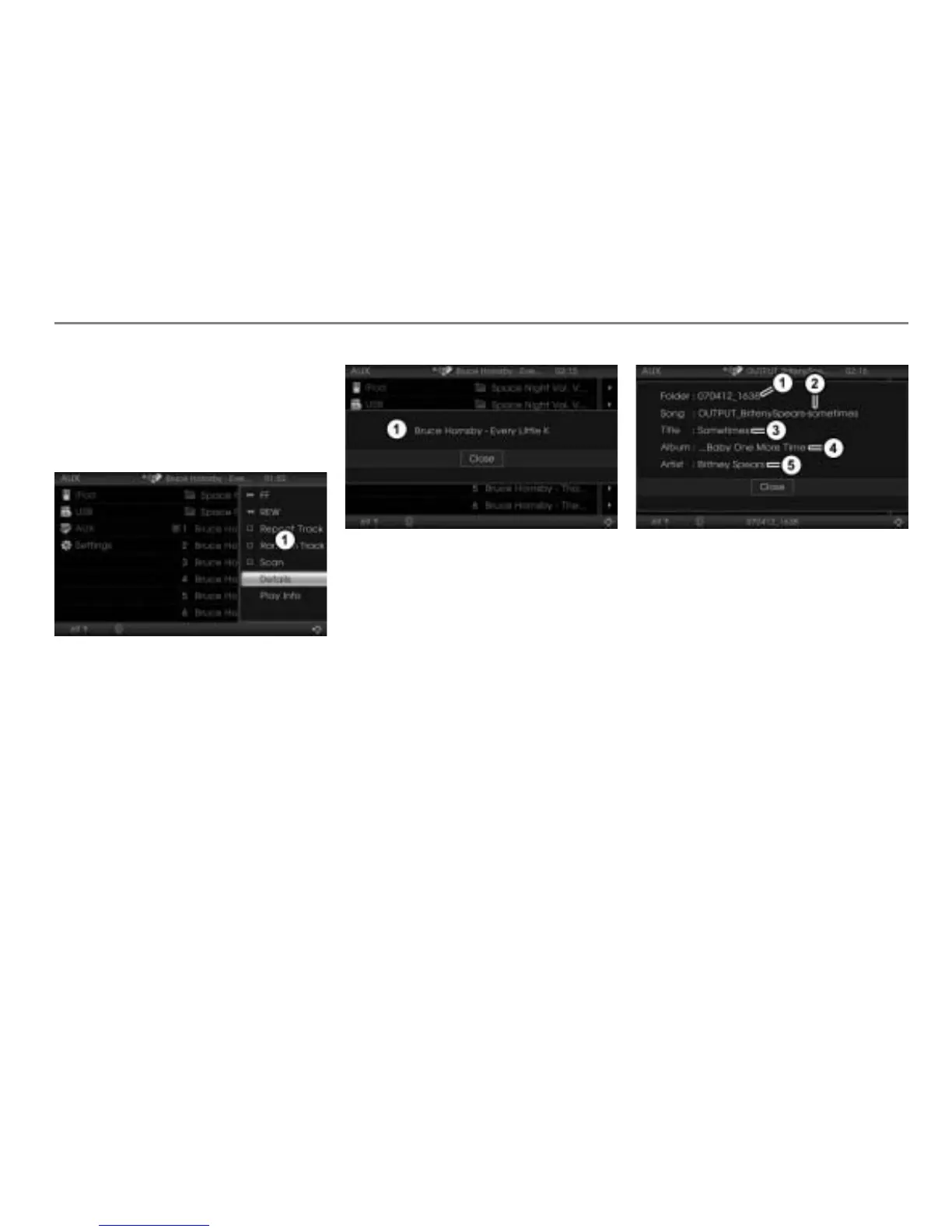
Calling up a details or play info display
To open the Options menu: Highlight
the desired track or folder and push
the controller .
The Options menu appears.
Options menu
To call up the details display: In the
Options menu, select the menu item
Details.
The details display containing the
complete file name appears.
Details display
To close the details display: Press
the controller
.
To call up the play info display: In the
Options menu, select the menu item
Play Info.
The play info display of the track
currently playing appears, containing
several information.
Current folder name
Current file name
Current song title
Current album title
Current artist name
In order to display the current song title,
album title and artist name, these
information must be stored as ID3 tags
inside the MP3 or WMA track.
If you select another track or if the system
plays the next track, the play info display will
not be closed and it will be updated
automatically.
To close the play info display: Press
the controller
.



 To Next Page