170
PHONE
Settings
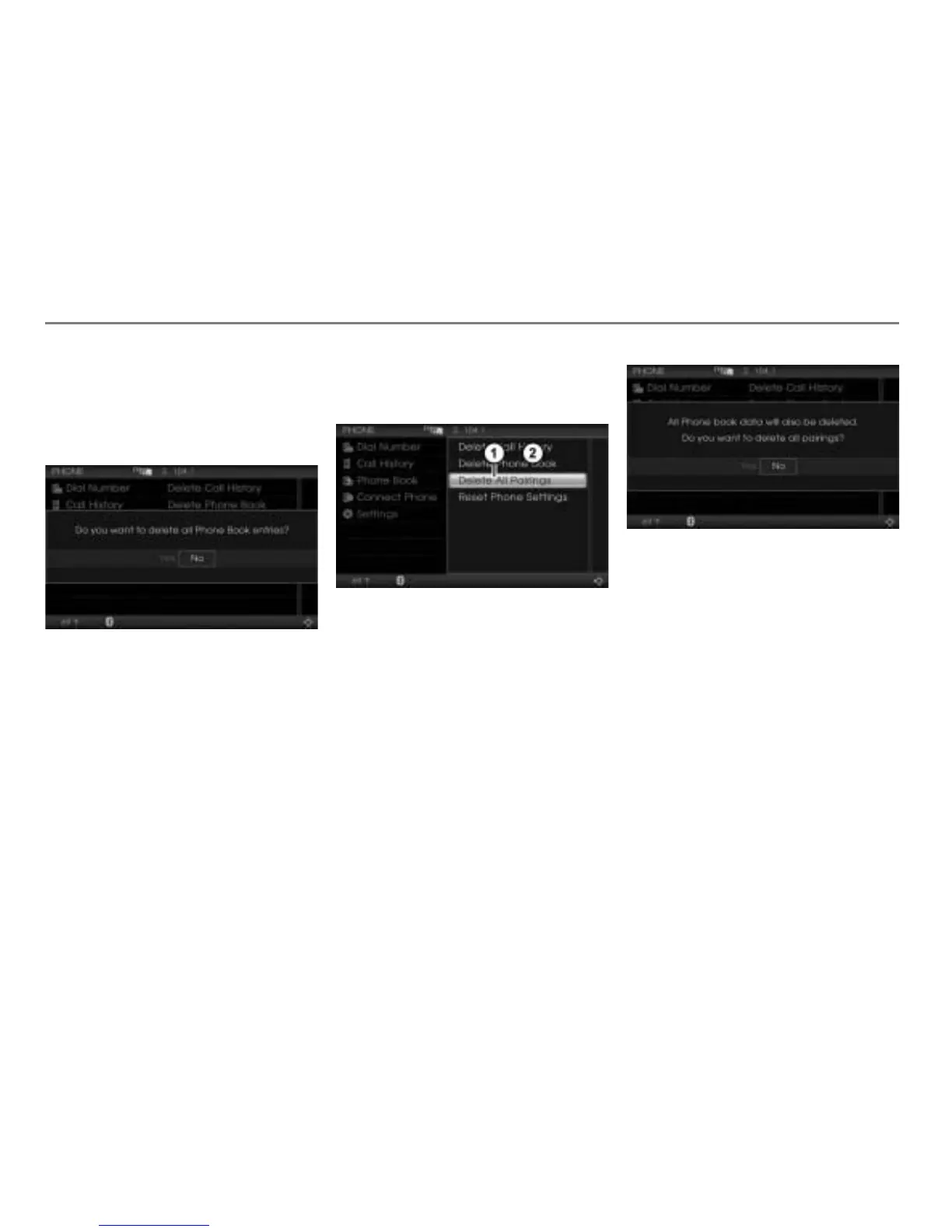
In the Initialization menu, select the
menu item
Delete Phone Book.
You will be prompted to confirm that
you really want to delete the complete
phonebook.
Select
Yes or No.
The complete phonebook will be
deleted or not, depending on the
answer selected.
Deleting all pairings
This function deletes all pairings as well as
the complete call history and phonebooks of
all mobile phones stored in the Driver
Information System.
Call up the Initialization menu, see the
section "Calling up the Initialization
menu" on page 168.
Delete All Pairings menu item
Initialization menu
In the Initialization menu, select the
menu item
Delete All Pairings.
You will be prompted to confirm that
you really want to delete all pairings.
Select
Yes or No.
All pairings will be deleted or not,
depending on the answer selected.
Resetting Bluetooth
®
settings to factory
setting
This function resets the following
Bluetooth
®
settings to factory setting:
Bluetooth
®
autoconnect (please see
section "Switching autoconnection
function on/off" on page 167 for details)
Bluetooth
®
passkey (please see
section "Changing the passkey" on
page 171 for details)



 To Next Page