308
INFO
System Settings
Open the System Settings menu, see
section “Opening the System Settings
menu” on page 304.
System Settings menu
To select a function: In the System
Settings menu, highlight the desired
menu item.
Push
the controller once.
The corresponding Options menu
appears. The current setting is
identified by the icon
.
To switch the function on or off:
Select the menu item
On or Off.
The function will be switched on or off,
depending on the menu item selected.
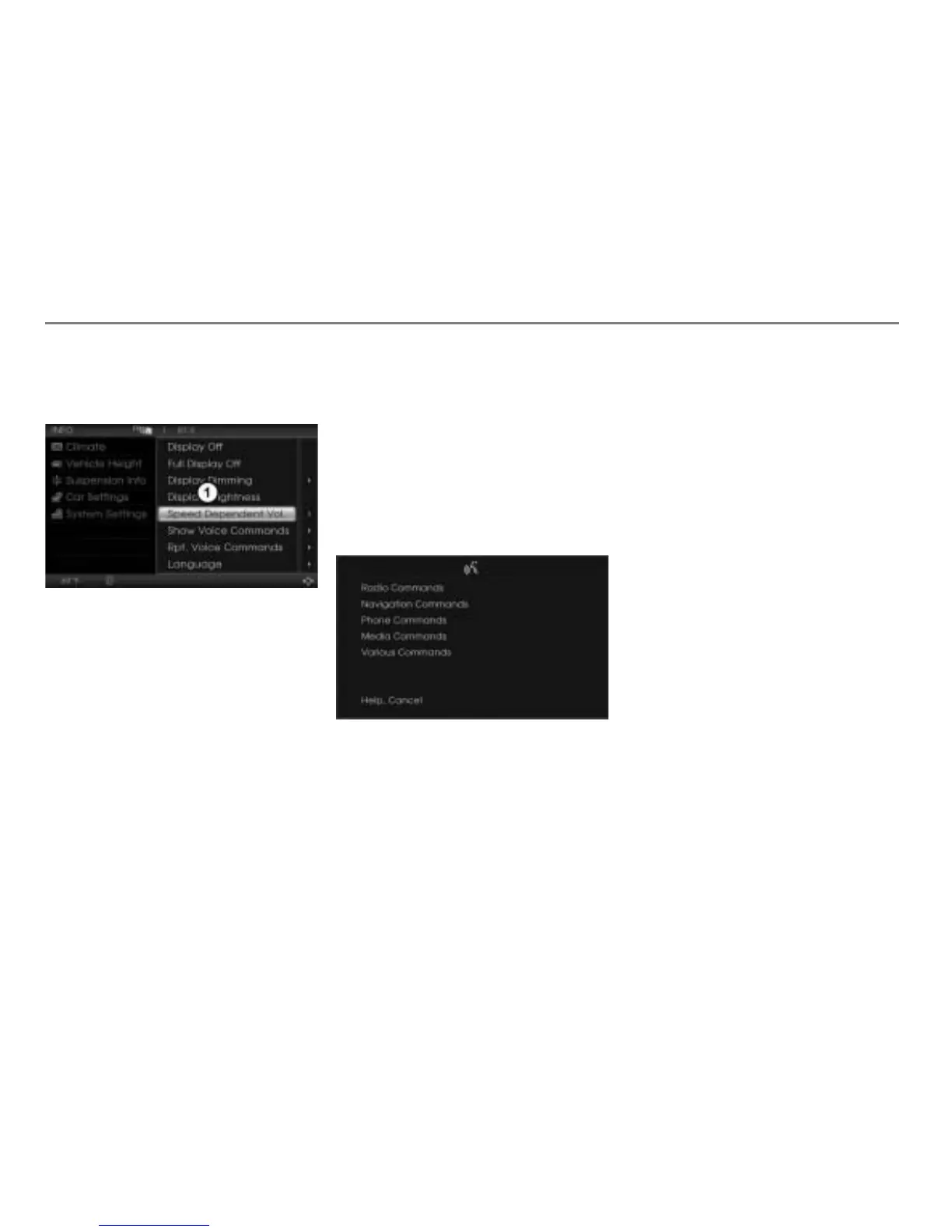
Speed Dependent Vol.
When this function is switched on, the
system volume will be automatically
adjusted depending on the vehicle speed.
Show Voice Commands (Teleprompter)
The visual help of the voice control system
is called teleprompter. It shows available
voice commands, see example illustration
below.
Rpt. Voice Commands
Many commands are repeated by the voice
control system when this function is
switched on.



 To Next Page