53
FM and AM mode
Audio and FM/AM HD Radio (TM) settings
After switching this function on while
listening to a HD Radio
TM
station not stored
in the presets, the system will switch from
the analog signal to the main channel of the
digital signal automatically.
Switching the function on/off
Open the FM HD Radio
TM
settings
menu, see section “Opening and
closing the FM HD Radio
TM
settings
menu” on page 52.
Status display
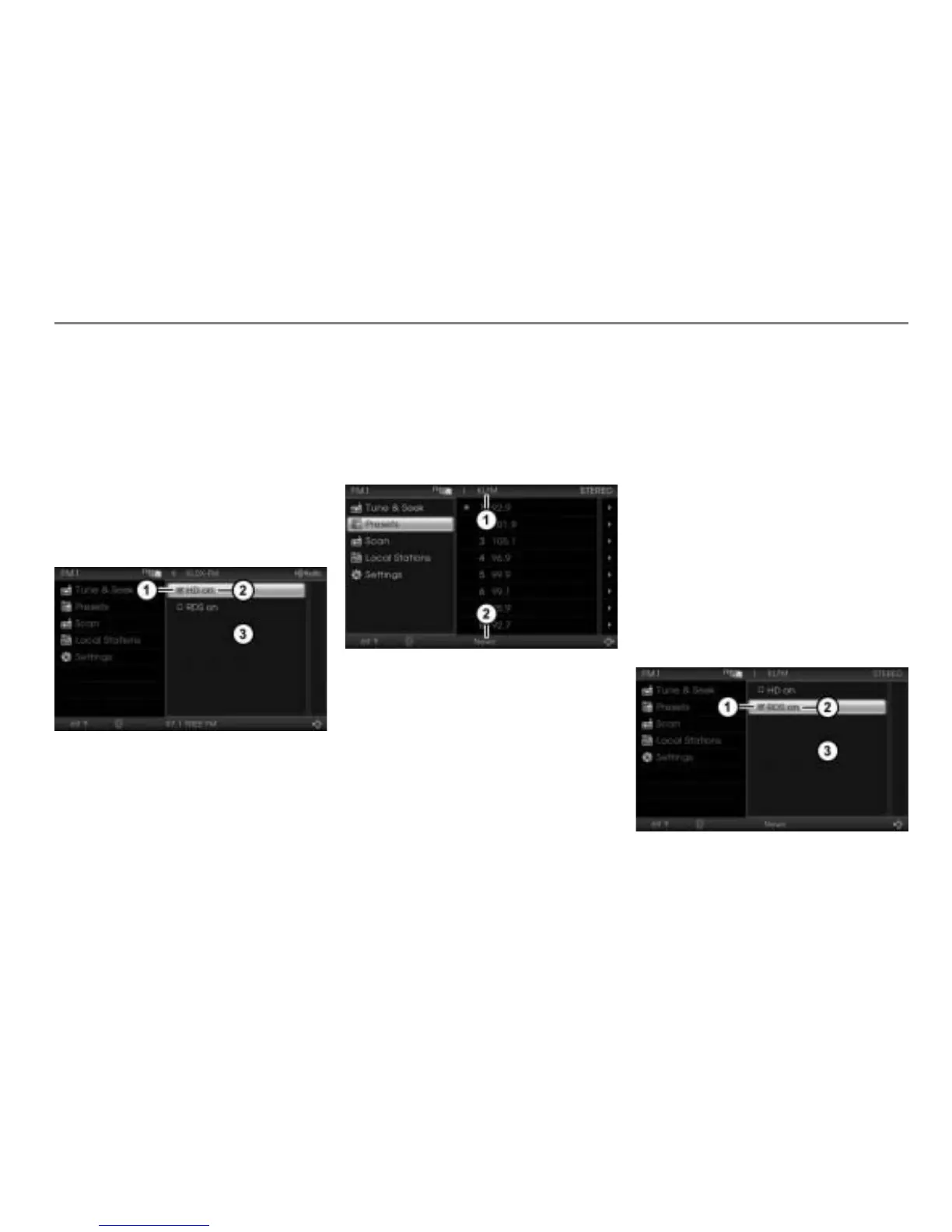
Menu item HD on
FM HD Radio
TM
settings menu
In the FM HD Radio
TM
settings menu,
select the menu item
HD on.
Depending on the previous status, the
function will be switched on or off.
The status display changes
accordingly.
Display
= function switched on
Display
= function switched off
RDS on
Station name or frequency
Program type (PTY code) or no display
If the function is switched off:
The upper status line always shows the
frequency of the currently tuned analog
FM radio station.
The lower status line shows no program
type (PTY code).
If the function is switched on:
The upper status line shows the name
of the currently tuned analog FM
station, if transmitted, else the
frequency will be displayed.
The lower status line shows the
program type (PTY code) of the
currently tuned analog FM station, if
transmitted, else no program type will
be displayed.
Switching the function on/off
Open the FM HD Radio
TM
settings
menu, see section “Opening and
closing the FM HD Radio
TM
settings
menu” on page 52.
Status display
Menu item RDS on
FM HD Radio
TM
settings menu



 To Next Page