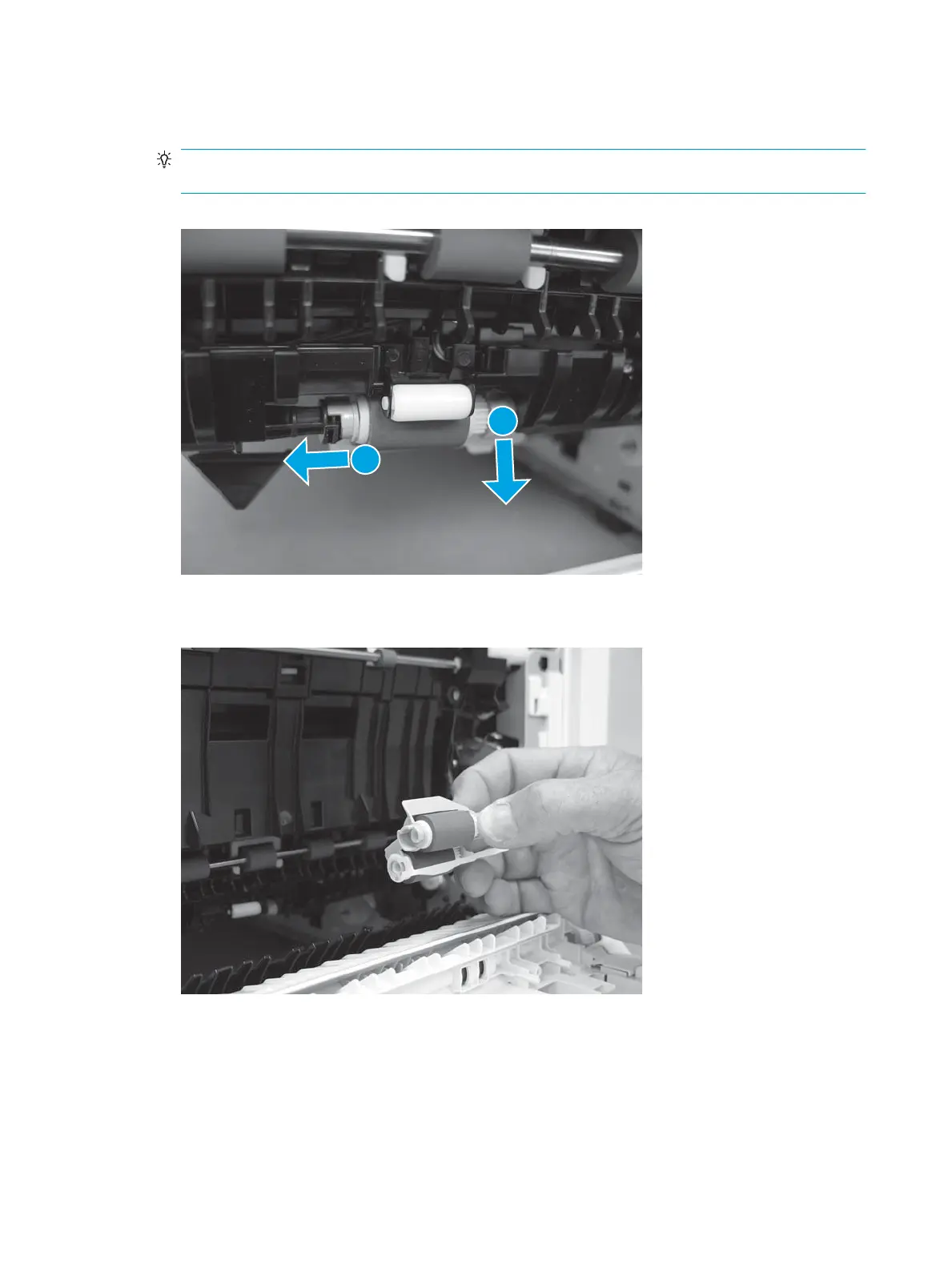
7. Slide the assembly to the left to compress the spring loaded shaft (callout 1), and then rotate the right
end of the assembly down and away from the printer (callout 2).
TIP: It might be easier to access the roller through the tray cavity, while viewing it through the right
door opening.
Figure 2-123 Slide the assembly to the left
8. Remove the roller assembly.
Figure 2-124 Remove the roller assembly
Step 2: Remove the Tray 2-X separation roller
1. Locate the tray separation roller.
432 Chapter 2 Solve problems ENWW


 To Next Page
 Loading...