5 Human machine interface
Start screen
MB-20-G/MB-200G-W_MB-LABmaster_MB-200 MOD_TP700
Operating Manual - V5.0 - 04/2018 - STD
Page
5 - 5
Information section
The information section displays status information, system visualisation and icons. The
icons in this section are buttons at the same time. When touching them, further screens
with more information and settings are opened.
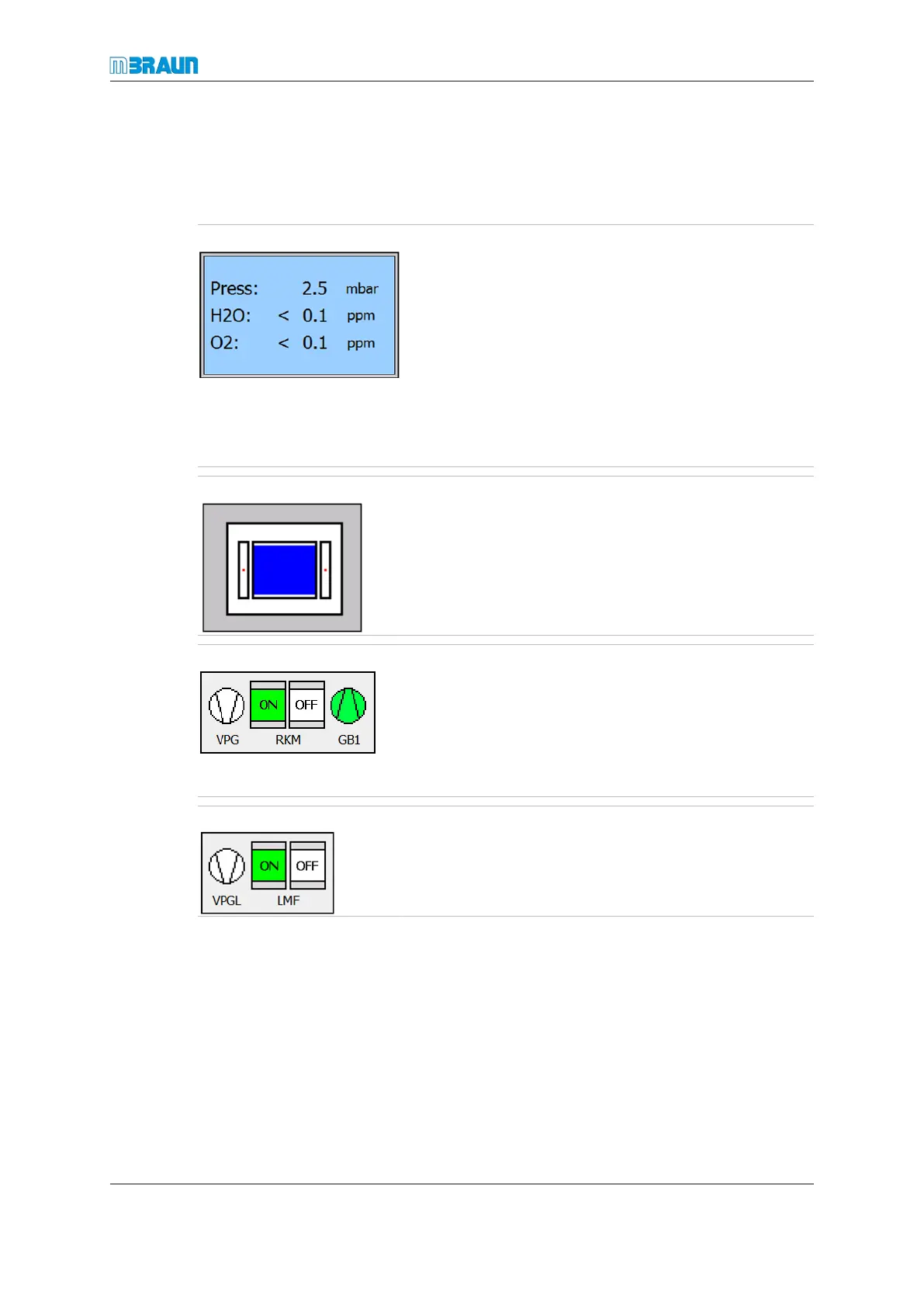
Box icon
Displays the values of the glovebox atmosphere:
¡ Glovebox pressure
¡ Current H
2
O concentration
¡ Current O
2
concentration
¡ Freezer temperature (optional)
¡ Other gas concentrations (optional, e.g. H
2
)
► Touch the Box icon.
ð The "Box parameters" screen is displayed.
Antechamber icon
The blue colour indicates the level of atmospheric pressure
in the antechamber. If the icon is completely blue, the
pressure in the antechamber is equal or near atmospheric
pressure.
RKM icon
RKM icon (example: dp)
Vacuum Pump icon (vacuum pump)
GB1 icon (blower)
► Touch the icon to display the Purification unit screen
(refer to Screen components [}5 - 6]).
LMF icon
LMF icon (solvent filter unit; example: double LMF)
VPGL icon (dedicated vacuum pump to the solvent filter,
optionally)



 To Next Page