9 Antechamber operation (Vacuum antechamber)
PLC-controlled loading and unloading
Page
9 - 14
MB-20-G/MB-200G-W_MB-LABmaster_MB-200 MOD_TP700
Operating Manual - V5.0 - 04/2018 - STD
2
Optional feature, refer to chapter "Antechamber operation"
Set value = 0 : function is deactivated
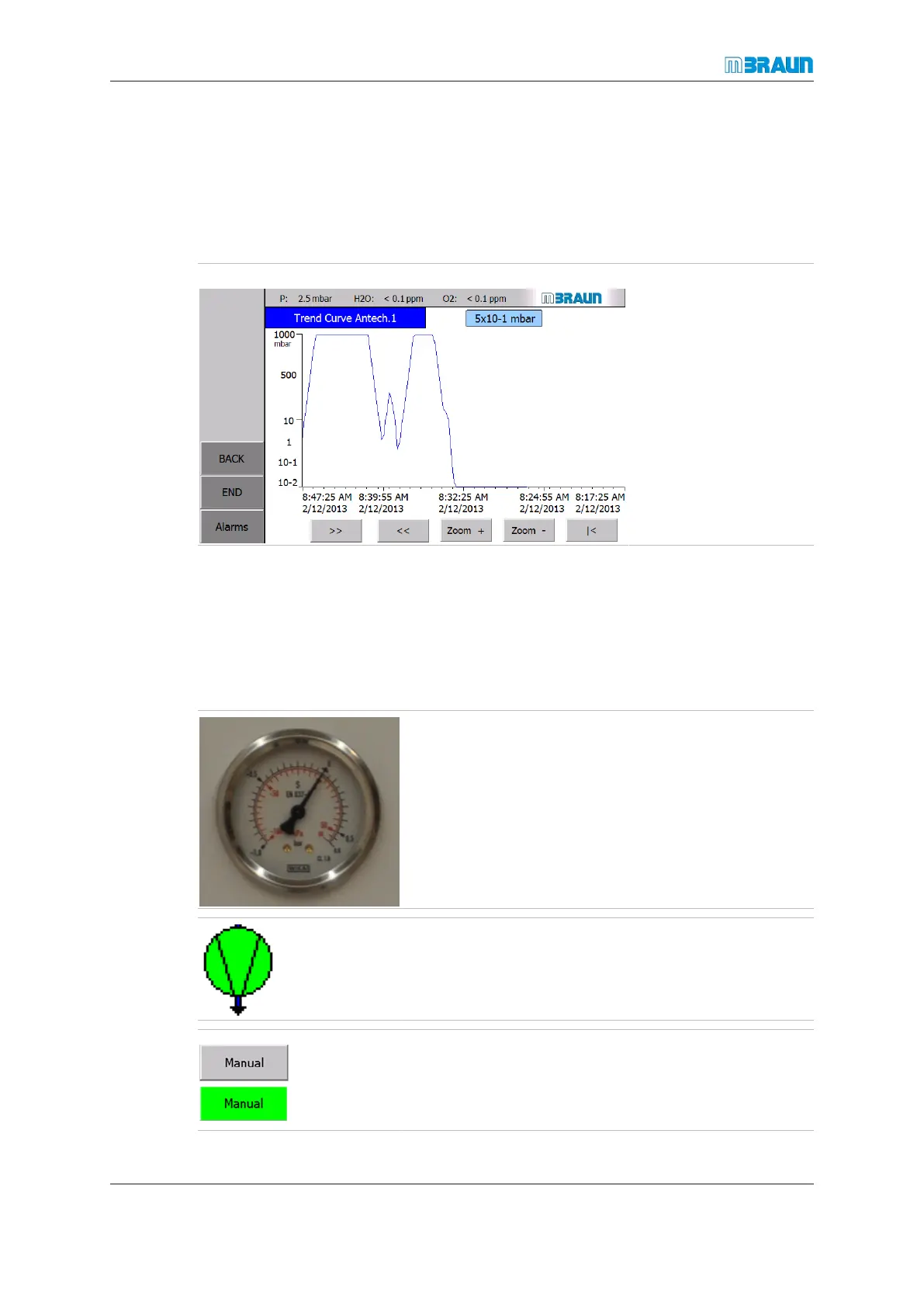
9.5.3 Trend curve
Vacuum antechamber: Displays the trend of the vacuum value for the antechamber
Start Screen ⇨ Antechamber icon ⇨ Trend Curve
9.5.4 Antechamber cycle operation
PLC-controlled, manually operated
The antechamber functions "Evacuation" and "Refilling" are started and stopped manually
by the operator using buttons on the touch panel.
The antechamber pressure is manually monitored on the mechanical pressure gauge.
The antechamber pressure is indicated by a mechanical
pressure gauge on MBRAUN antechambers. During the
evacuation and refilling process:
► Monitor the antechamber pressure.
¡ End pressure after evacuation: -950mbar (-95kPa)
¡ End pressure after refilling: - 400mbar (-40kPa) …
-200mbar (-20kPa)
¡ End pressure after final refill: box/enclosure pressure
When evacuation starts, the vacuum pump is also
switched on automatically if it had been previously been
off.
► Touch the Manual button.
ð Button colour changes to green.
ð The buttons Evacuate and Refill are enabled.



 To Next Page