5 Human machine interface
Menu Screen selection screen
Page
5 - 10
MB-20-G/MB-200G-W_MB-LABmaster_MB-200 MOD_TP700
Operating Manual - V5.0 - 04/2018 - STD
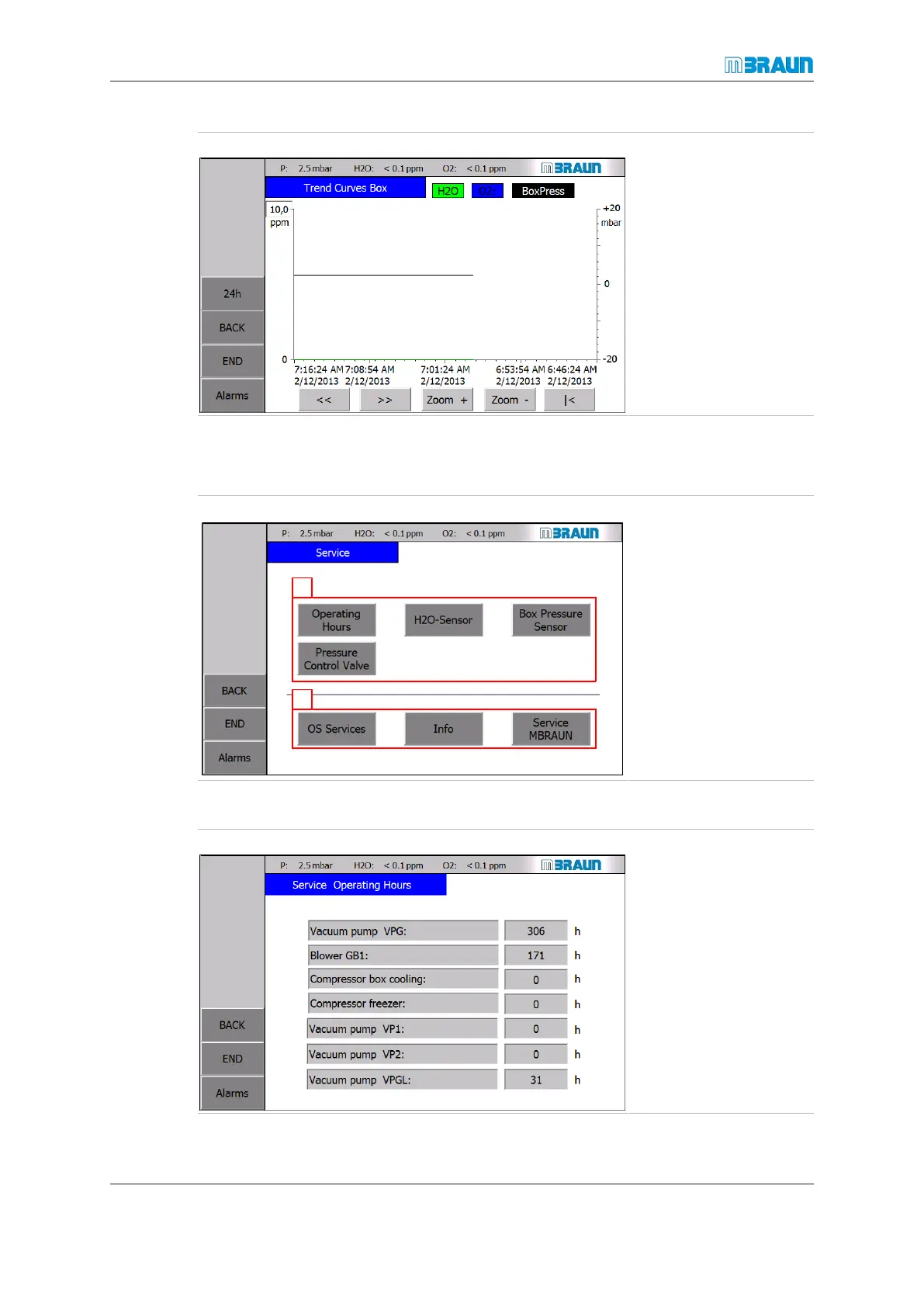
Start Screen ⇨ Menu ⇨ Box Trend Curves
For further information on specific trend screens refer to the following chapters.
5.8.3 Service screen
Start Screen ⇨ Menu ⇨ Service
1. Buttons provide ac-
cess to monitoring
and test functions.
2. Buttons provide ac-
cess to system in-
formation and to
MBRAUN Service
functions.
Display operating hours of system components
Start Screen ⇨ Menu ⇨ Service ⇨ Operating Hours



 To Next Page