11 Troubleshooting
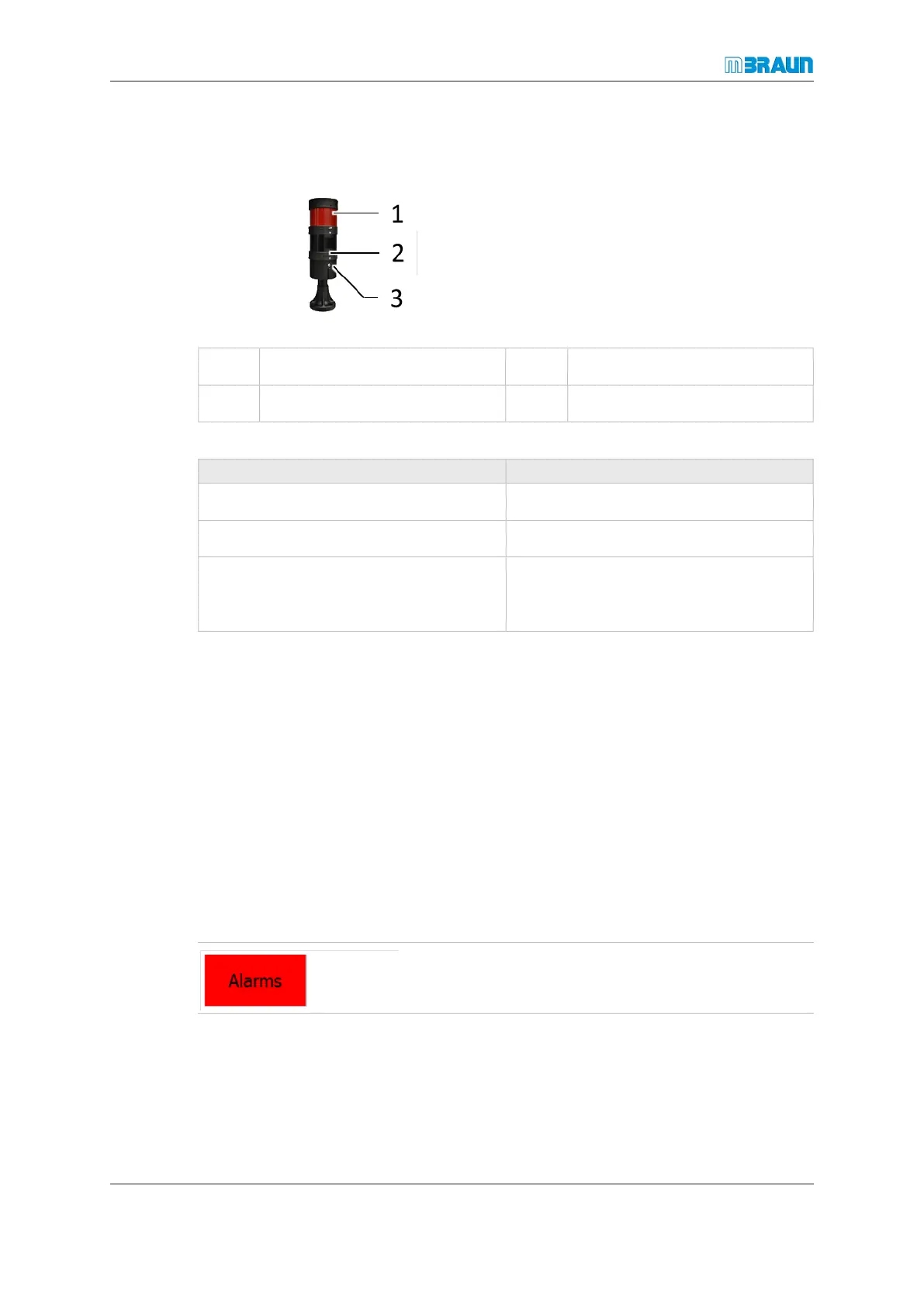
Stack light (optional)
Page
11 - 4
MB-20-G/MB-200G-W_MB-LABmaster_MB-200 MOD_TP700
Operating Manual - V5.0 - 04/2018 - STD
11.2 Stack light (optional)
1 Red signal lamp 2 Green signal lamp
3 Optional: audible alarm
Every warning is indicated by visual (and optional audible) signal:
Status Description
Green lamp lit Fault-free operation
Red lamp lit New warning message
Audible alarm active Sounds in addition to lit red lamp to indic-
ate that a parameter is outside the set
range.
An alarm is switched off when the warning message is acknowledged. Refer to the sec-
tion ACK Warning and alarm messages [}11 - 4].
11.3 ACK Warning and alarm messages
11.3.1 Acknowledgement of a message
The Alarms button in the navigation bar changes its colour to red in case of an existing
message: A message can indicate:
¡ Error in operation
¡ System error
¡ Component failure
► Touch the red flashing button Alarms.
ð The Warning Screen appears.



 To Next Page