10A myMBRAUN App
Functions
MB-20-G/MB-200G-W_MB-LABmaster_MB-200 MOD_TP700
Operating Manual - V5.0 - 04/2018 - STD
Page
10A - 7
10A.2 Functions
10A.2.1 Settings
Connecting to a registered glovebox
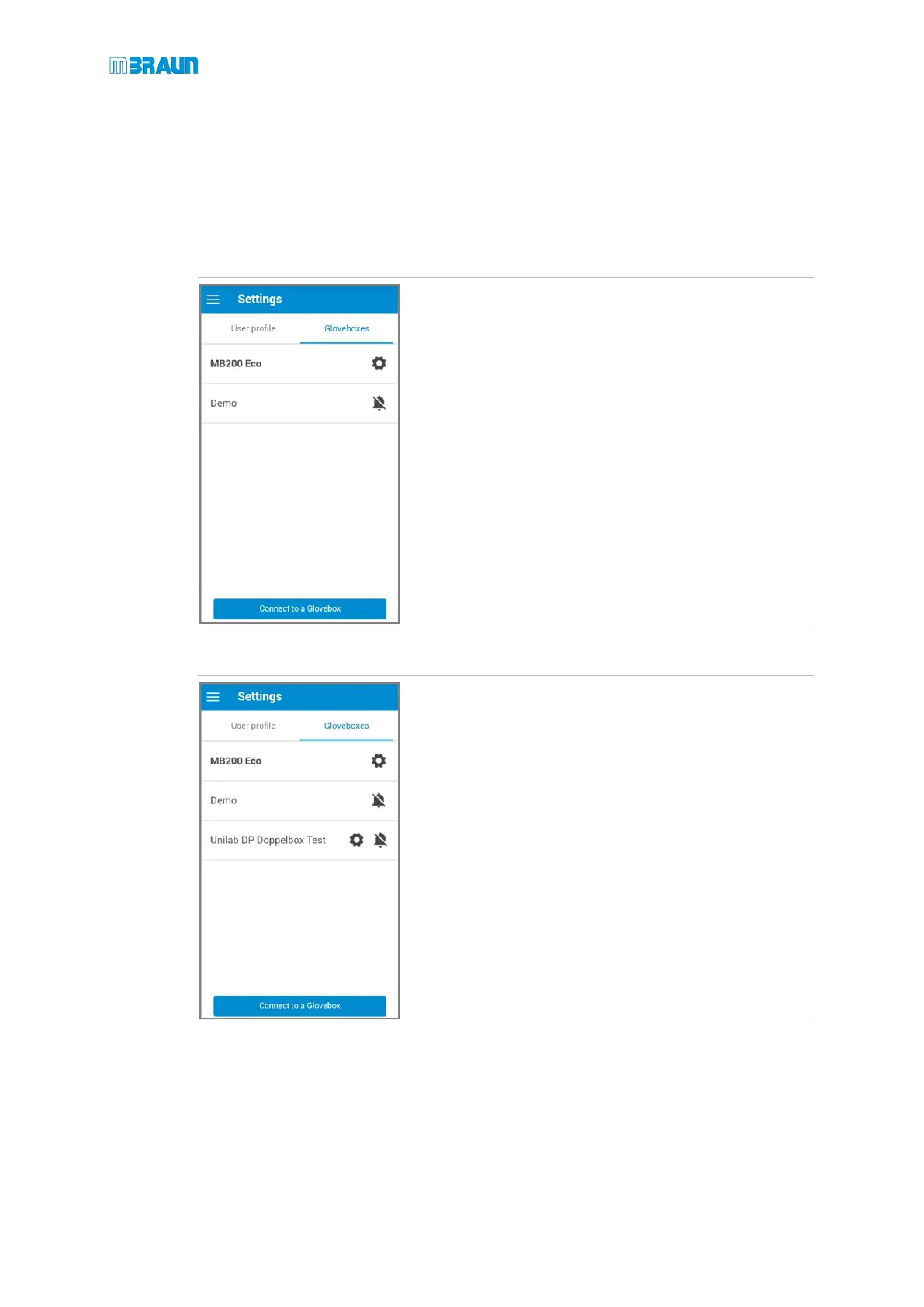
After a glovebox has been registered, its name is displayed in the glovebox list.
► Select Settings.
► Select Gloveboxes.
Changing glovebox settings
► Select Settings.
► Select Gloveboxes.
► Touch the bell icon to activate or to deactivate push
messages from the glovebox.
► Touch the name of the glovebox to open the Glove-
box Settings page.



 To Next Page