5 Human machine interface
Default parameter values
Page
5 - 14
MB-20-G/MB-200G-W_MB-LABmaster_MB-200 MOD_TP700
Operating Manual - V5.0 - 04/2018 - STD
► Navigate to screen OS Services.
► Touch the LOGIN button.
ð The LOGIN screen is displayed.
► Continue as described above (refer to Logon [}5 - 13]).
ð If the login was successful, all protected buttons are available.
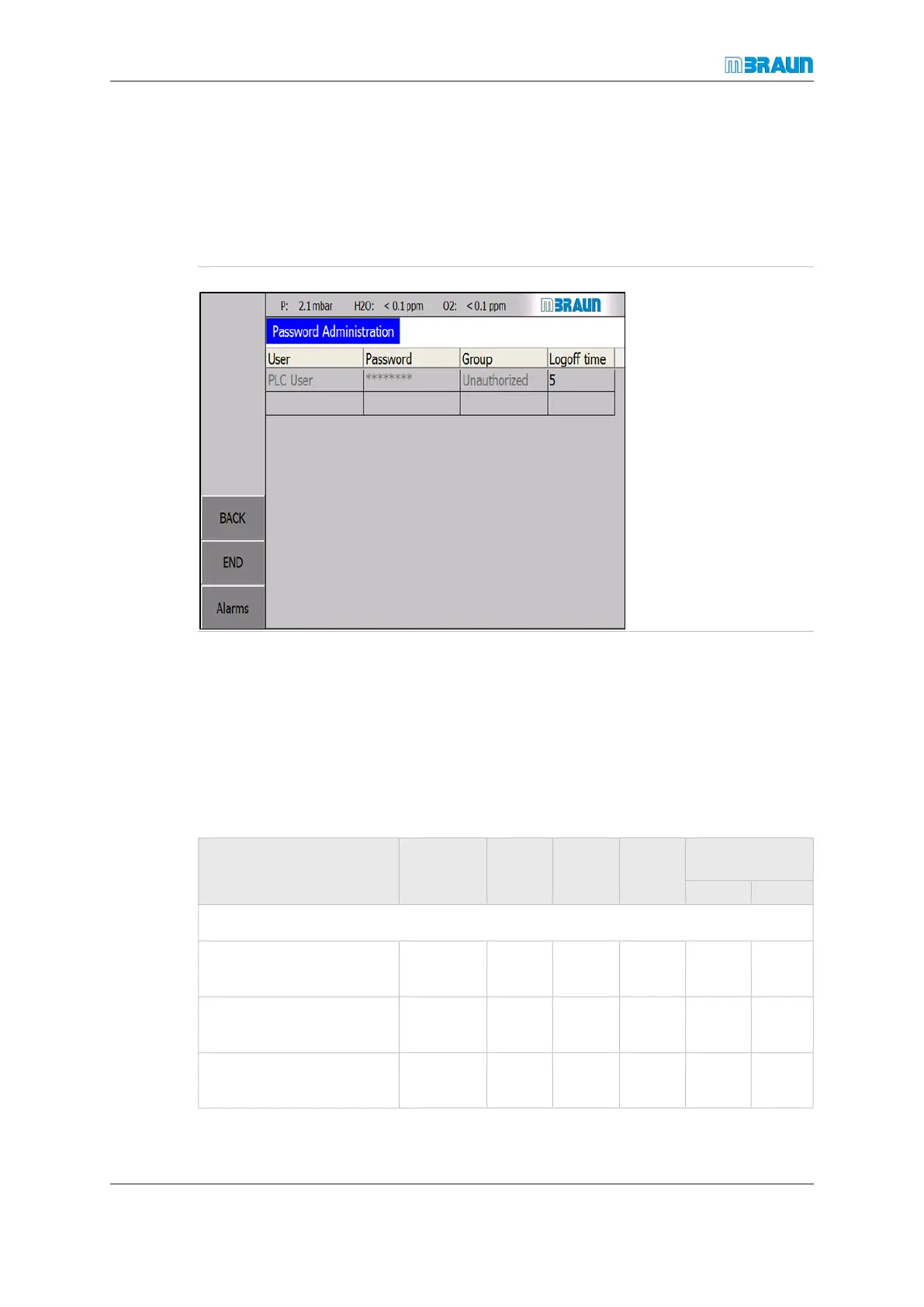
Password administration
Password administration
can be used to assign
passwords to personnel
on the subordinate au-
thorization level. Different
users can be configured
with different permissions.
Navigate to the OS Ser-
vices screen.
► Touch the Pass-
word administra-
tion button.
► Touch an empty row
and enter the appro-
priate information.
5.9.2 Logout
If no touch panel input to the system has occurred for more than the specified logout
time, an automatic logout occurs. Manual logout is also possible.
► Navigate to OS Services screen.
► Touch the LOGOUT button.
5.10 Default parameter values
Parameters for
MBRAUN basic systems
Factory
setting
Unit
Min
value
Max
value
Operator set
value
Min. Max.
Gas purifier RKM / LMF
Normal speed of circula-
tion blower
100 % 60 100
H
2
percentage for regen-
eration gas
≥ 5 % < 5 ≥ 5
Regeneration duration 150 / 300 min no
limit
no
limit



 To Next Page