5 Human machine interface
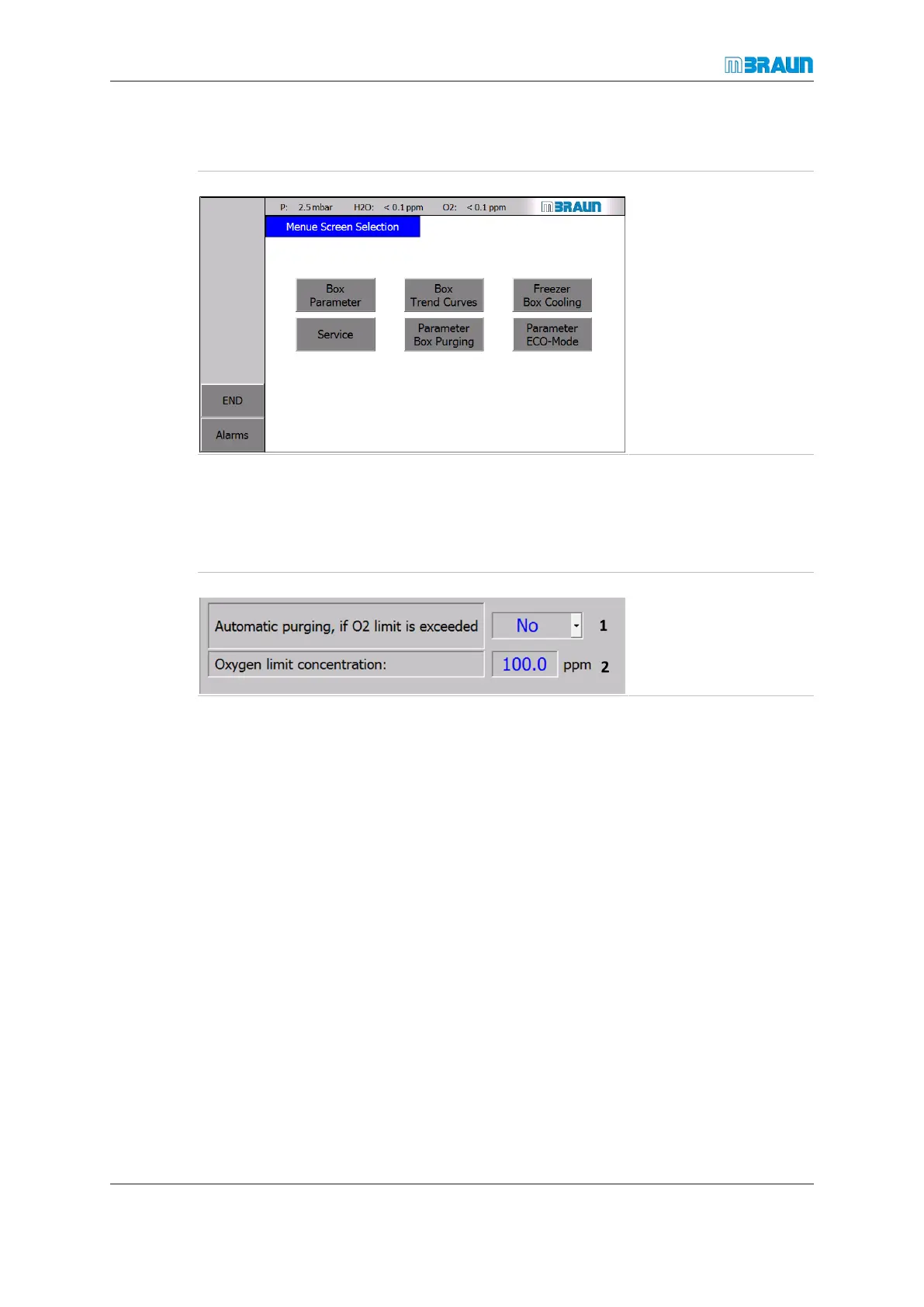
Menu Screen selection screen
Page
5 - 8
MB-20-G/MB-200G-W_MB-LABmaster_MB-200 MOD_TP700
Operating Manual - V5.0 - 04/2018 - STD
5.8 Menu Screen selection screen
Start Screen ⇨ Menu
Which buttons are dis-
played depends on the in-
stalled system functions.
Usually, there is one but-
ton for every function of
the inert gas system.
5.8.1 Parameter screens
System parameters are pre-configured at the factory. Parameters for the system or for
the system components can be adjusted within a given range if the parameter field is dis-
played in blue colour.
Changing parameters
1 Pull-down
menu
2 Alphanu-
meric in-
put field
Pull-down menu
► Touch a input field with ▼-symbol (1).
ð The predefined options are displayed.
► Touch the required option.
ð The parameter is changed.



 To Next Page