7 Gas purifier operation
Regeneration operation
MB-20-G/MB-200G-W_MB-LABmaster_MB-200 MOD_TP700
Operating Manual - V5.0 - 04/2018 - STD
Page
7 - 21
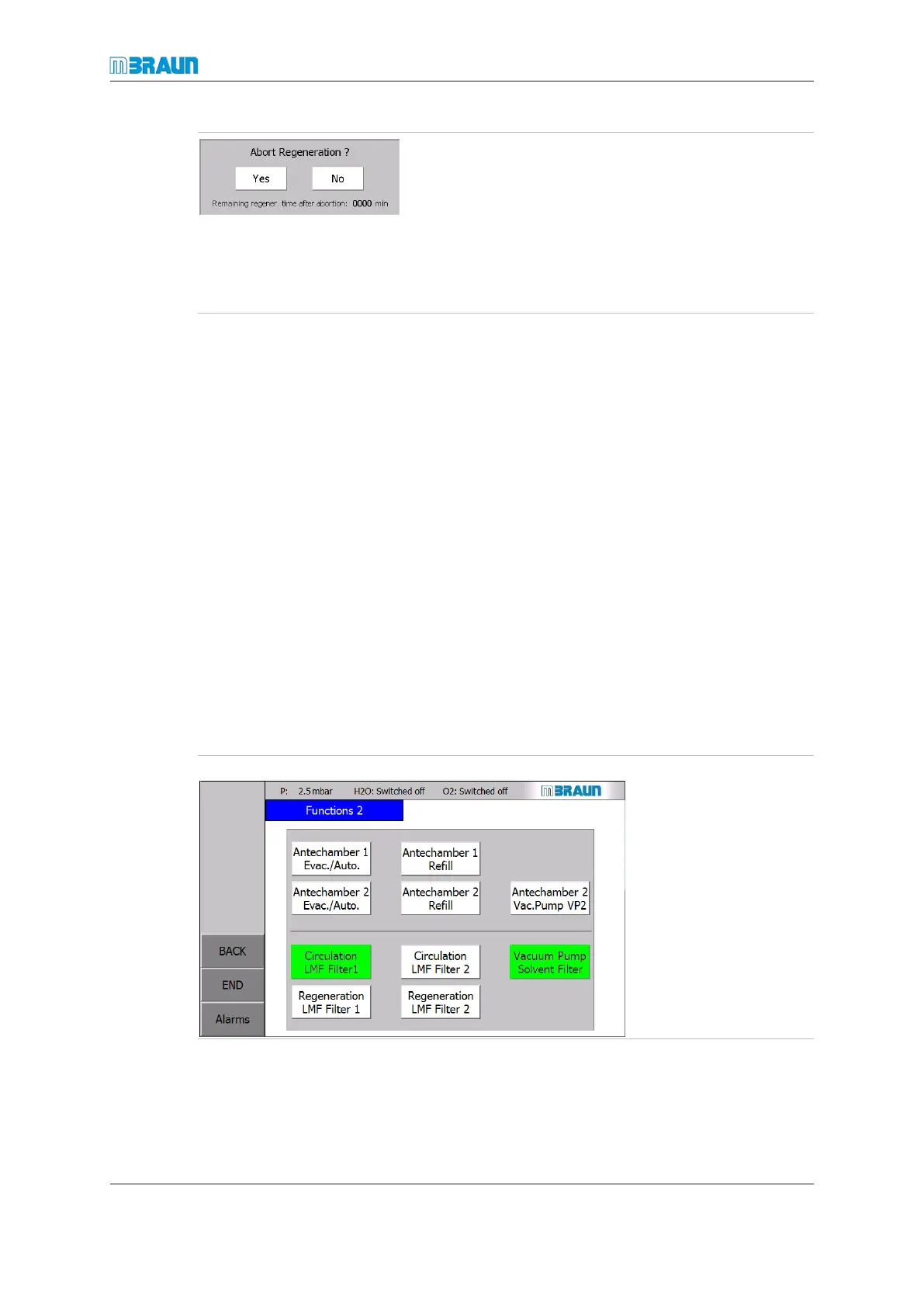
Confirmation dialogue3 which also displays the actual re-
maining regeneration sequence time in minutes.
► To cancel regeneration, touch “Yes”.
ð The regeneration is aborted.
ð The regeneration top bar disappears.
► To continue regeneration, touch “No”.
ð The regeneration sequence continues.
Automatic activation
The operator can configure an automatic activation of the circulation after the regenera-
tion and an automatic start of the regeneration after a defined time interval. For further in-
formation refer to Purification unit [}7 - 4].
7.5.3 Solvent filter regeneration
The regeneration of the solvent filter follows the principles of the gas purifying system.
¡ The solvent filter is regenerated using pure inert gas (operating gas).
¡ No inert gas/hydrogen mixture must be used.
Systems with solvent filters are equipped with a bypass valve.
This allows regeneration of the solvent filter while the gas is circulated only through (H
2
O/
O
2
) reactor.
The procedure for activating and deactivating a solvent filter regeneration is the same as
for activation/deactivation of a reactor regeneration.
Activating and deactivating the LMF regeneration
Activating the regeneration
Start Screen ⇨ Functions
► Touch the Regen-
erat. LMF Filter 2
button.
ð The button colour
changes from white to
green.
ð Solvent filter 2
changes to regenera-
tion mode.



 To Next Page