9 Antechamber operation (Vacuum antechamber)
PLC-controlled loading and unloading
MB-20-G/MB-200G-W_MB-LABmaster_MB-200 MOD_TP700
Operating Manual - V5.0 - 04/2018 - STD
Page
9 - 15
Start Screen ⇨ Antechamber icon
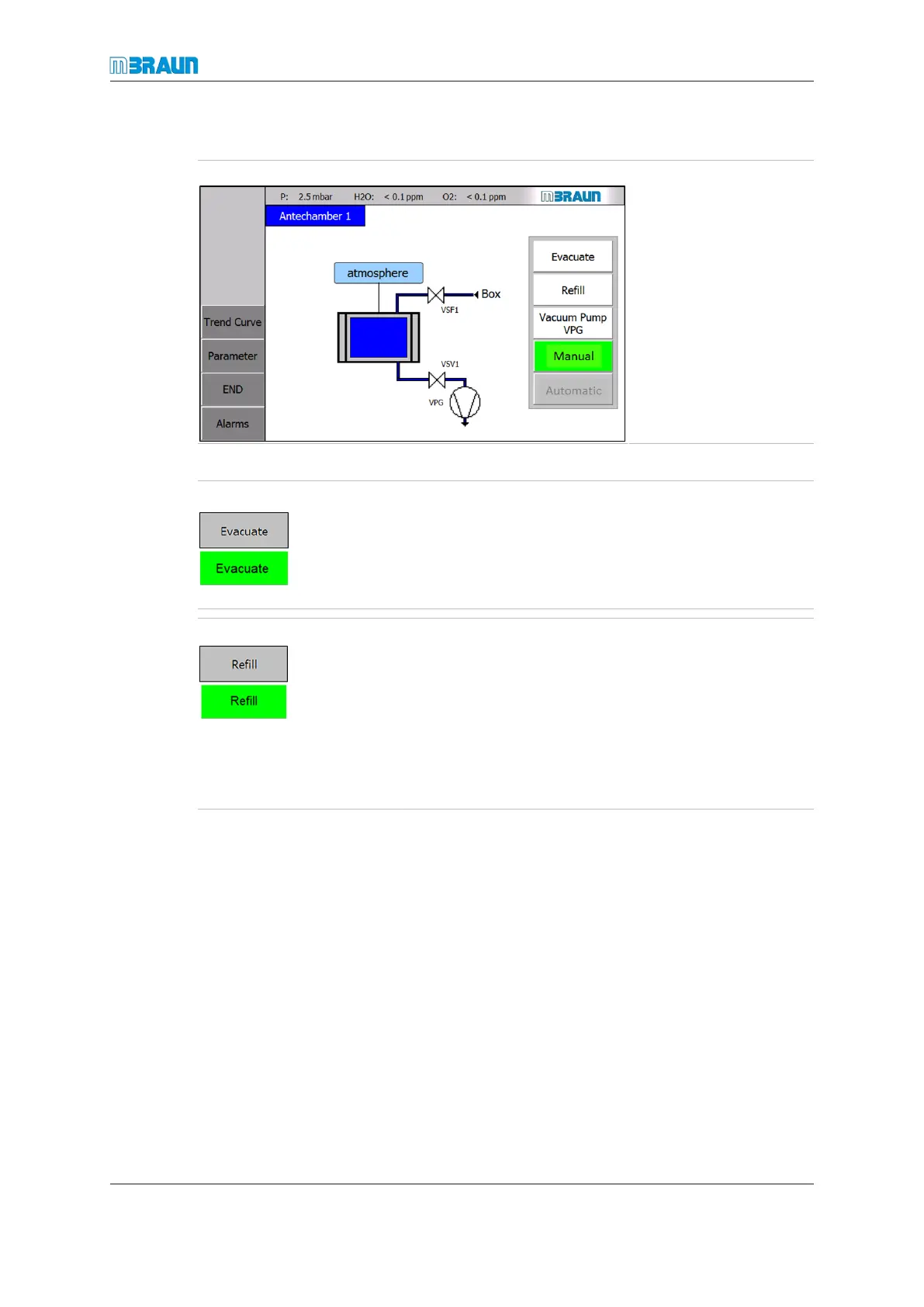
Manual operation
switched on:
¡ Evacuate and Refill
buttons are enabled
(black letters on white
background).
¡ Automatic mode is
disabled.
To evacuate:
► Touch Evacuate button.
ð Button colour changes to green.
ð Evacuation starts.
ð Wait until antechamber pressure falls to -95kPa.
To refill:
► Touch Refill button.
ð Button colour changes to green.
ð Gas flows from glovebox or enclosure to the ante-
chamber.
► Wait until the pressure in the antechamber climbs to a
value between -40 … - -20 kPa.
► Touch the Refill button again.
Antechamber refilling in manual mode is limited to a runtime of 10minutes. Once this
time has expired, the function switches off automatically.
¡ The "Refill" function can be switched on again.
¡ The "Automatic operation" function can be switched on.
► Repeat evacuation and refill sequence 3 times.
After 3 evacuation and refill cycles have been completed:
► Open the inside door for loading.
► Open the outside door for unloading.



 To Next Page