6 Operating mode principles
Starting up the system
Page
6 - 2
MB-20-G/MB-200G-W_MB-LABmaster_MB-200 MOD_TP700
Operating Manual - V5.0 - 04/2018 - STD
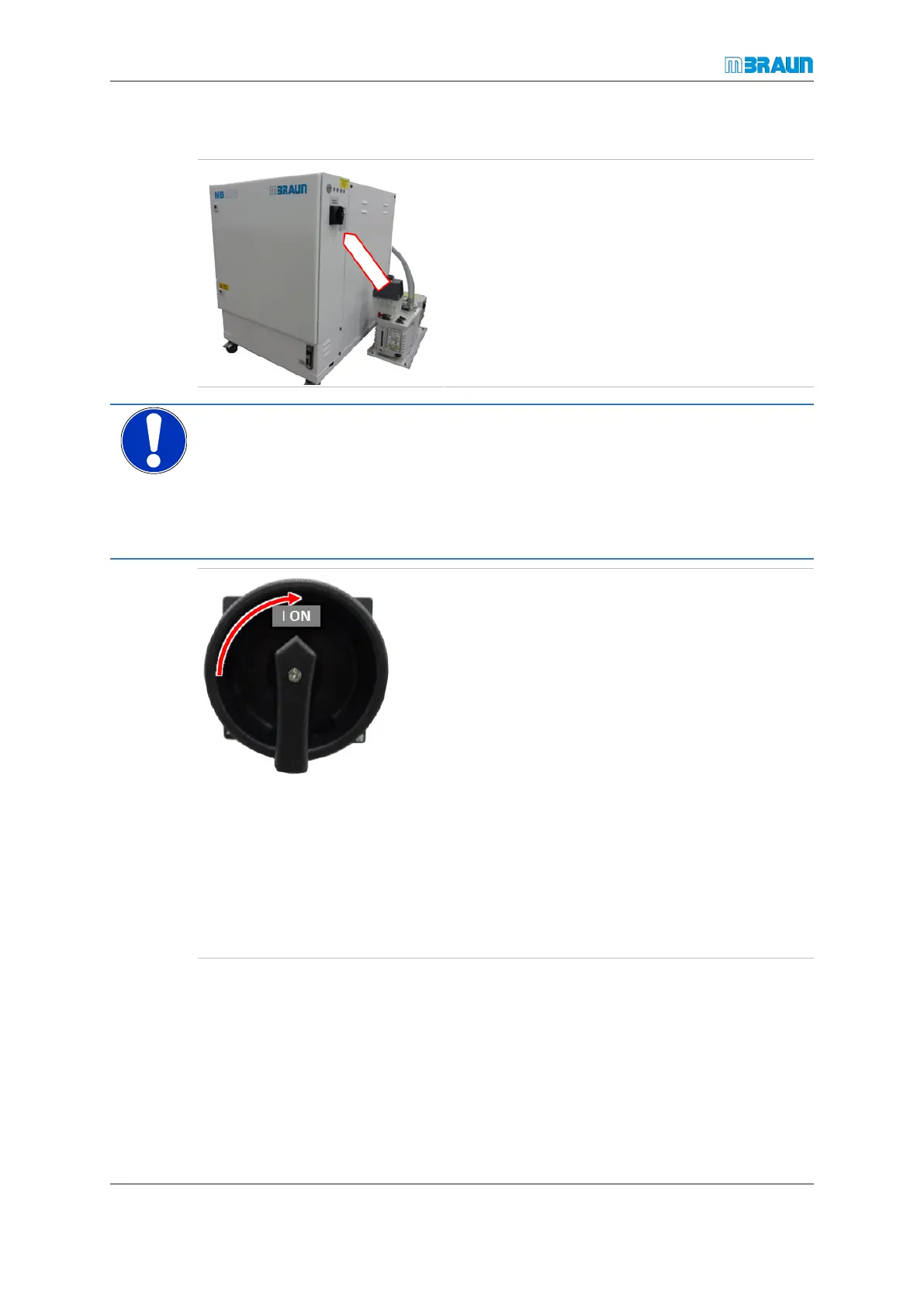
System power on
The main switch is located on the sidewall of the sys-
tem’s electrical cabinet (see arrow).
NOTICE
An Oxygen concentration > 100 ppm in the glovebox will cause the reactor to over-
heat
Property damage
► Purge glovebox to an O
2
concentration < 100 ppm (V).
► Never activate circulation if O
2
concentration is > 100 ppm (V).
► Turn the main switch from the “0” position (off) to “I”
position (on).
ð The system runs a self-test.
ð The touch panel boots up.
ð After booting, the start screen is displayed on the
touch panel.
ð After a restart, the system configuration that was active
before the last switch-off will be used.
► Monitor the readings from the analysers: circulation is
only permitted when the O
2
concentration in the atmo-
sphere of less than approx. 100 ppm (V).
► If there are two RKMs, check whether the circulation
is taking place through a regenerated RKM.
► If there is no regenerated RKM (e.g. after a lengthy
system downtime) start the regeneration.
► If the O
2
concentration is less than 100 ppm (V) and a
regenerated RKM is active, switch circulation on.



 To Next Page