12 Maintenance
Maintenance works
MB-20-G/MB-200G-W_MB-LABmaster_MB-200 MOD_TP700
Operating Manual - V5.0 - 04/2018 - STD
Page
12 - 19
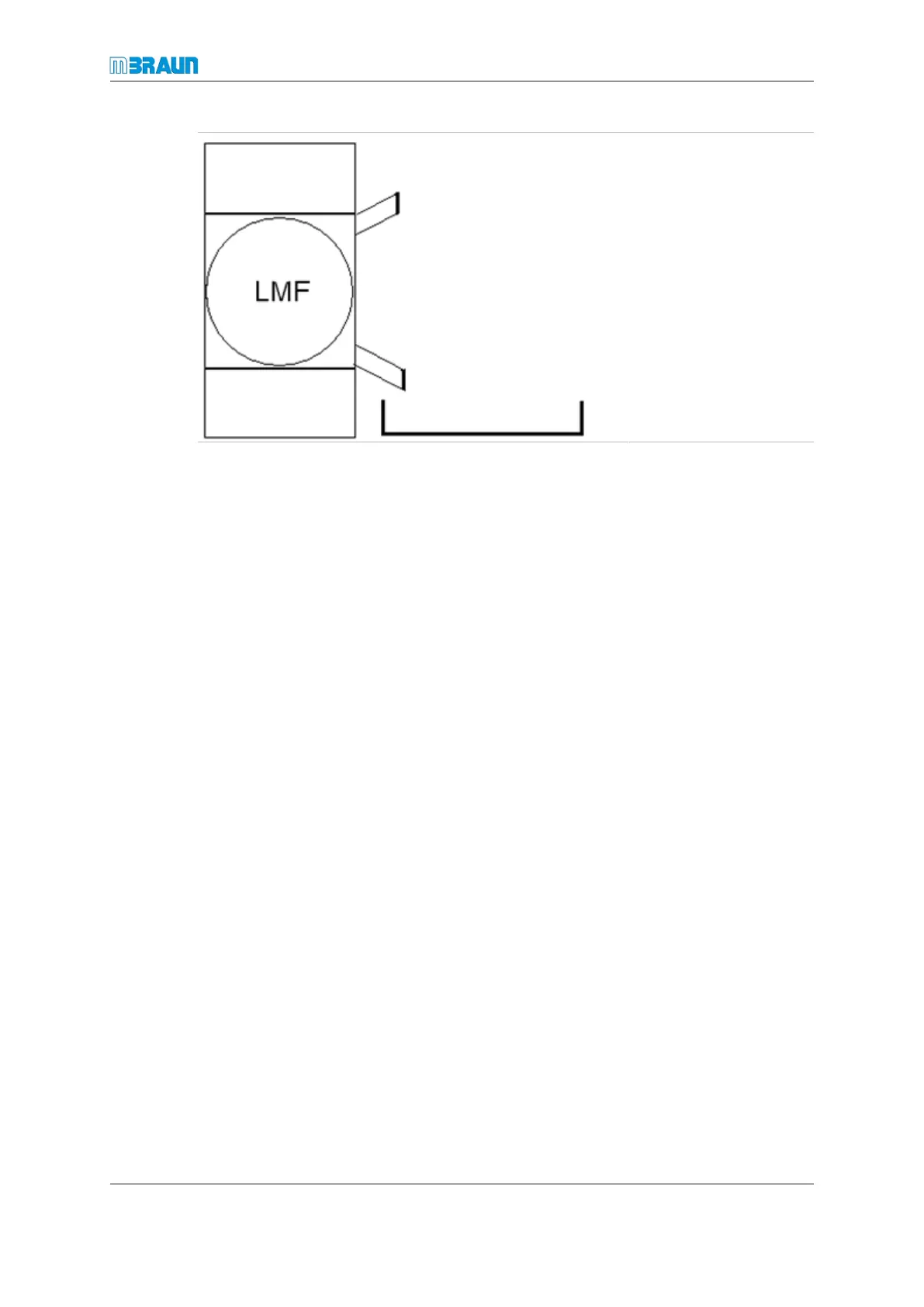
Emptying the LMF:
► Open the flange for
emptying (OUT).
► Collect the used filter
medium in the pre-
pared container.
► Clean the filler pipe
thoroughly.
► Clean the flange with
alcohol.
► Close the flange.
Filling the LMF with new activated carbon
► Open the flange for filling (IN).
► Fill with activated carbon.
► Close the flange.
Evacuate the solvent filter
► Adjust valve 4 to position “Evacuate”.
► Leave valve 4 in this position for 6hours.
► After an evacuating time of 6 hours, adjust valve 4 to position “Refill” and wait until
the manometer shows the value “0”.
► Evacuate and refill the LMF system 3times.
► Adjust valve 4 to position closed.
Return to normal operation
► Open valve 1 and 2 to leave the bypass mode.
► Close bypass valve 3.
The solvent filter can return to circulation mode (refer to chapter Solvent filter operation
(optional)).
Disposing of replaced components
The filter material of solvent filters (activated carbon) can be contaminated by process
chemicals and solvents.
► Follow the requirements from the safety data sheets (material data sheets) of the
process materials used.
► Dispose of the filter material according to the locally applicable national guidelines.



 To Next Page