SimradEK15
6DisplayOptions
ThepurposeoftheDisplayOptionsdialogboxistocontrolthelocationofthemenu,
andwhichinformationtobeprovidedontheTitleBarandtheStatusbar.Italso
controlswhichtooltipstodisplay.
→DisplayOptionsdialogboxonpage166
7About
TheAboutdialogboxallowsyoutoseethecurrentEK15softwareversion.
→Aboutdialogboxonpage169
Setupmenu
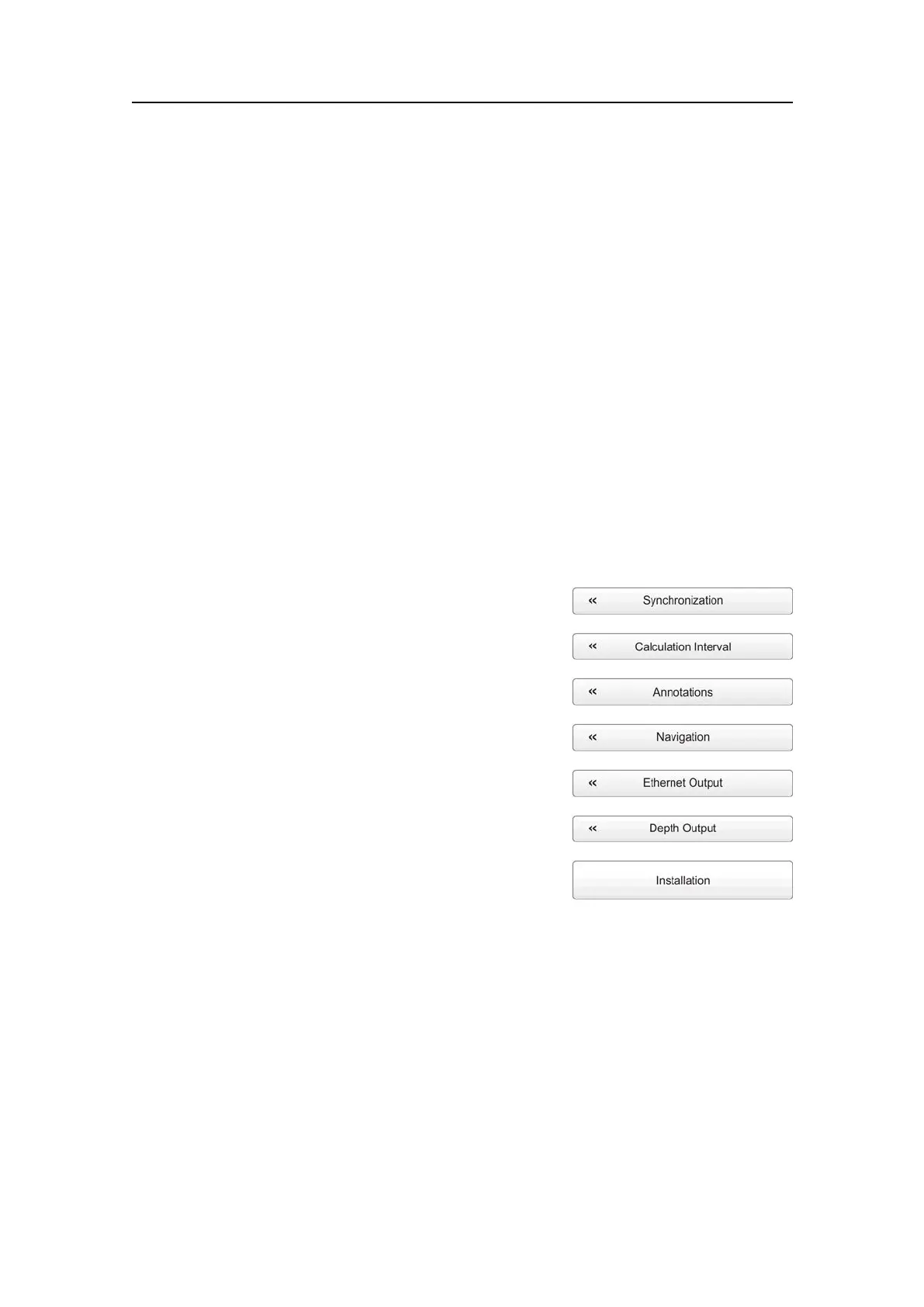
ThefollowingfunctionsandparametersareavailablefromtheSetupmenu.
ClickonceontheiconundertheMainmenutoopentheSetupmenu.Clickonemore
timeontheicontoclosethemenu.
1Synchronization
ThepurposeoftheSynchronizationdialogboxisto
setuptheEK15tooperatealone,orasamasteror
slaveinasynchronizedsystem.Synchronizationis
requiredinordertoavoidinterferenceiftheEK15
isusedsimultaneouslywithotherhydroacoustic
instrumentswithinthesamefrequencyrange.
→Synchronizationdialogboxonpage171
2Annotations
ThepurposeoftheAnnotationsdialogboxisto
allowyoutoentercommentsandannotations
intotheechograms.
→Annotationsdialogboxonpage173
3CalculationInterval
TheCalculationIntervaldialogboxallowsyoutodenethetime,numberofpings,
orpartoftheechogramviewusedtocalculatethebiomassandthesizedistribution.
→CalculationIntervaldialogboxonpage174
4Navigation
TheNavigationdialogboxcontrolshowtheEK15receivesinformationfrom
externalperipherals,suchasnavigationandgyrocompasssystems.
→Navigationdialogboxonpage176
138
351718/C







 To Next Page