3. Repair Instructions 1/2010 3 - 71
BA-TE-DE08C M.KAY
Dialog+ SW9xx_sm_Chapter 3_1-2010.doc/pdf <100329> yymmdd
B. Braun Avitum AG
Dialog
+
SW 9.xx
TLCver=90832/VX_XX
The utility compares the top level controller version number (TLCver) stored in
the system configuration file with the top level controller version number from
the Dialog+. The system configuration file can be written only if they match.
Example
TLCver = V8_20 (top level controller version number)
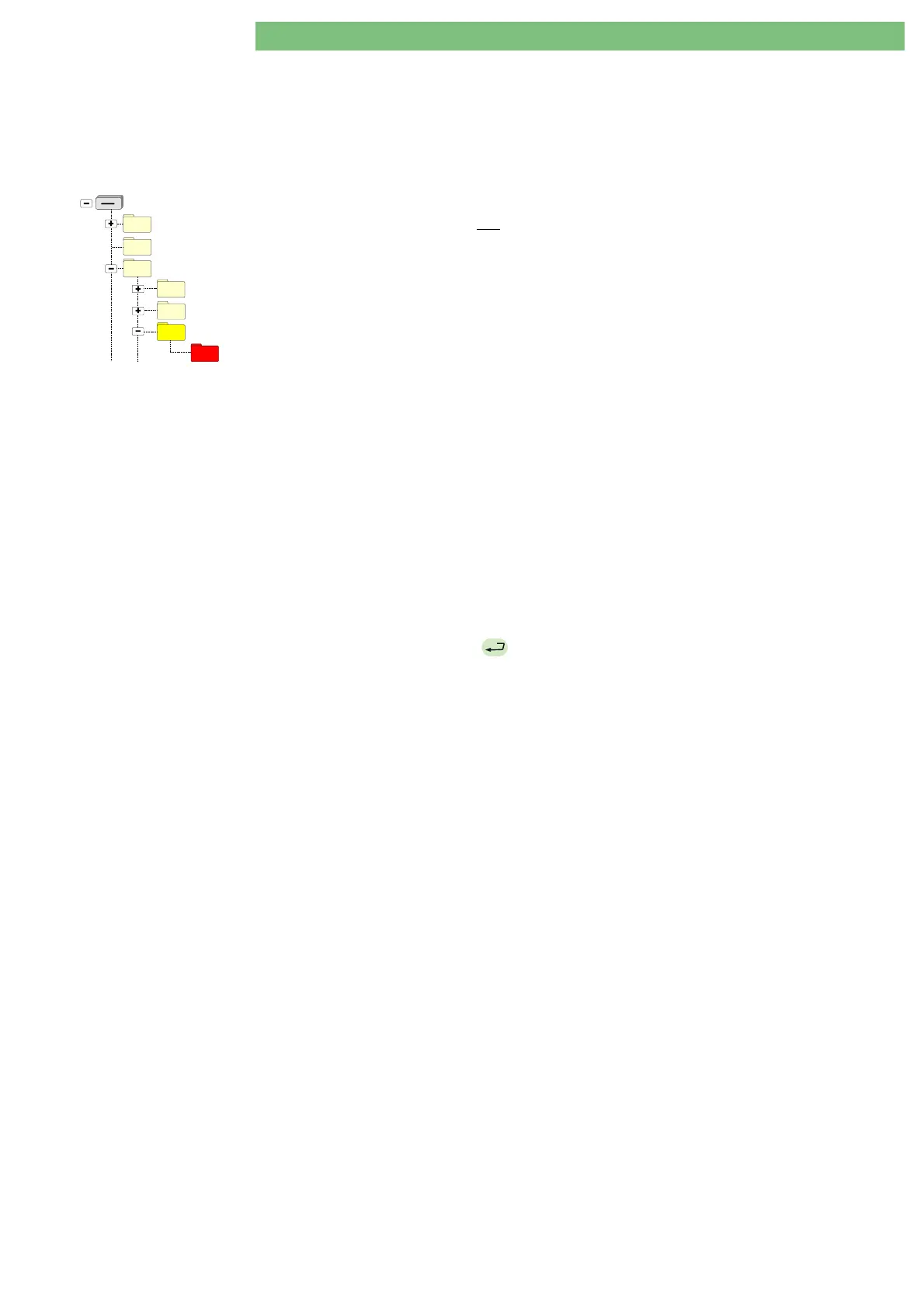
BlueCat
Removable Disk (X: - FSU USB Stick)
DISKTYPE
USER
05_Write_Calibration_Data
DEFAULT
04_Write_Languages
06_Write_System_Configuration
The utility searches for input in the
06_Write_System_ Configuration
,
DEFAULT
subdirectory
and
in the results of the previously performed
10. Read System
Configuration
utility. If no file was found the following message is displayed:
No source…
If there are files (e.g. read from other Dialog+ machines) but there are no
matching files the following message is displayed:
No selectable source is found…
and the existing serial number/top level controller version number pairs are
displayed with the following message:
(not selectable)
If there is one matching file the following message is displayed:
Are you sure?
If there are more matching files (for the system configuration this is only
possible if you read the system configuration data with the
10. Read System
Configuration
utility and copy the result file manually to the
06_Write_System_Configuration
,
DEFAULT
subdirectory): all existing serial
number/top level controller version number pairs are displayed (
DEFAULT
is
displayed instead of the serial number if the subdirectory contains a
config.xxu
file). The user can select from the matching pairs only.
The pairs that do not match are displayed with the following message:
(not selectable)
5.
Press
EQ
if you are sure. This will write the system configuration data
from the USB stick to the Dialog+ hard disk drive (CFC).















 To Next Page