214
Navigation
Entering destinations
If no house numbers are available for the
entered street, entry of the destination is
complete and you see the corresponding
destination on the map. Further options are
now available, see the section “Options
after entering the destination” on page 230.
Entering a house number
Before entering a house number, you must
enter a city, see section “Entering a city” on
page 213.
If there are two or more house number
ranges available for the entered street, you
can select a house number range, see
section “Selecting a house number” on
page 214.
If there is only one house number range
available for the entered street, you can
enter the house number, see section
“Entering a house number” on page 214.
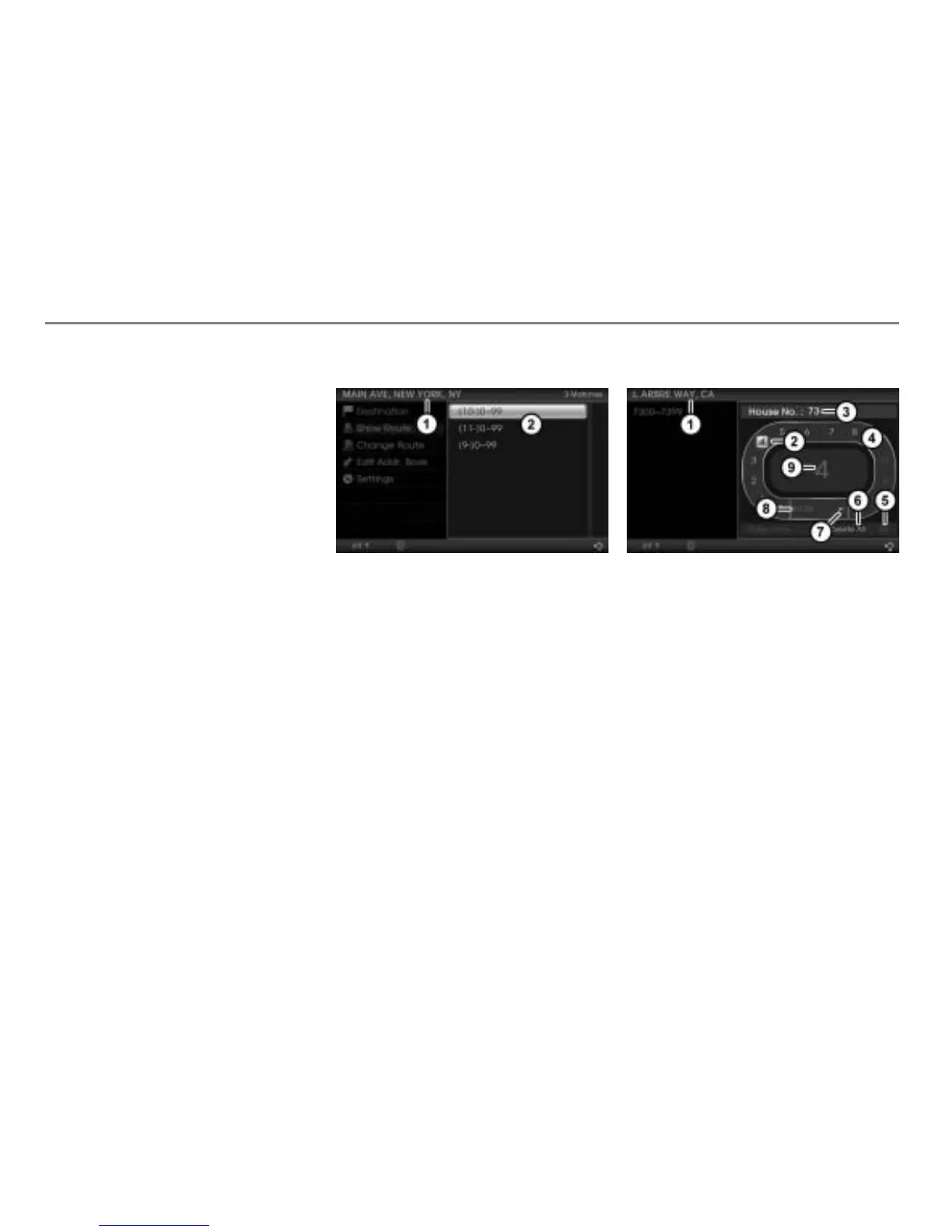
Selecting a house number
Input progress display
List of house number ranges
Select the desired house number
range.
Now you can enter a house number.
Entering a house number
Input progress display
Currently highlighted character
Input field
Predictive speller
Confirm entry
Delete all characters in the input field
Delete the last character in the input
field
Switch character set
Enlarged display of the currently
highlighted character in the predictive
speller



 To Next Page