213
Navigation
Entering destinations
As soon as the entry is unambiguous, the
hit list contains just one entry. Once you
reach this stage you cannot enter any
further characters, you can only complete
entry.
To delete the last character in the
input field
: Select the menu item
.
The last character entered is deleted.
To delete all characters in the input
field
: Push the controller and
select the menu item Delete All.
All characters are deleted.
To make a new entry: Push
the
controller to move back to the
predictive speller and enter characters
as described previously.
Completing entry
Option 1: Keep entering characters
until the menu item
OK is automatically
highlighted, then press the
controller
.
The entry of the street is complete.
If there is only one city matching to the
street, you can enter a house number,
see section “Entering a house number”
on page 214.
If there are several towns/cities
matching to the street, you can enter a
city, see section “Entering a city” on
page 213.
Option 2: Push
the controller .
Option 3: After entering at least one
character, push
the controller and
select the menu item OK.
After choosing option 2 or 3, the hit list
is now active.
Select an entry in the hit list.
In both cases, entry of the street is
complete.
If there is only one city matching to the
street, you can enter a house number,
see section “Entering a house number”
on page 214.
If there are several towns/cities
matching to the street, you can enter a
city, see section “Entering a city” on
page 213.
Entering a city
Before entering a city, you must enter a
street, see section “Entering a street” on
page 212.
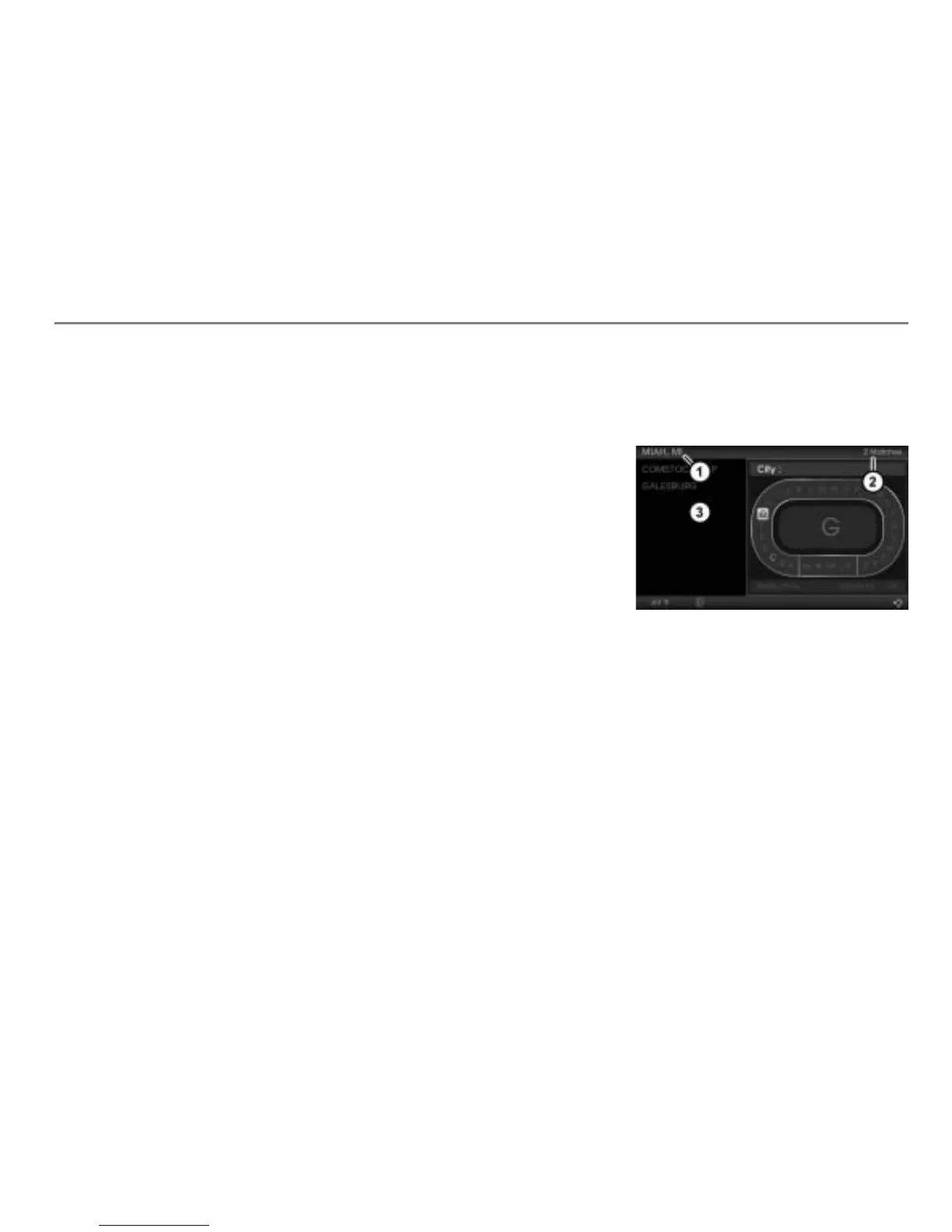
Input progress display
Number of hits in the hit list
Hit list of towns/cities matching to the
already entered street
To enter a city: Proceed as previously
when entering a street, see section
“Entering a street” on page 212.
If house numbers for the entered street
are available, you can enter a house
number, see section “Entering a house
number” on page 214.



 To Next Page