222
Navigation
Entering destinations
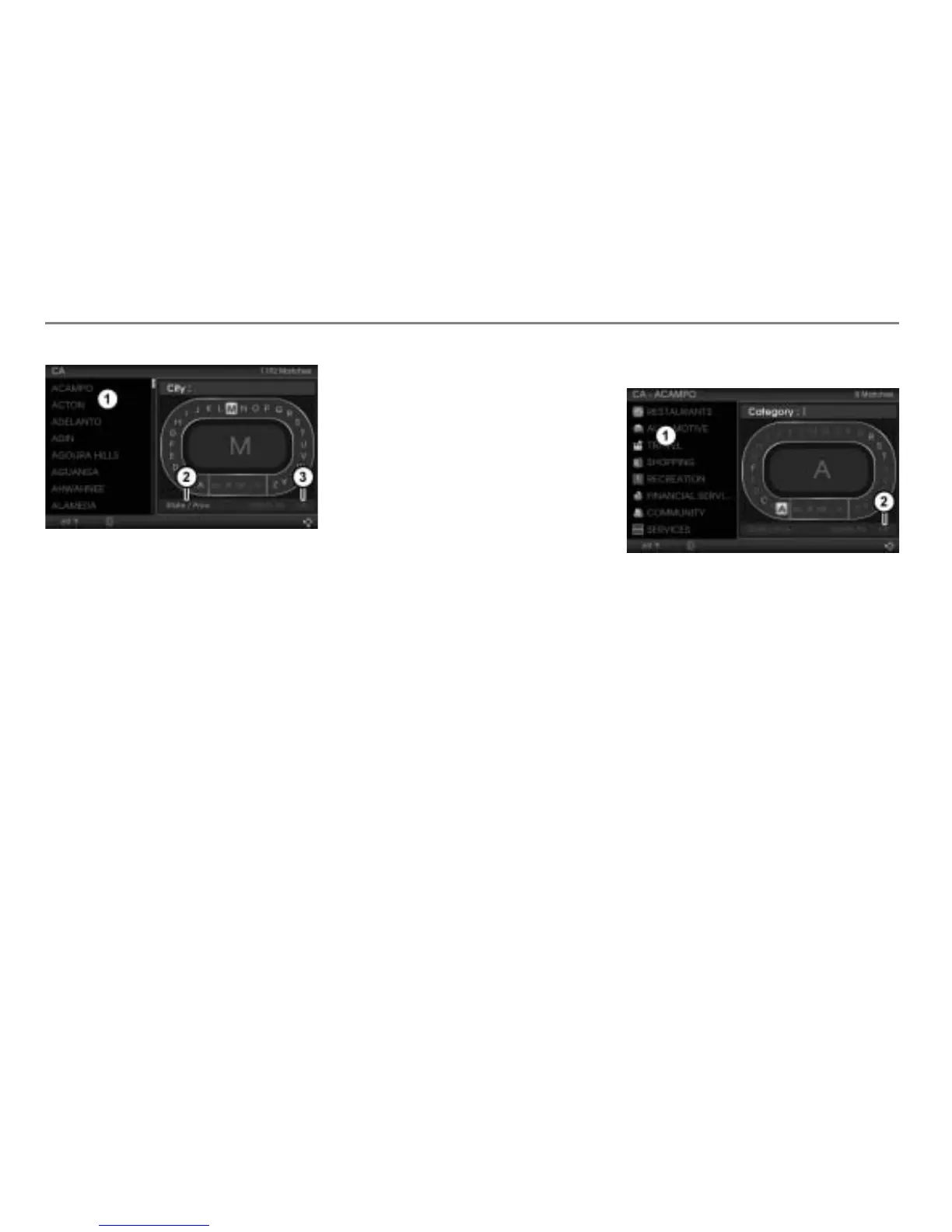
Hit list
Menu item State/Prov.
Menu item OK
Before entering a city, make sure that the
correct state/province has been entered.
Entering a state/province
Select the menu item
State/Prov. and
proceed as previously described, see
section “Entering a state/province” on
page 211.
Entering a city
To enter and delete characters:
Proceed as previously when entering a
POI name, see section “Entering a POI
name” on page 217.
Option 1 to complete entering a city:
Keep entering characters until the hit
list contains just one entry.
The menu item
OK is automatically
highlighted.
Press the controller
.
Now you can enter a POI category, see
the corresponding section below.
Option 2 to complete entering a city:
Push
the controller .
Option 3 to complete entering a city:
After entering at least one character,
push
the controller and select the
menu item OK.
After choosing option 2 or 3, the hit list
is active now.
Select an entry in the hit list
.
Now you can enter a POI category.
Entering a POI category
Hit list
Menu item OK
To enter and delete characters:
Proceed as previously when entering a
POI name, see section “Entering a POI
name” on page 217.
Option 1 to complete the entry: Keep
entering characters until the hit
list
contains just one entry.
The menu item
OK is automatically
highlighted.
Press the controller
.
The POI list appears, see illustration
below.



 To Next Page