262
Navigation
Settings
To define the top left point: Press the
the controller
.
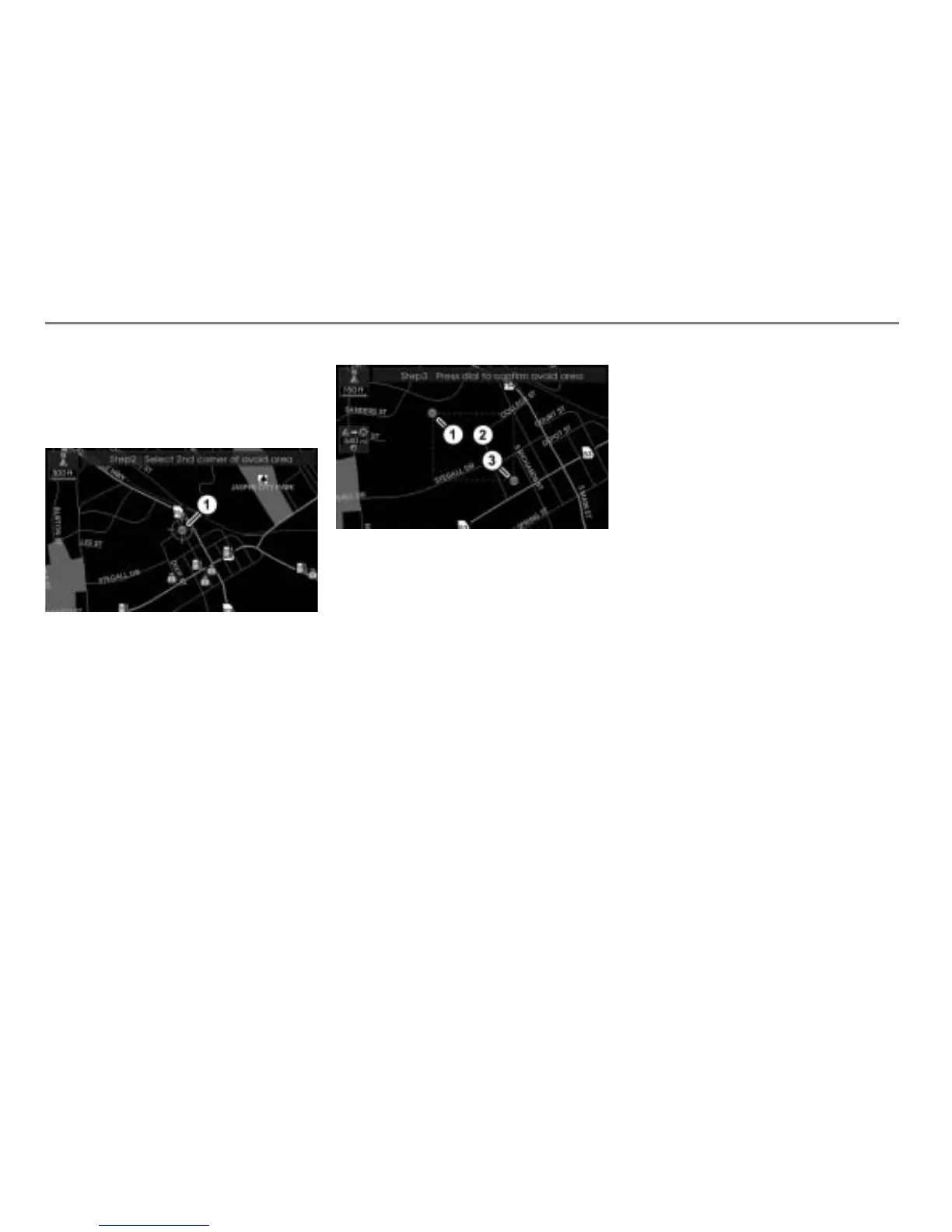
Now you can define the bottom right corner
of the Avoid Area.
Map display shows night mode
Already defined top left corner
To set the map scale and to move the
crosshairs: Proceed as previously
described when defining the top left
point.
To define the bottom right point:
Press the the controller
.
You will see the defined area in the
map.
Map display shows night mode
Top left corner of the defined area
Defined area
Bottom right corner of the defined area
To confirm the defined area: Press
the controller
.
You will see the Avoid Area main menu
again. The defined area is stored and
appears in the menu. You can edit the
name, see section “Editing the name”
on page 263.
Deleting Avoid Areas
Deleting a single area
In the Avoid Area main menu, highlight
the desired area.
To open the Options menu: Push
the controller
.
The Options menu appears.
To show the area in the map: In the
Options menu, select the men item
Show on Map.
You will see the area in the map.
To set the map scale: Turn
the
controller
until the desired scale is
reached.
To close the map display: Press
the button or do nothing for a
certain time.
To delete the area: In the Options
menu, select the menu item
Delete.
You will be prompted to confirm that
you wish to delete the area.



 To Next Page