263
Navigation
Settings
Select Yes or No.
The area will be deleted or retained,
depending on the answer selected.
Deleting all areas
In the Avoid Area main menu, select
any area you like.
To open the Options menu: Push
the controller .
The Options menu appears.
In the Options menu, select the menu
item
Delete All.
You will be prompted to confirm that
you wish to delete all areas.
Select
Yes or No.
All areas will be deleted or retained,
depending on the answer selected.
Editing Avoid Areas
Opening the editing menu
In the Avoid Area main menu, select the
desired area.
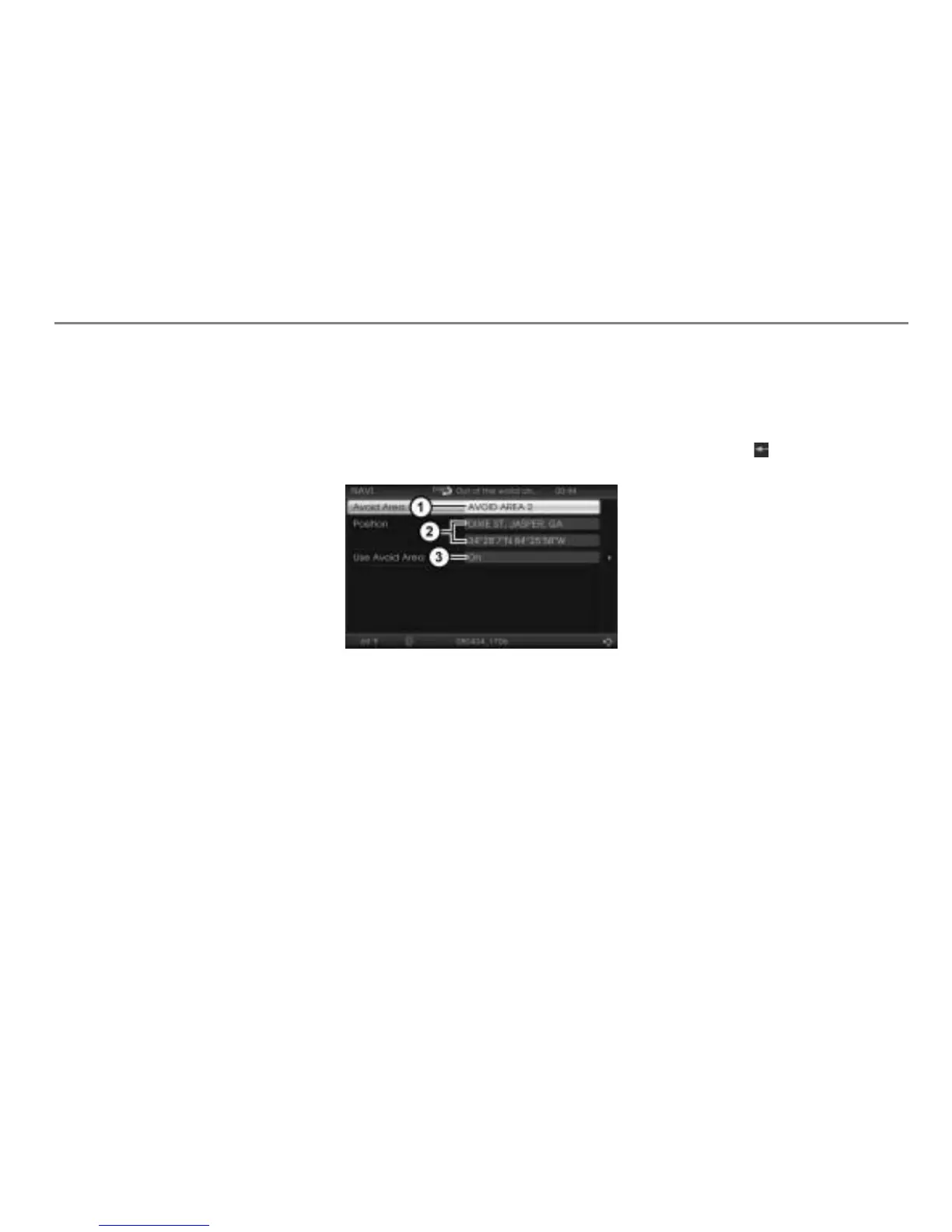
The editing menu appears
Name data field of the Avoid Area
Position data fields of the Avoid Area
Display of the current status
Editing the name
Open the editing menu, see the section
“Opening the editing menu” on
page 263.
In the editing menu, highlight the menu
item
Avoid Area.
Press the controller .
The speller appears and you can now
edit the name.
To delete the last character: Select
the menu item .
To enter a character: Proceed as
described in the chapter “PHONE”,
section “Entering a name” on page 191.
To delete all characters: Select the
menu item
Delete All.
To complete editing: Select the menu
item
OK.
Displaying name details
If the entry in the name data field is too long,
the system abbreviates the entry. You can
display the complete entry using this
function.
Open the editing menu, see the section
“Opening the editing menu” on
page 263.



 To Next Page